
GPT for Google Slides
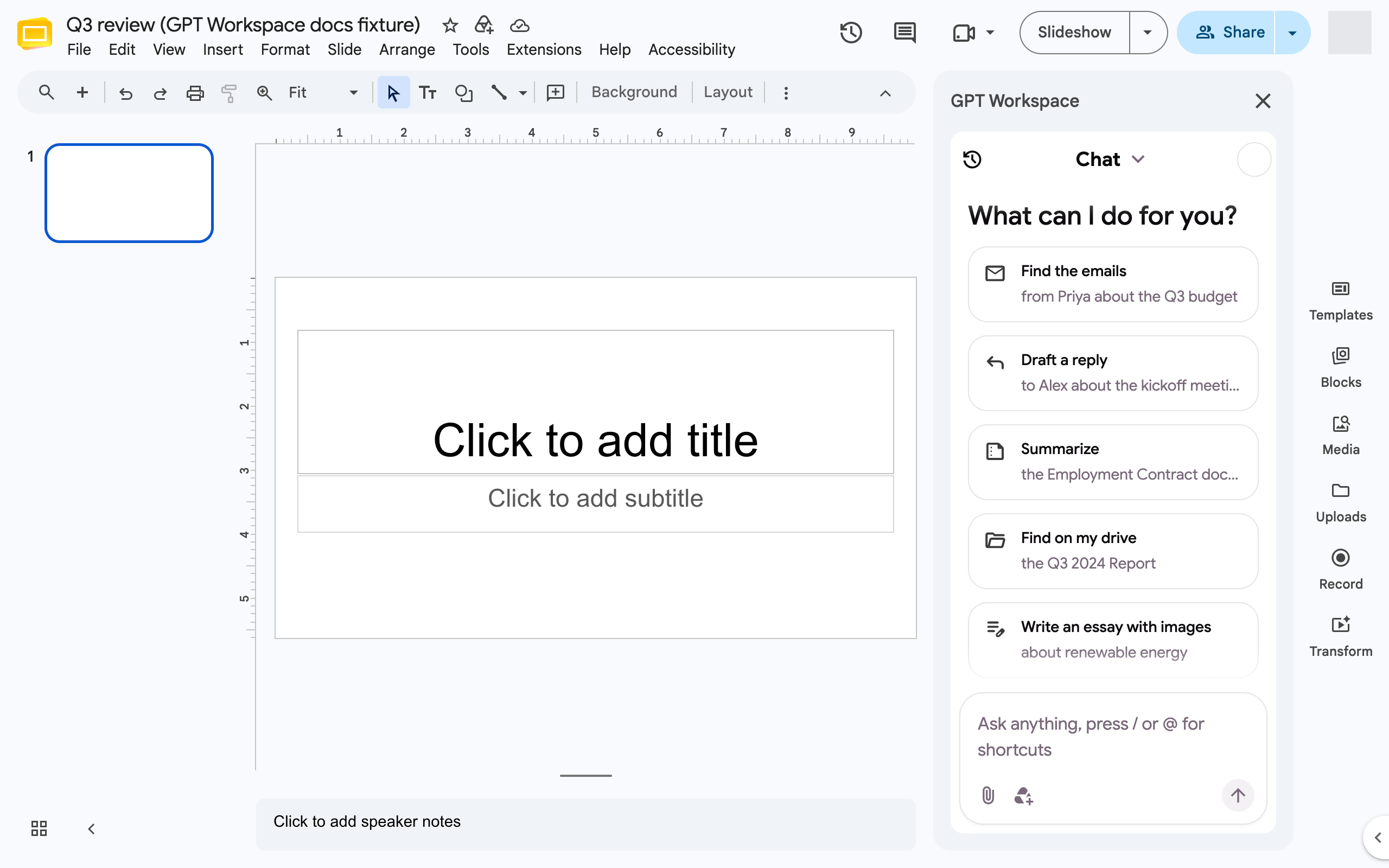
In Google Slides, GPT Workspace generates complete decks and edits existing ones. Open it from the side panel of the Chrome extension (GPT Workspace icon, Cmd+Shift+Space, or the GPT Workspace button at the top of the Slides toolbar) or from the add-on with Extensions ➤ GPT Workspace ➤ ▶️ Start.
Generate a deck
Section titled “Generate a deck”- Ask for the deck: “Generate a 8-slide deck on the Q3 2024 report, for the sales team”. Attach a document or a Drive file with @ to base the deck on it.
- The agent asks you to pick a design: a few templates are suggested, Template library shows them all, Google Drive lets you use one of your own presentations and Random design lets the agent choose.
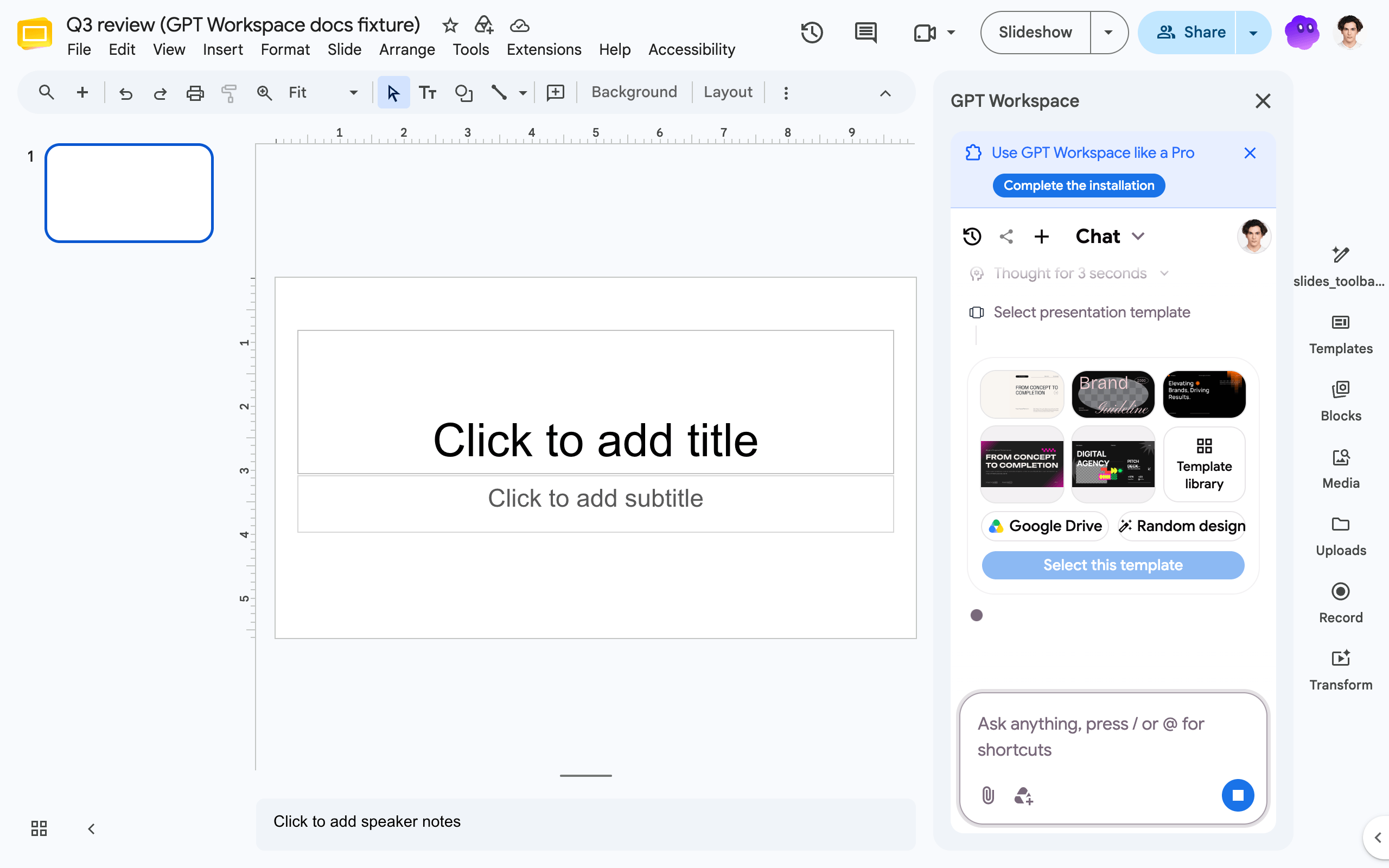 3. It creates the presentation at once and gives you the link, then plans every slide (text, layout, stock images), writes a style guide and renders the slides. A full deck takes a few minutes; you can open the link and watch the slides appear.
Then refine it: “Regenerate slide 3 with a chart instead of the bullet list”, “Restyle the deck in dark blue”, “Translate the deck to French”, “Add a closing slide with next steps”.
The free plan generates up to 10 slides per deck. Generated slides keep their source, so the agent can regenerate or restyle them later without touching slides you made by hand.
Edit existing slides
Section titled “Edit existing slides”The Slides agent adds slides, shapes, images, videos, tables and linked Sheets charts, inserts or replaces text, styles text and shapes, reorders slides, groups and aligns elements and comments on slides.
- “Change slide 1 to a grey background with white text and the Lobster font”
- “Improve the text of slide 2 to make it more professional”
- “Add an image of a city skyline to slide 4”
- “Find stock images for business, growth, strategy”
Shortcut in the toolbar
Section titled “Shortcut in the toolbar”The Chrome extension adds a Create presentation button at the top of the right-hand toolbar in Slides, and routes Google’s own AI entry button to the GPT Workspace side panel.