
Earn free credits
Open Settings ➤ Earn credits or go to gpt.space/app/settings/earn_credits. Bonus credits are added to your balance and never expire; they are used after your monthly credits.
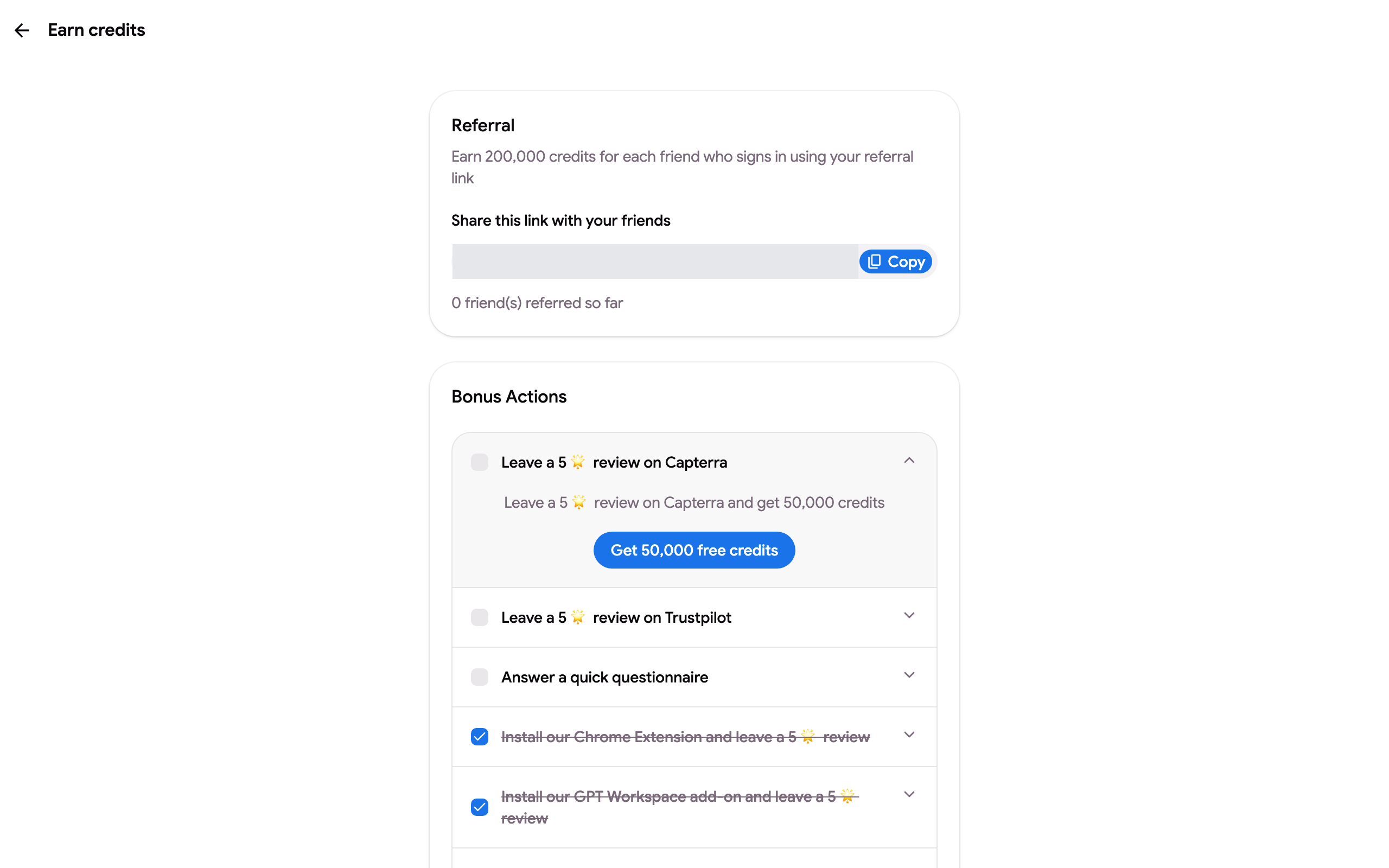
Referral
Section titled “Referral”Copy your referral link and send it to friends and colleagues. You earn 200,000 credits for each friend who signs in to GPT Workspace through your link, for up to 10 friends. The page counts the friends referred so far.
Bonus actions
Section titled “Bonus actions”Each action in the list earns the amount shown next to it, once:
- Install the Chrome extension and leave a 5-star review on the Chrome Web Store
- Install the GPT Workspace add-on and leave a 5-star review on the Marketplace
- Install the GPT Gmail add-on and leave a 5-star review
- Leave a 5-star review on Capterra
- Follow us on X, Instagram and LinkedIn, subscribe to our YouTube channel
- Answer a quick questionnaire
Expand an action, follow the link and click Get N free credits. For reviews, a dialog offers a review from a happy user you can copy, shuffle or rewrite before you post. Completed actions are checked and struck through.
Where the credits go
Section titled “Where the credits go”Bonus credits show in the balance on Settings ➤ Subscription. Like top-up credits they are kept until spent, see What is a credit?.