
Side panel and shortcuts
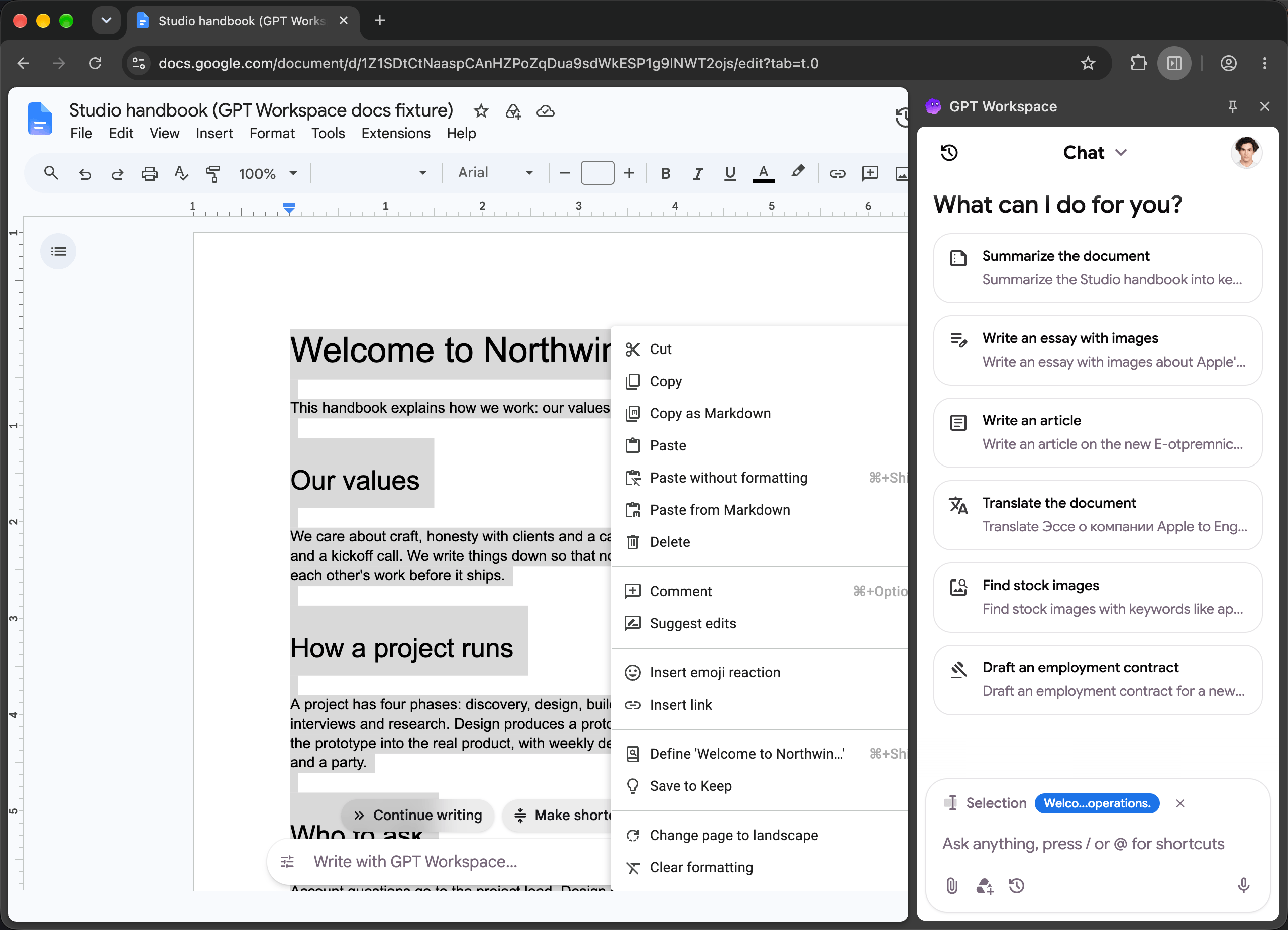
The side panel is the chat of GPT Workspace docked next to the current tab. It knows which page you are on: a Google Doc, Sheet, Slides, a Gmail thread, Drive, Calendar, a YouTube video or any web page.
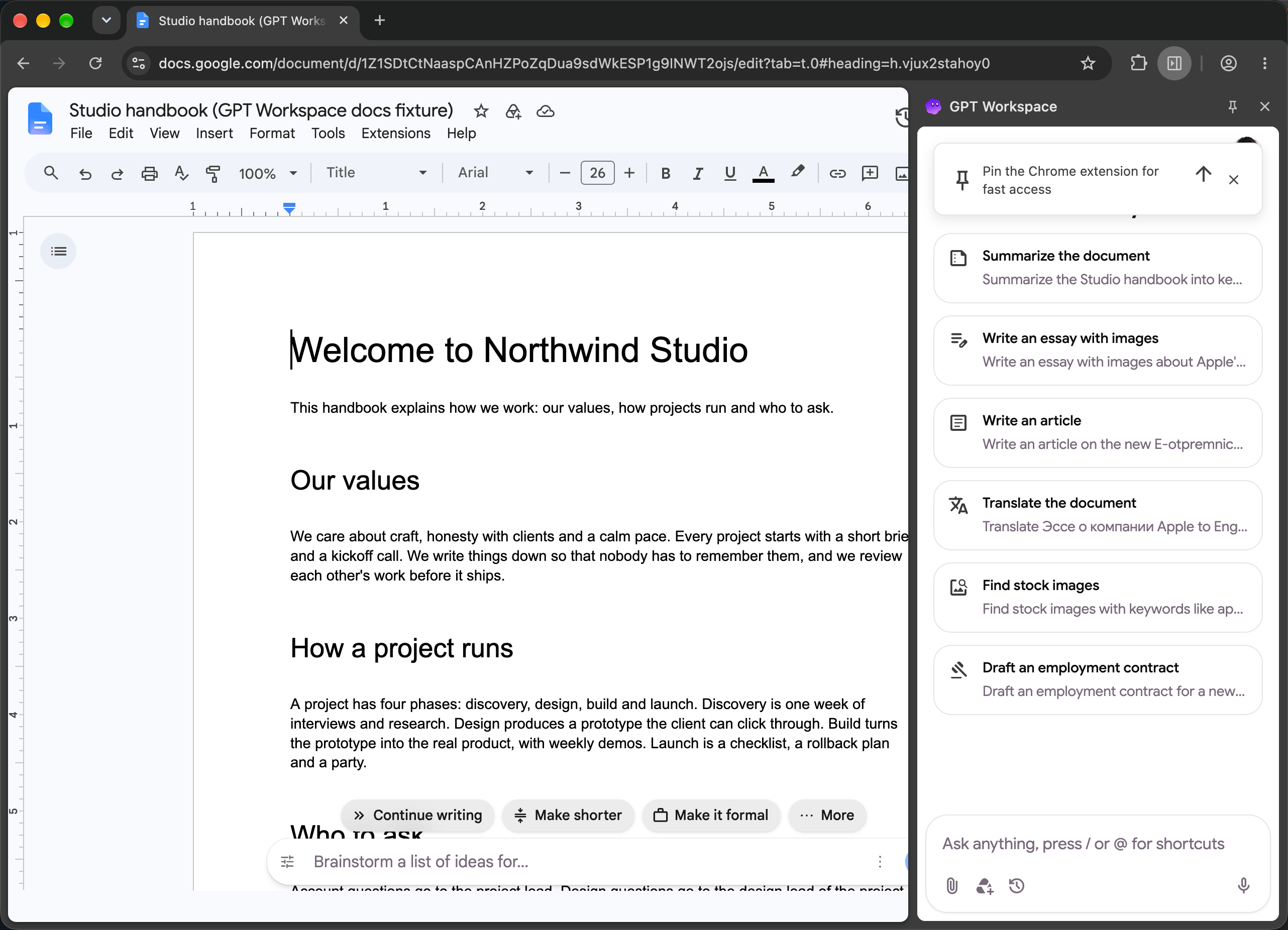
Open the panel
Section titled “Open the panel”| How | Where it works |
|---|---|
| Click the GPT Workspace icon in Chrome’s toolbar | Any tab |
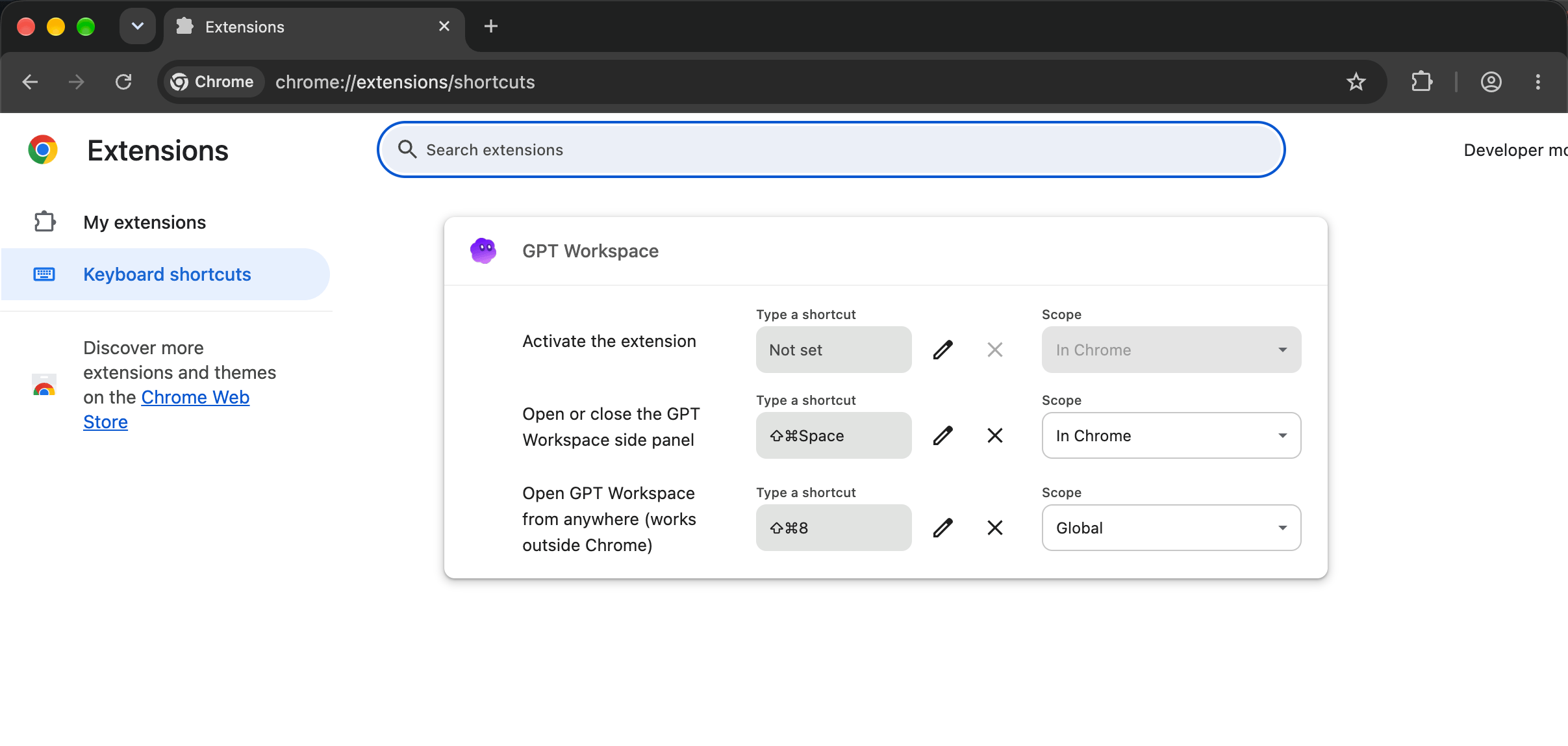
| Cmd+Shift+Space (Mac) or Ctrl+Shift+Space | Any tab, toggles the panel |
| Cmd+Shift+8 or Ctrl+Shift+8 | From anywhere, even outside Chrome: focuses Chrome and opens the panel |
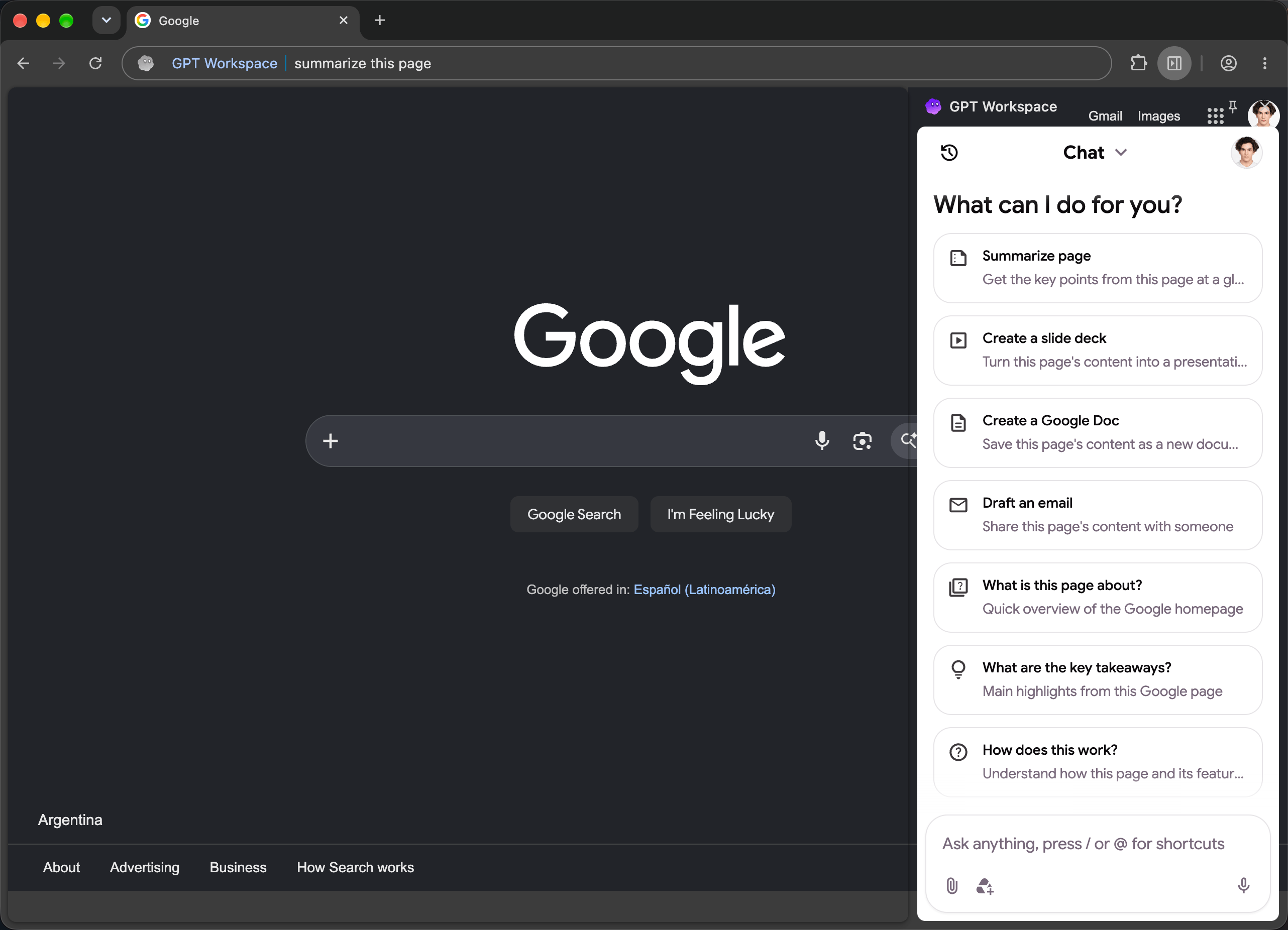
| Type gpt, a space and your question in the address bar | Opens the panel with the question |
| Right-click ➤ Open GPT Workspace | Any page |
| Select text, right-click ➤ Ask GPT Workspace about “…” | Opens the panel with the selection |
| The GPT Workspace button in Google’s top bar | Drive, Docs, Sheets, Slides, Gmail and Calendar |
| The Create presentation button in the Slides toolbar | Google Slides |
| AI Reply in Gmail | Gmail threads and compose windows |
Change the keyboard shortcuts
Section titled “Change the keyboard shortcuts”Right-click the GPT Workspace icon and choose Keyboard shortcuts, or open chrome://extensions/shortcuts. Both commands can be rebound; the second one is a global shortcut that works when Chrome is in the background.
The shortcut button on Google pages
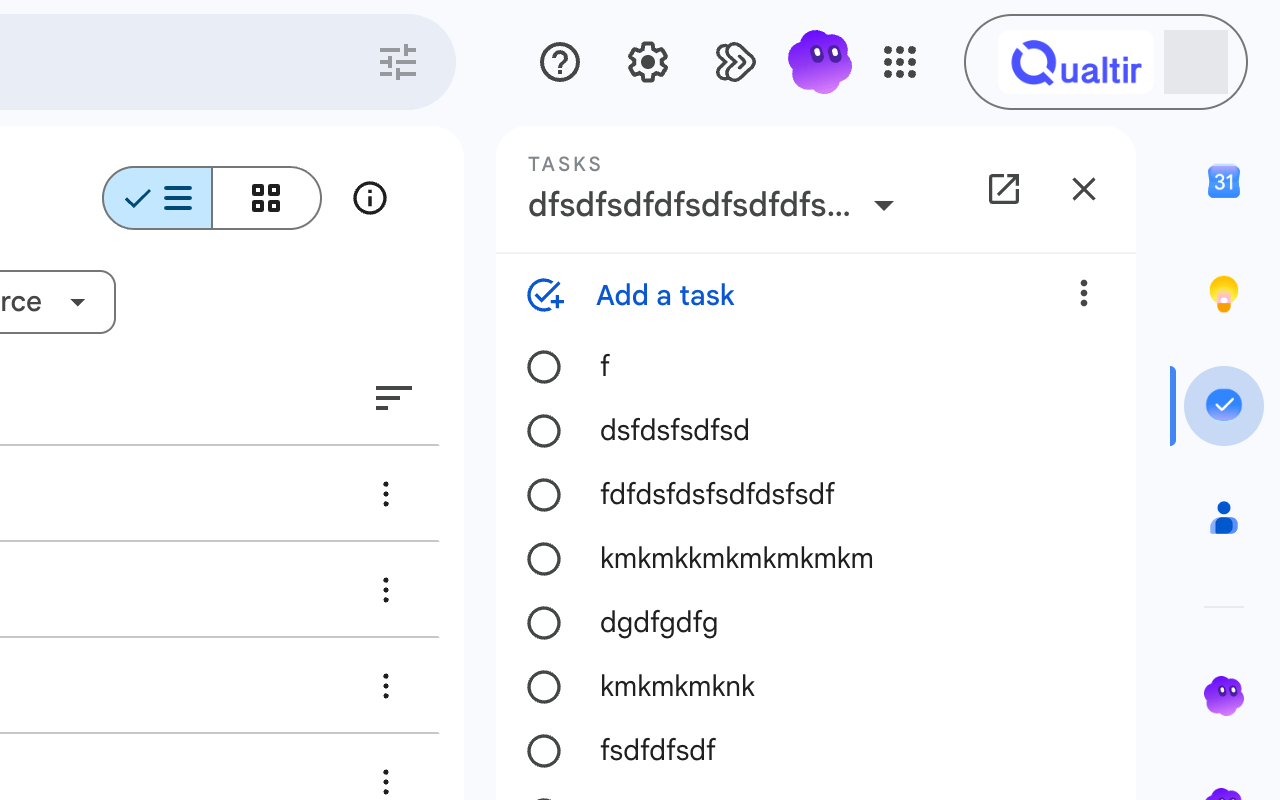
Section titled “The shortcut button on Google pages”On Drive, Docs, Gmail and Calendar the extension adds a small GPT Workspace logo in Google’s top bar. Click it to open the panel. Hover it for two seconds to reveal a × that hides it; bring it back with Show sidebar shortcut in Settings.
The current page and YouTube videos
Section titled “The current page and YouTube videos”In the side panel the agent can read the page you are on: “Summarize this page”, “What are the key takeaways?”, “Create a Google Doc from this article”, “Draft an email about this”. On a YouTube video it reads the captions: “Summarize this video with the timecodes of the key points”.
Signed-in account
Section titled “Signed-in account”The panel uses the GPT Workspace account you signed in with. When a Google page is open with another Google account, the AI bars and Gmail features tell you which account is which; open the page with the same account or share the file with it.
Right-click settings
Section titled “Right-click settings”Right-click the icon for Settings (opens Settings) and Keyboard shortcuts. To remove the extension, see How to uninstall GPT Workspace.