
Authorization is required to perform that action
This error means Google refused one of the permissions GPT Workspace needs, usually because the authorization was granted to another account or expired. Reset the connection:
-
Open Google Account connections.
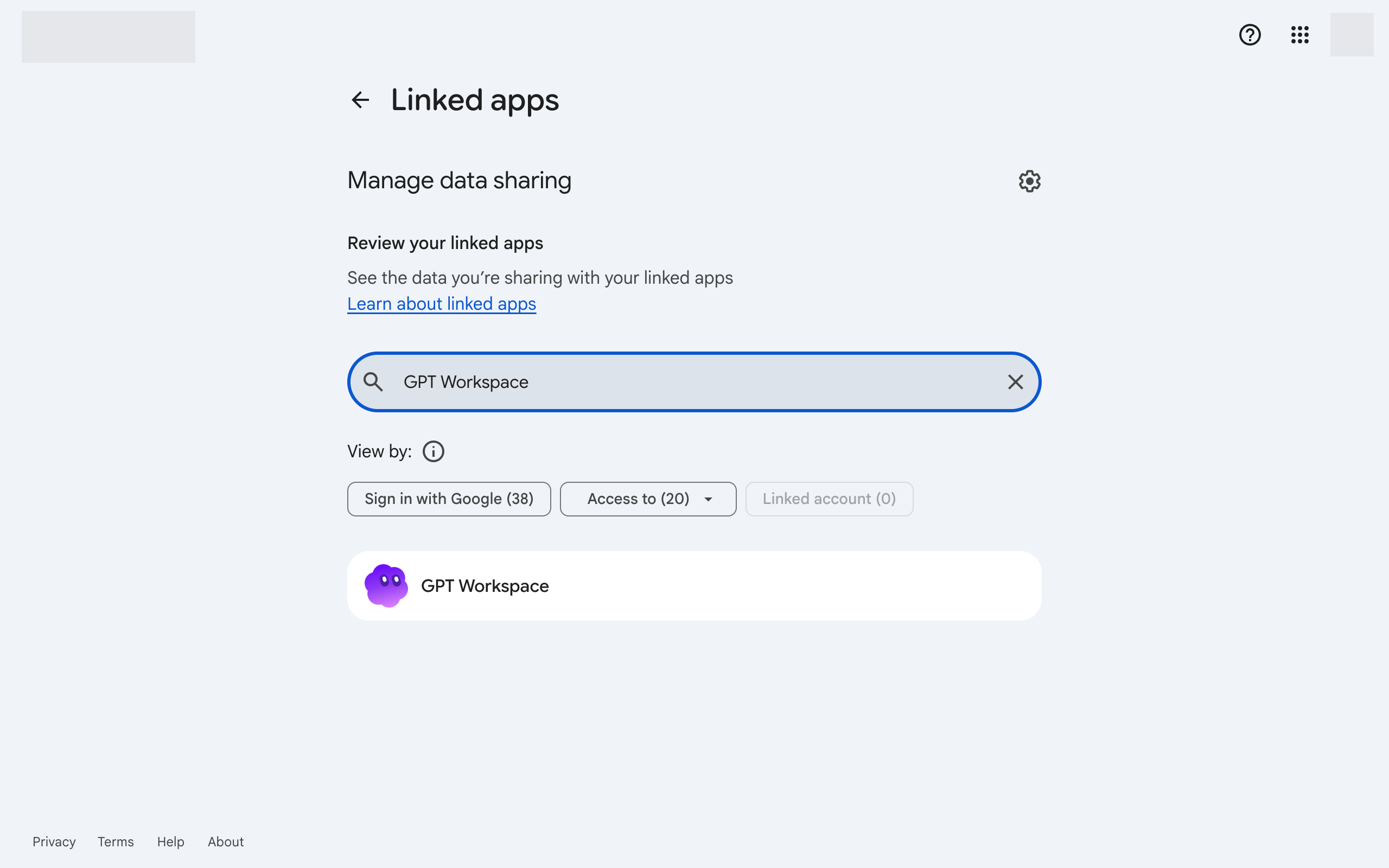
-
Click GPT Workspace, then Delete all connections you have with GPT Workspace at the bottom.
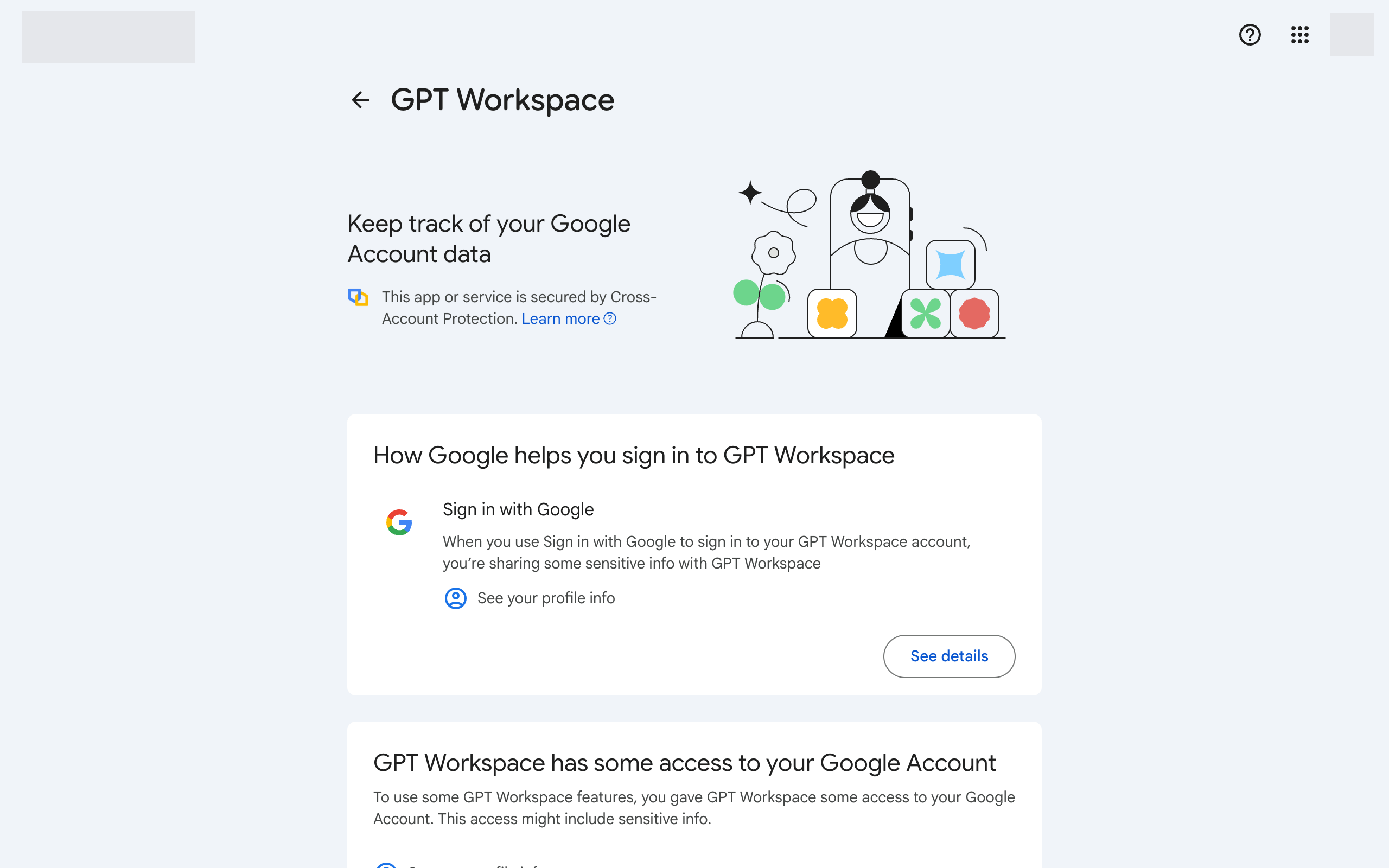
-
Return to GPT Workspace and sign in again. Accept all the requested permissions.
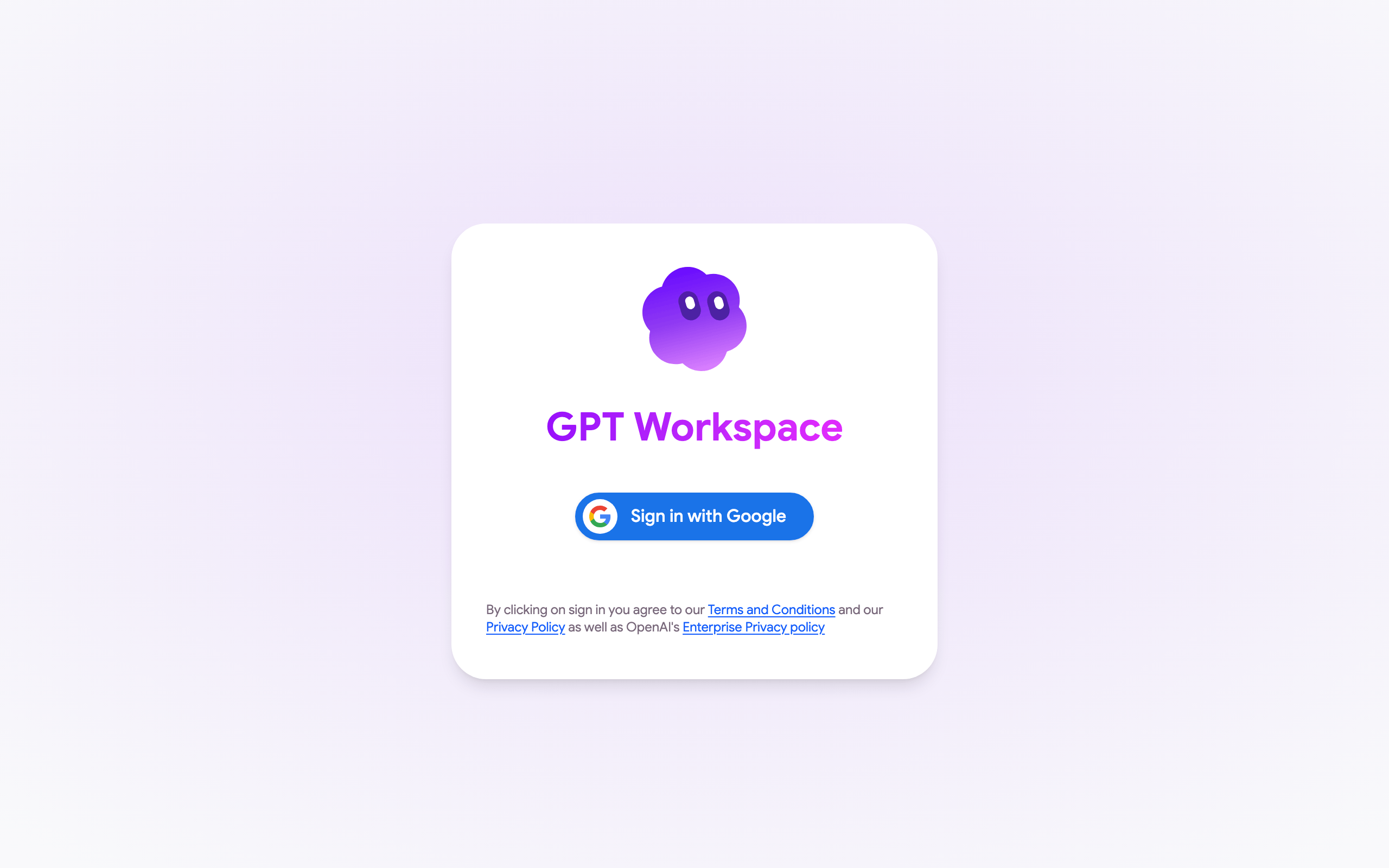
-
In Google Docs, Sheets or Slides, reload the page and open Extensions ➤ GPT Workspace ➤ ▶️ Start again. Accept the permissions Google asks for.
If the error comes back, make sure the Google account of the file and the GPT Workspace account are the same, see Google account permissions.
If the Google authorization window shows Could not open file or Page not found instead of the permissions, you are signed in to several Google accounts in the browser. See I can’t install the extension.