
Top up and auto top-up
Top-up credits are extra credits you buy on top of the monthly credits of your plan. They are spent only once your monthly credits are used up, and they stay on your balance until you spend them: they do not expire at the end of the month. Top-ups are available on the Standard and Pro plans.
Open Settings ➤ Subscription or go to gpt.space/app/settings/subscription.
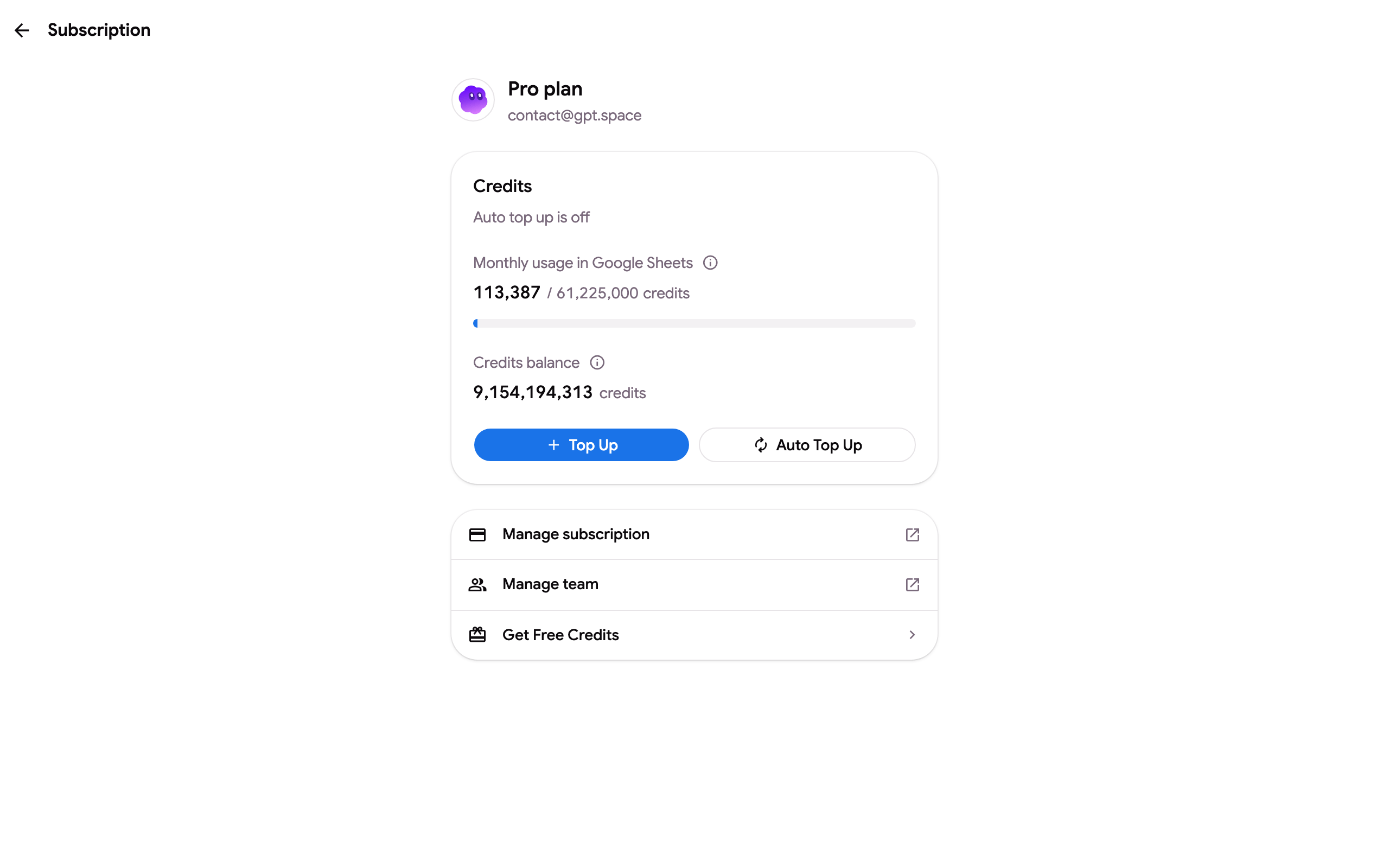
The Credits card shows your monthly usage against the plan’s quota, your credits balance (monthly credits plus any top-up and bonus credits) and whether auto top-up is on.
Buy credits once
Section titled “Buy credits once”Click Top Up. Pick one of the presets ($5, $10, $25, $50) or type a custom amount between $5 and $1,000; the dialog shows how many credits you get before you pay. $10 buys 1,000,000 credits.
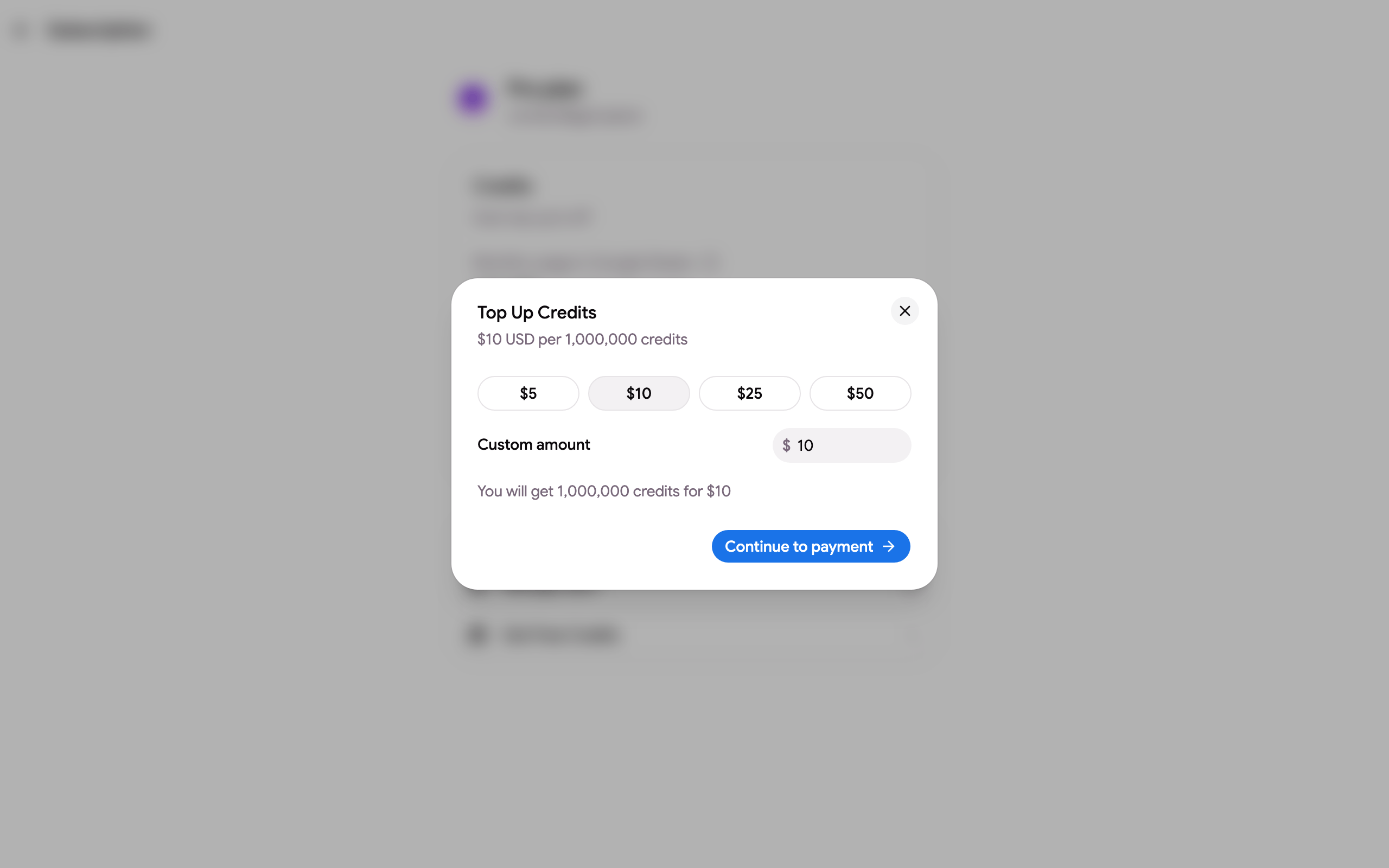
Click Continue to payment and pay with a saved card or a new one. The credits are added to your balance as soon as the payment is confirmed, and you receive an invoice by email.
Auto top-up
Section titled “Auto top-up”Auto top-up buys credits for you whenever your balance drops below a threshold, so a formula batch or a long chat never stops on an empty balance.
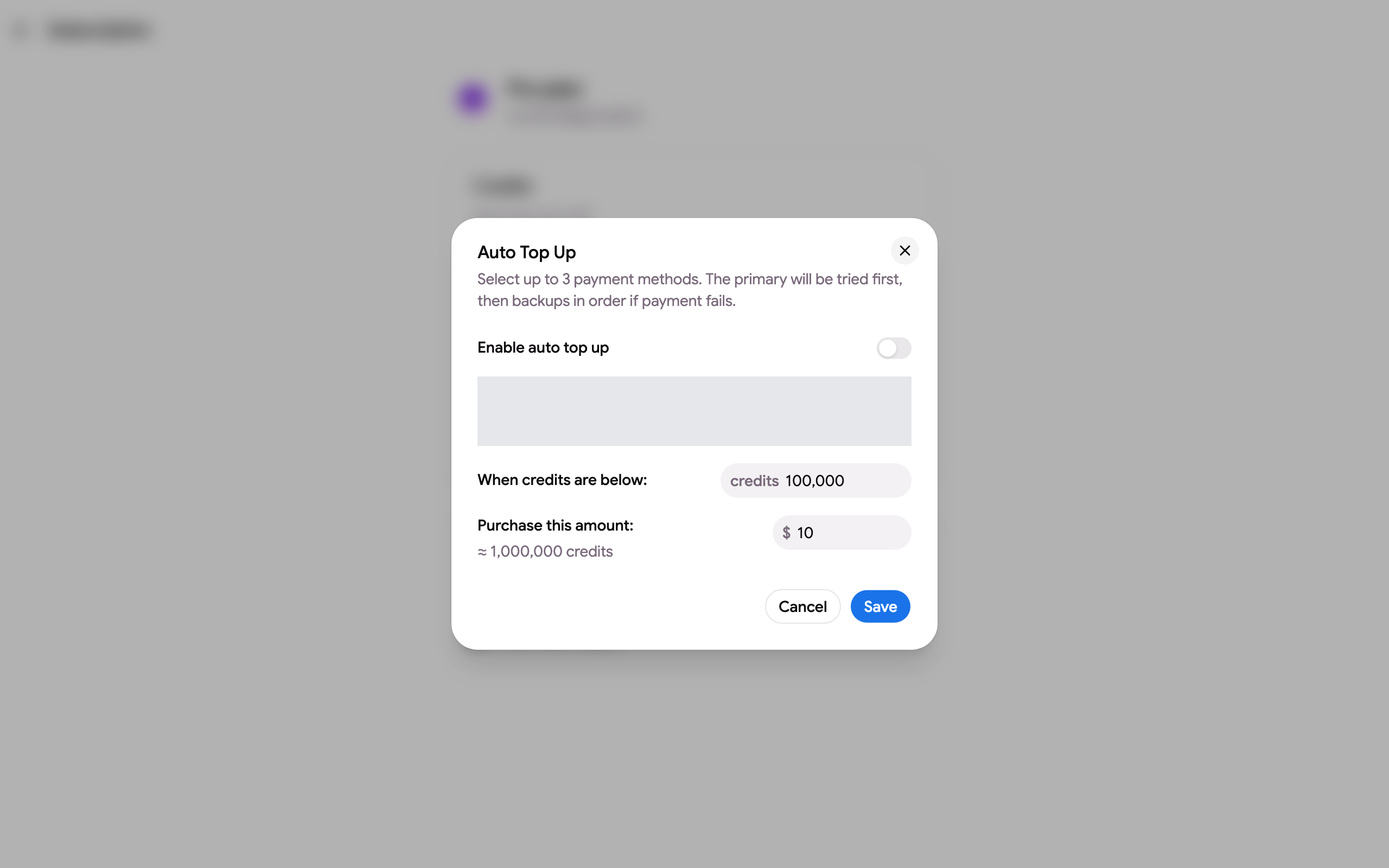
- Click Auto Top Up.
- Switch Enable auto top up on.
- Choose up to three payment methods. The primary one is tried first, the others are backups in order if a payment fails. Add a card with Add payment method if you have none saved.
- Set When credits are below (the threshold, 100,000 credits by default) and Purchase this amount (in US dollars, $10 by default).
- Click Save.
The subscription page then shows “Auto top up on: buys $X when below Y credits”. Open the dialog again and switch it off to stop it.
Invoices
Section titled “Invoices”Every top-up produces an invoice. Download it from the billing portal, see Downloading invoices.