
GPT for Google Forms
In Google Forms, GPT Workspace builds and analyzes forms from the sidebar of the add-on.
Open the sidebar
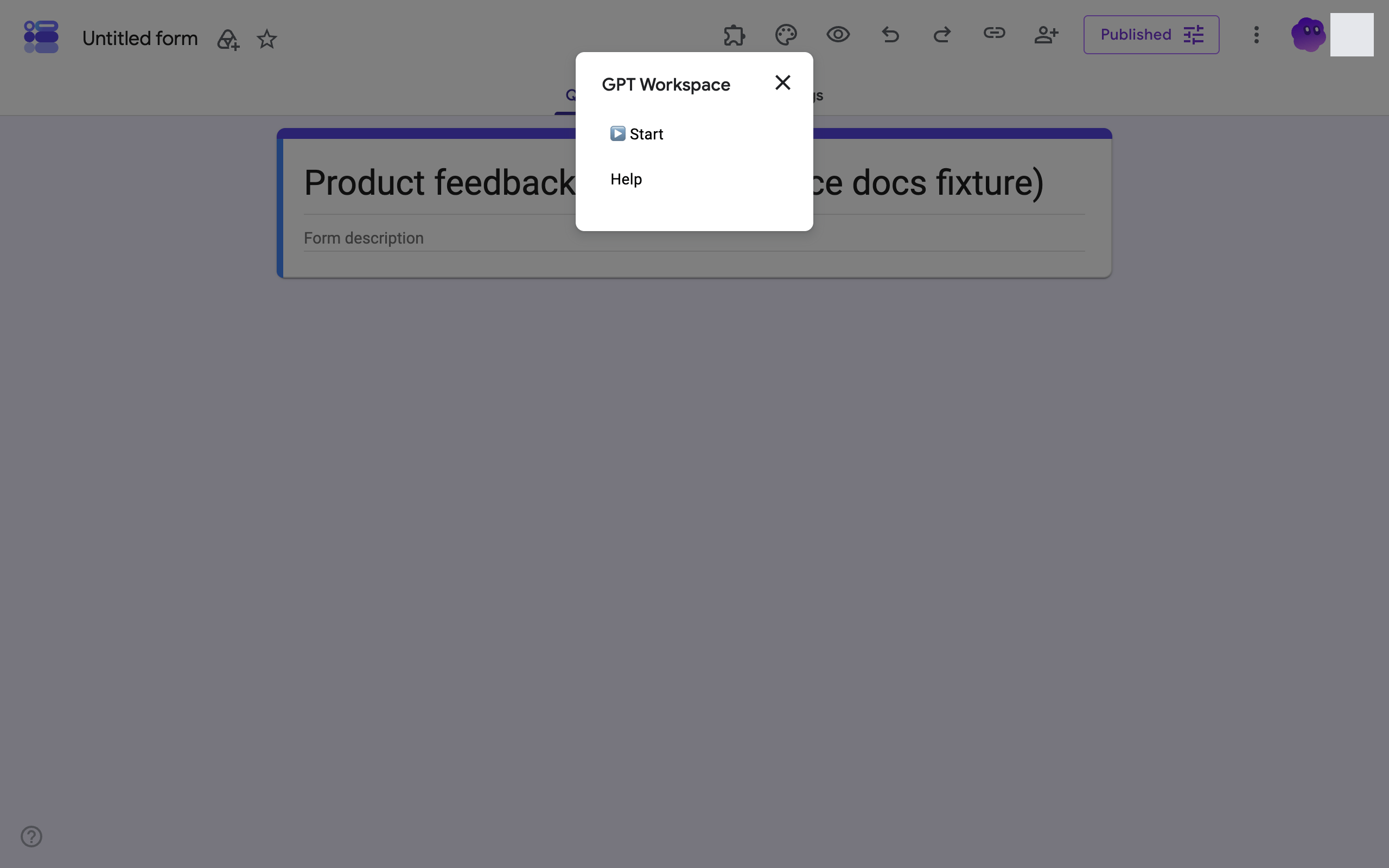
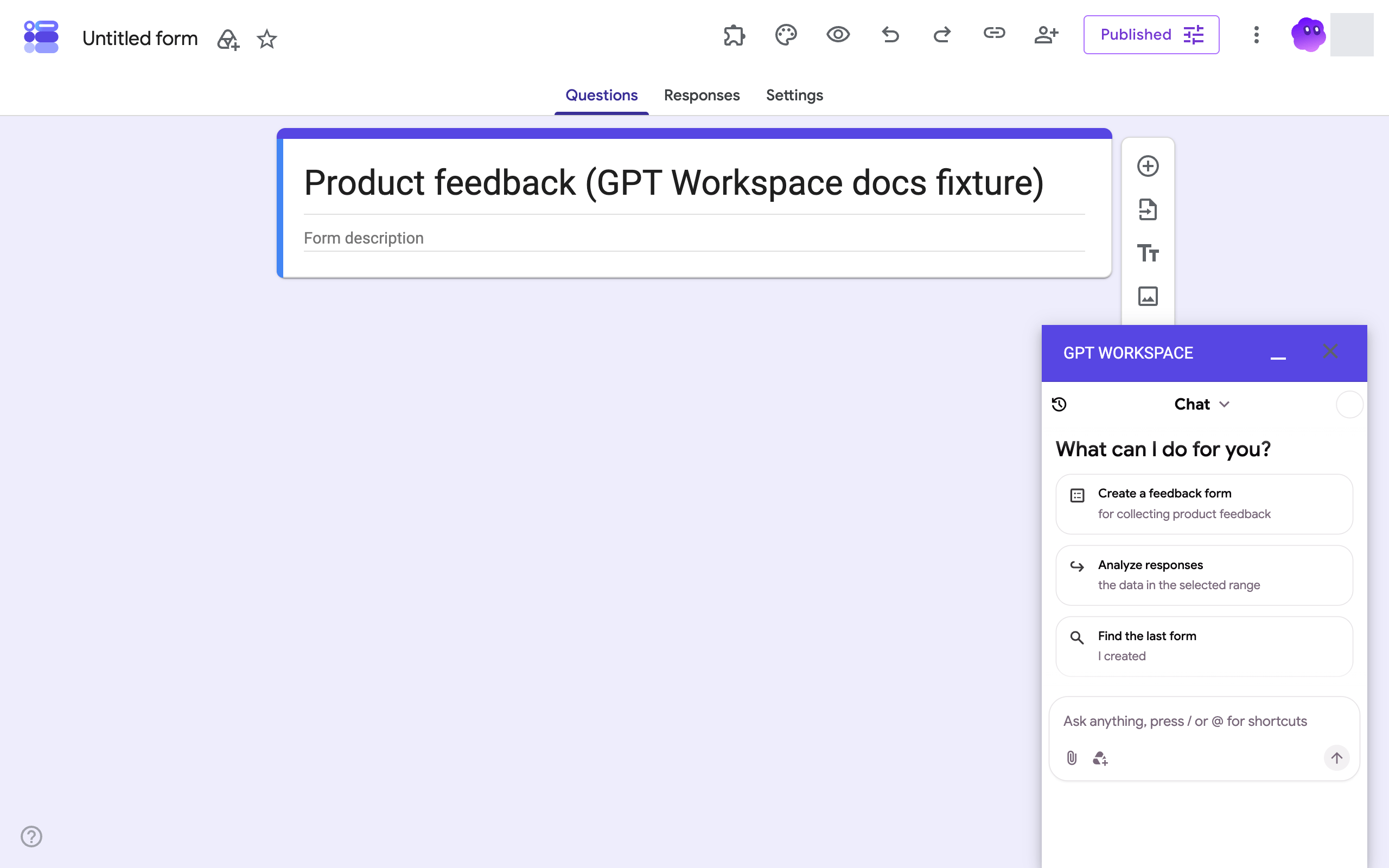
Section titled “Open the sidebar”In a form, click the Add-ons (puzzle) icon in the toolbar, then GPT Workspace. A small dialog offers ▶️ Start; click it and the GPT Workspace panel opens on the right.
What you can ask
Section titled “What you can ask”- “Create a feedback form for collecting product feedback, 8 questions”
- “Add a required email question at the top”
- “Make this form a quiz worth 20 points with the answer key”
- “Add a section with a video and three multiple-choice questions”
- “Analyze the responses and summarize the main complaints”
The Forms agent creates forms, adds, edits, moves and deletes items (questions, text, images, videos, page breaks, question groups), changes the title, description and settings (quiz mode, email collection), publishes or closes the form, and reads the responses. See What the agent can do.
The Forms tools are also available to Claude, ChatGPT and other clients through the Google Forms MCP server.