
Settings
Open the settings from the avatar in the top-right corner of the chat, or go to gpt.space/app/settings.
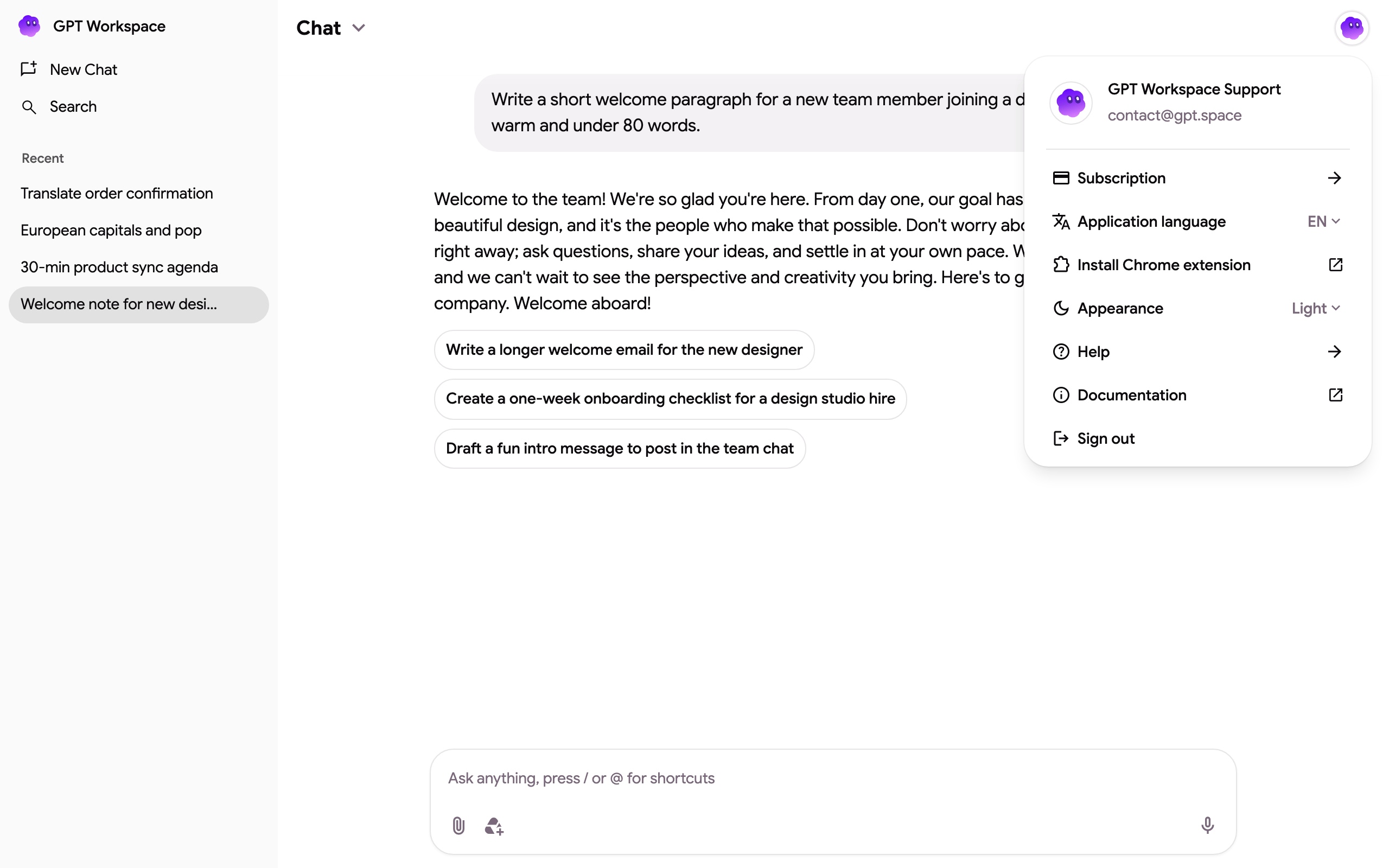
The menu shows your plan with an Upgrade button when you are on the free plan, then:
| Entry | What it does |
|---|---|
| Subscription | Credits, monthly usage, top-up and the Stripe billing portal. See Manage my subscription. |
| Earn credits | Referral link and bonus actions. See Earn free credits. |
| Projects | Your projects (custom assistants): instructions, memory and Drive knowledge. See Projects. |
| Install Chrome extension | Opens the Chrome Web Store listing. |
| Application language | The language of the interface. See How to change the language. |
| Appearance | System, Dark or Light theme. |
| Help | Contact support by email. |
| Documentation | This help center. |
| Sign out | Signs you out of the app, the extension and the add-on sidebar at once. |
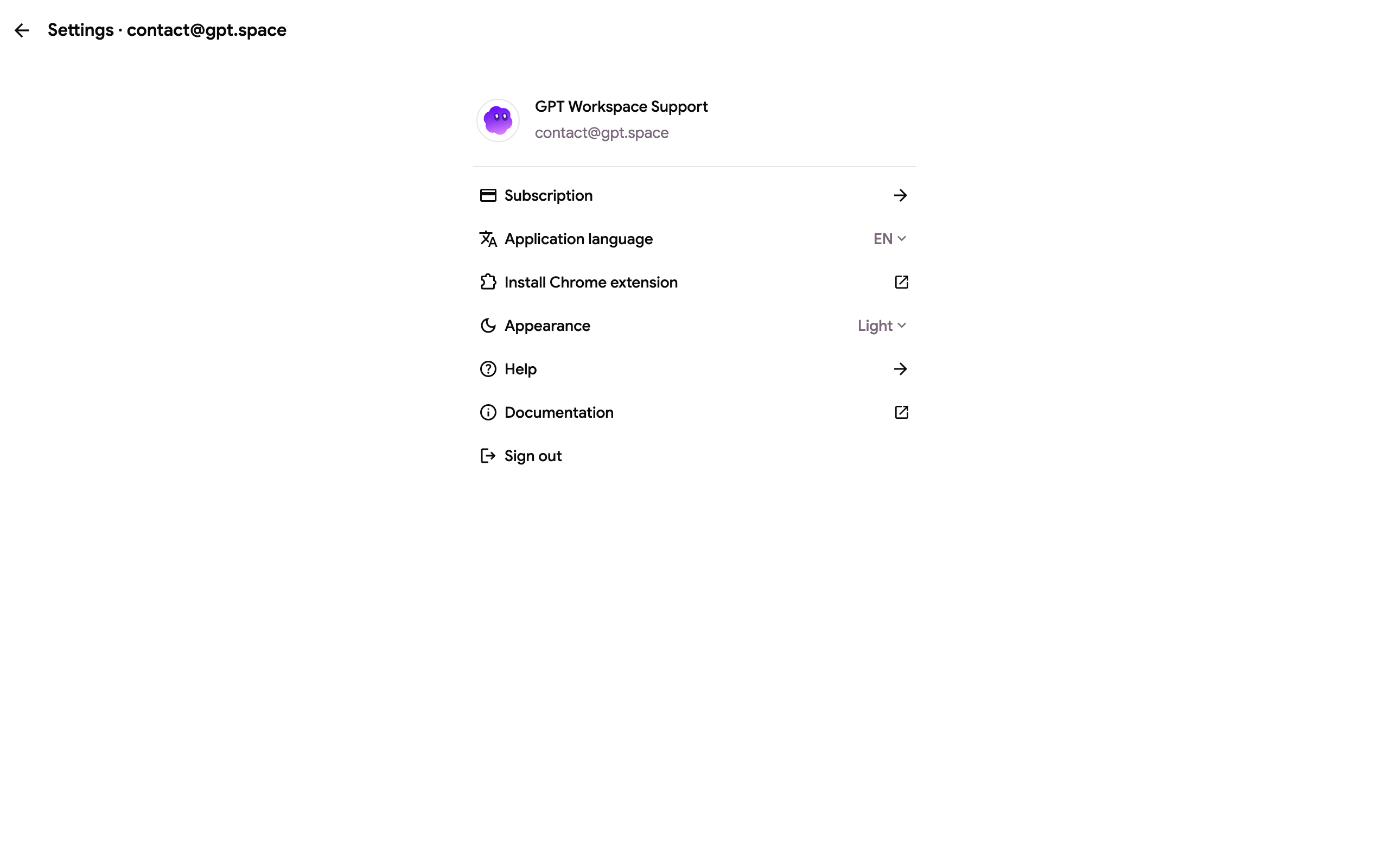
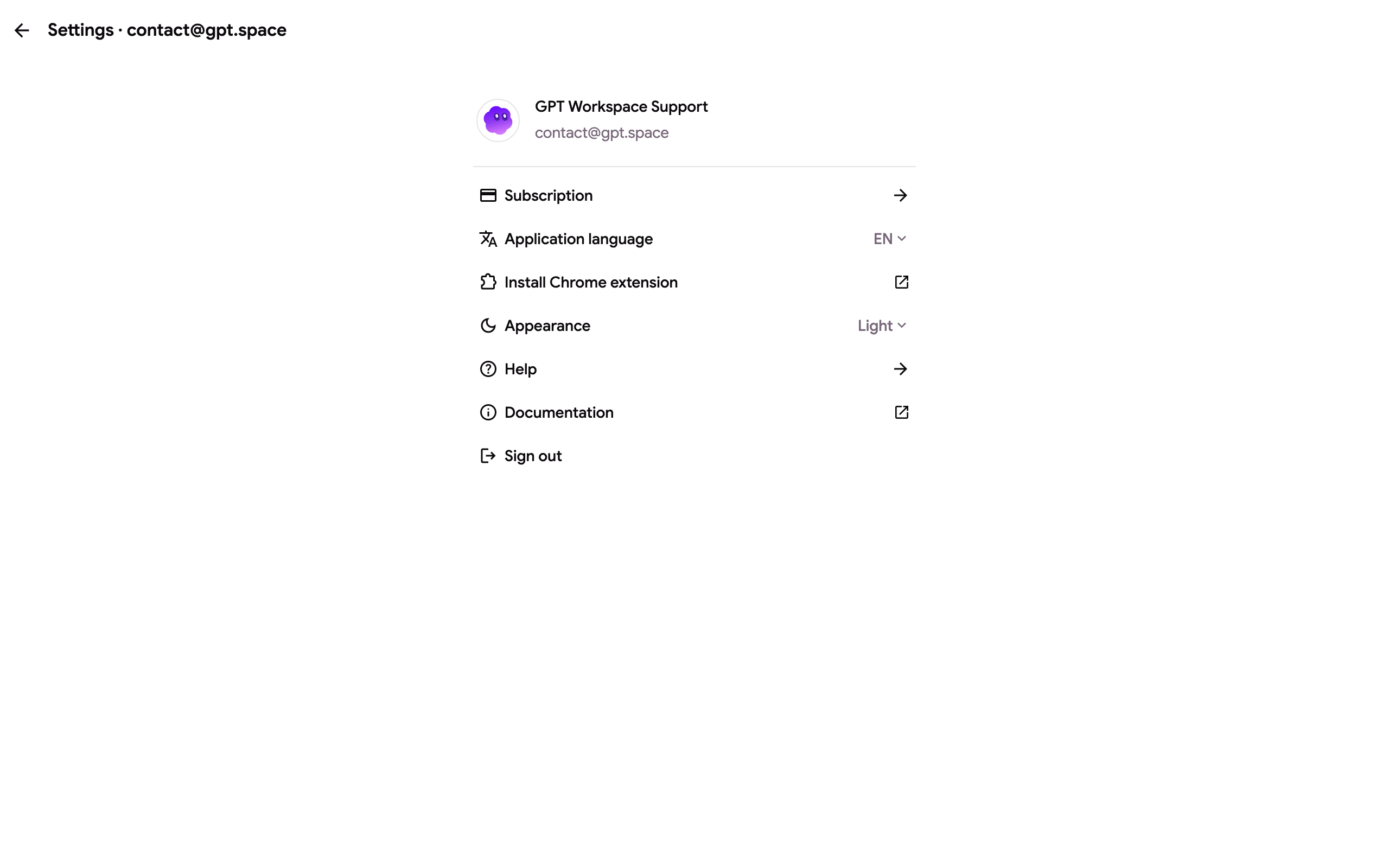
Appearance
Section titled “Appearance”GPT Workspace follows your system theme by default. Choose Dark or Light to force one. The add-on sidebar inside Google Docs, Sheets and Slides always stays light because Google’s own sidebar is light.
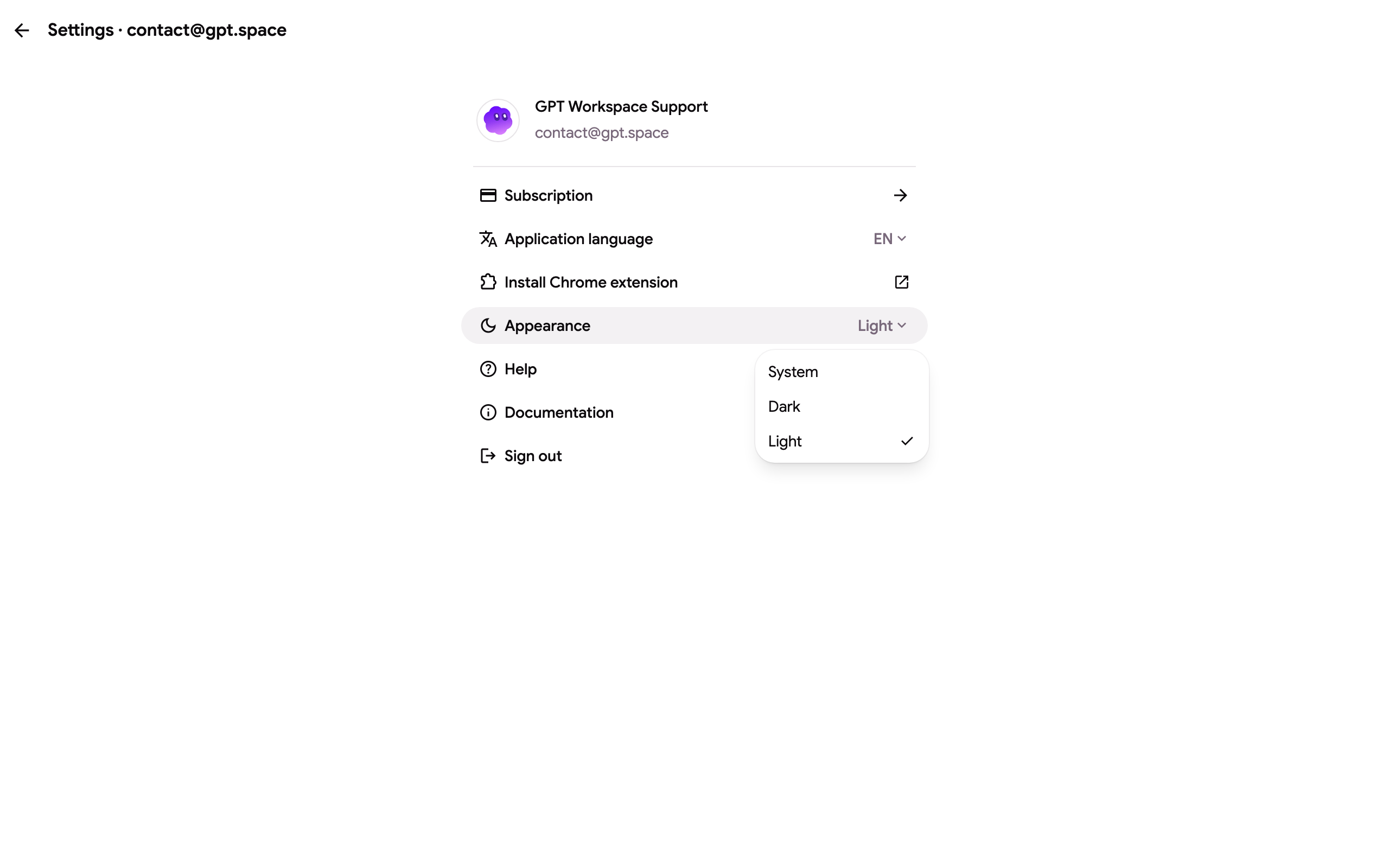
Chrome extension settings
Section titled “Chrome extension settings”When you open the settings from the Chrome extension, the page also lists the toggles that control what the extension adds to Google’s pages:
| Setting | Controls |
|---|---|
| Show sidebar shortcut | The floating GPT Workspace button on Google Drive, Docs, Gmail and Calendar that opens the side panel. |
| Show AI bar in Google Docs | The Docs AI bar at the bottom of every document. |
| Show AI bar in Google Sheets | The Sheets AI bar. |
| Instant on-device AI | Runs quick rewrites with Chrome’s built-in model, without a network call. See On-device AI. |
| Keyboard shortcuts | Opens Chrome’s shortcut settings for the extension. See Side panel and shortcuts. |
Turning a toggle off removes that element from the page immediately; the chat in the side panel keeps working.
Where the settings are stored
Section titled “Where the settings are stored”The interface language and the theme are stored in your browser, so you set them once per browser. The extension toggles are stored by the extension and apply to every Google tab in that Chrome profile.