
How to uninstall GPT Workspace
1. Cancel your subscription
Section titled “1. Cancel your subscription”Cancelling is separate from uninstalling: removing the extension or the add-on does not stop payments. See Cancel and refunds.
2. Remove the Chrome extension
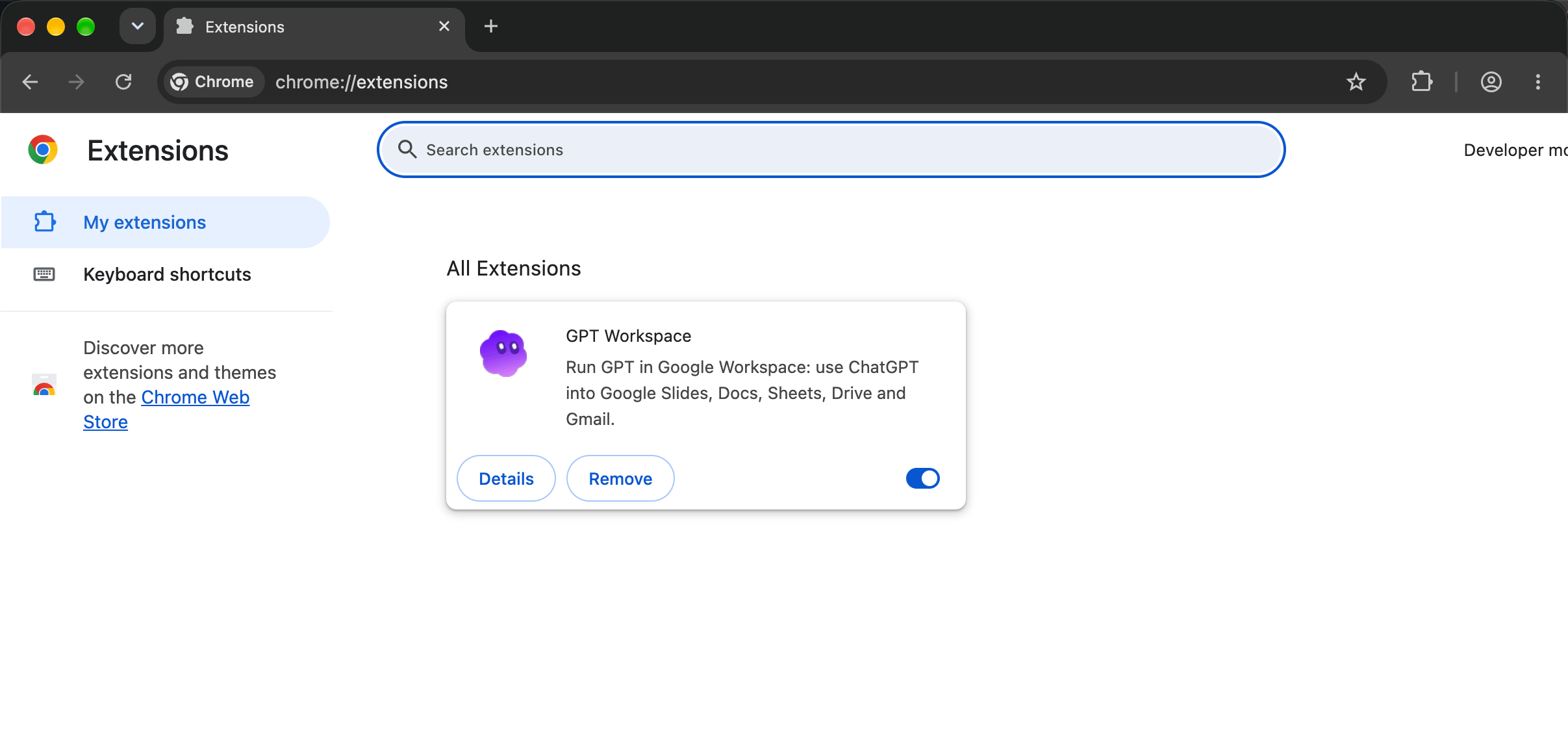
Section titled “2. Remove the Chrome extension”Right-click the GPT Workspace icon in Chrome’s toolbar and choose Remove from Chrome, or open chrome://extensions and click Remove on the GPT Workspace card.
3. Uninstall the Workspace add-on
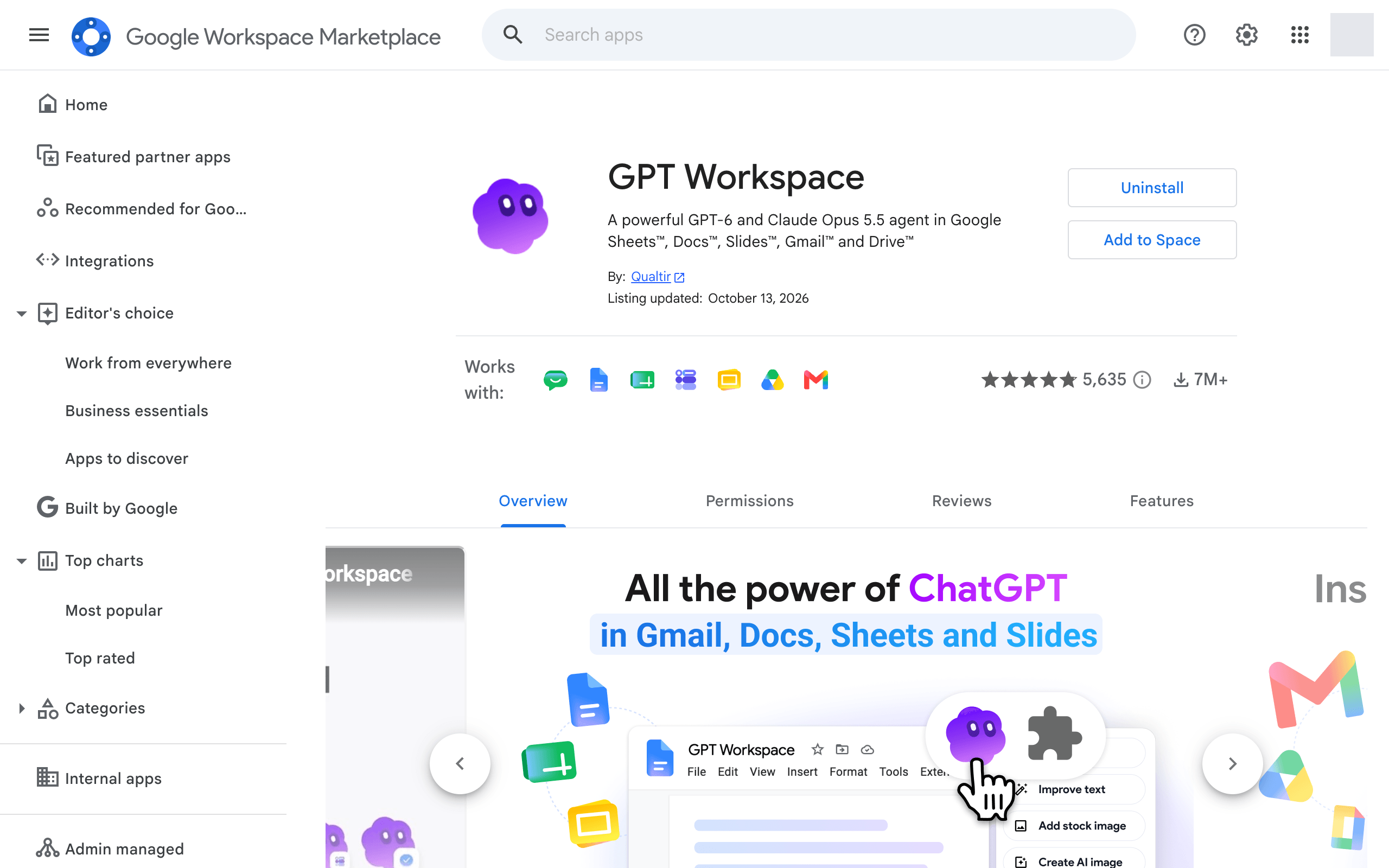
Section titled “3. Uninstall the Workspace add-on”Open Manage apps on the Google Workspace Marketplace, open GPT Workspace (and GPT for Gmail or the single-app listings if you installed them) and click Uninstall.
A Workspace administrator who installed it for the organization removes it from the admin console.
4. Revoke access to your Google account
Section titled “4. Revoke access to your Google account”- Open Google Account connections.
- Click GPT Workspace.
- Click Delete all connections you have with GPT Workspace.
5. Delete your data
Section titled “5. Delete your data”To have your account and personal data deleted, write to contact@gpt.space, see Data and privacy.