
GPT for Calendar, Tasks and Contacts
There is no separate add-on for Google Calendar, Tasks and Contacts: the chat handles them from anywhere, and the Chrome extension adds its shortcut button to Calendar’s top bar.
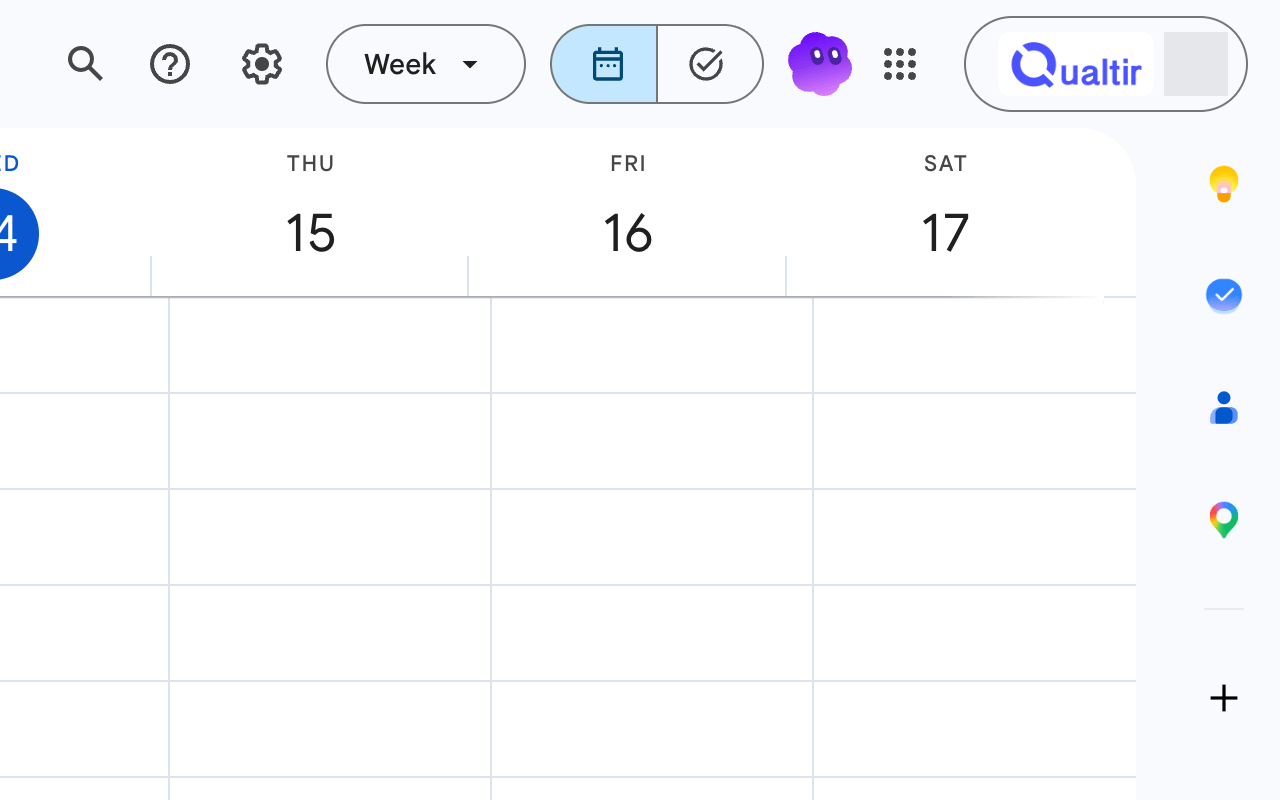
Calendar
Section titled “Calendar”- “Analyze my meetings this month”
- “Create a meeting today at 5:00 pm with ann@example.com, 30 minutes”
- “Reschedule my next upcoming event to tomorrow morning”
- “What do I have on Thursday?”
The agent lists your calendars, finds events by date range or keyword, creates events with guests and modifies them. In Google Chat, /meet tomorrow 15:00 with ann@example.com, 30 min does the same and /agenda shows today’s events and pending tasks.
- “Add a task to send the invoice by Friday”
- “Review my tasks due this week”
- “Move the task Prepare slides to my Work list”
The agent lists, creates, updates, moves and deletes tasks and task lists, and clears completed tasks. In Google Chat, /task send the invoice by Friday adds a task, and the Task message action turns any message into a follow-up task.
Contacts
Section titled “Contacts”When you name a person, the agent looks them up in your contacts and in the people you recently wrote to, so “email Ann about the Friday call” resolves the address. You can also ask “What is Ann’s email?”.
Permissions
Section titled “Permissions”Calendar, Tasks and Contacts each need their own Google permission. The first request for one of them shows a Grant access button; see Google account permissions.
The same capabilities are available to AI clients through the Google Calendar, Tasks and Contacts MCP servers.