
Get started: Chrome extension
The Chrome extension is the fastest way to use GPT Workspace. It adds a side panel with the chat on every page, plus AI bars in Google Docs and Sheets and AI features in Gmail. It works in Chrome and in Chromium browsers that support side panels, such as Edge and Brave.
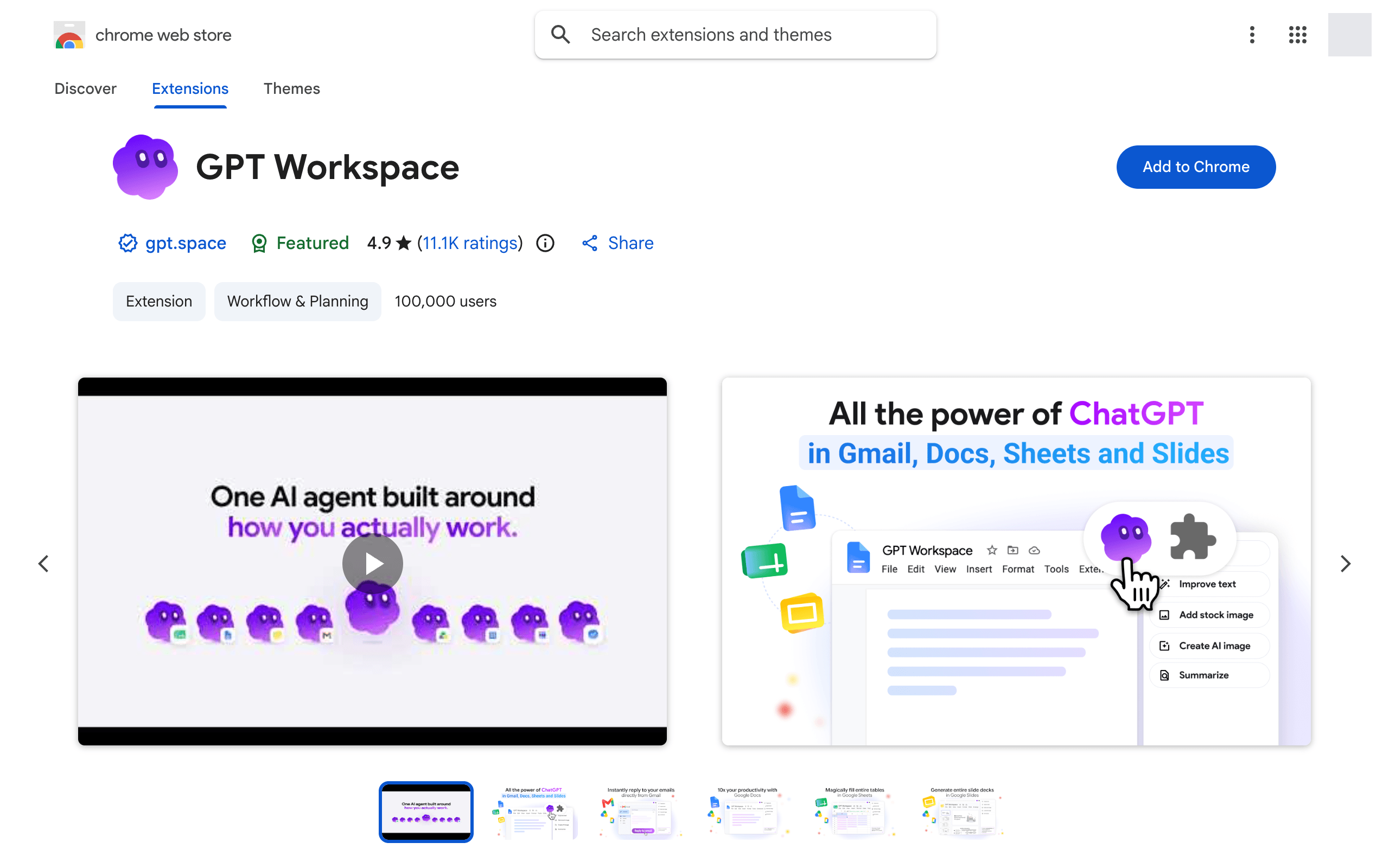
1. Install from the Chrome Web Store
Section titled “1. Install from the Chrome Web Store”Open the GPT Workspace listing and click Add to Chrome, then Add extension.
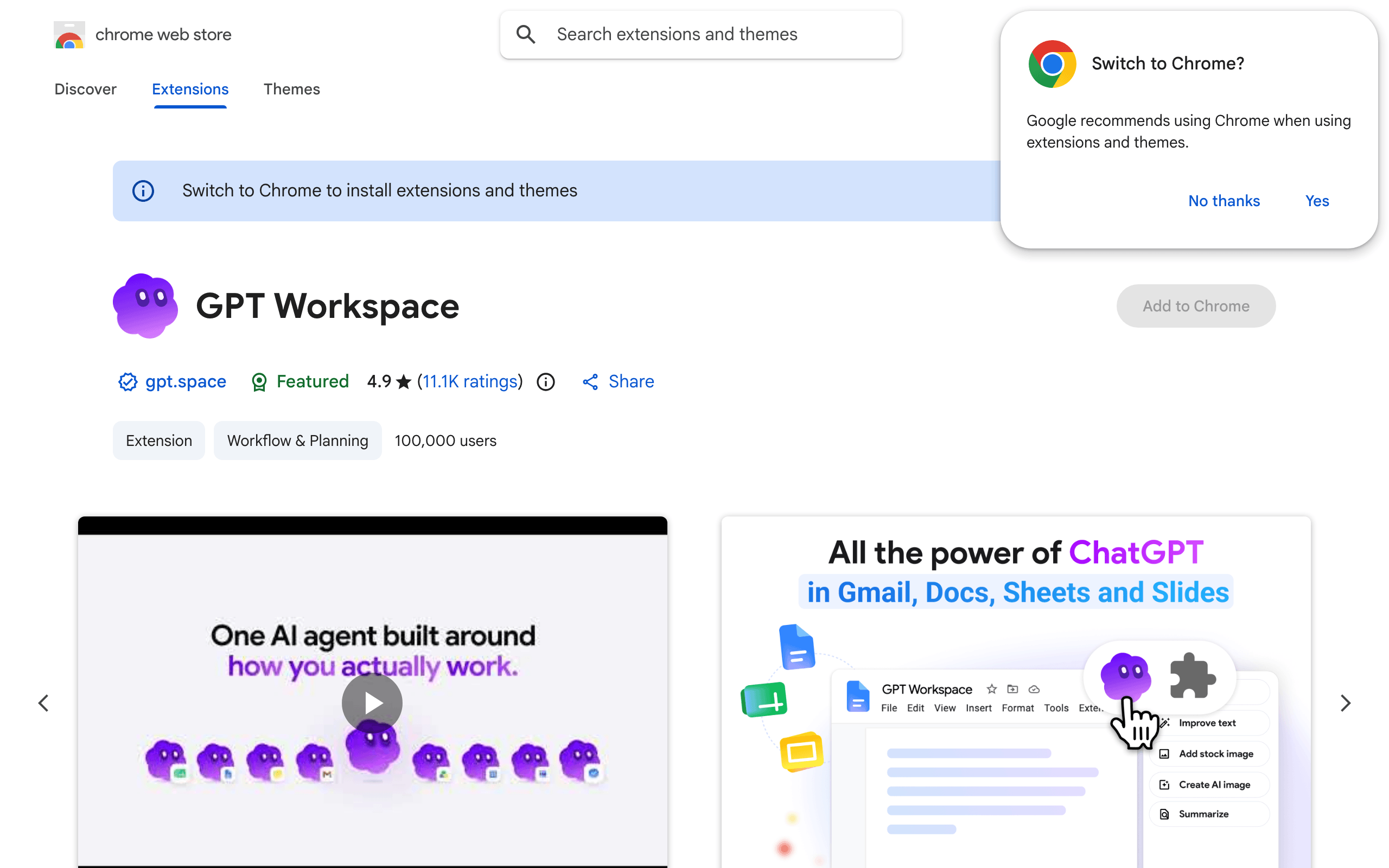
After the install, the install page of GPT Workspace confirms the extension is active, and the first-steps page opens: sign in with Google, see the features of each app and choose where to start.
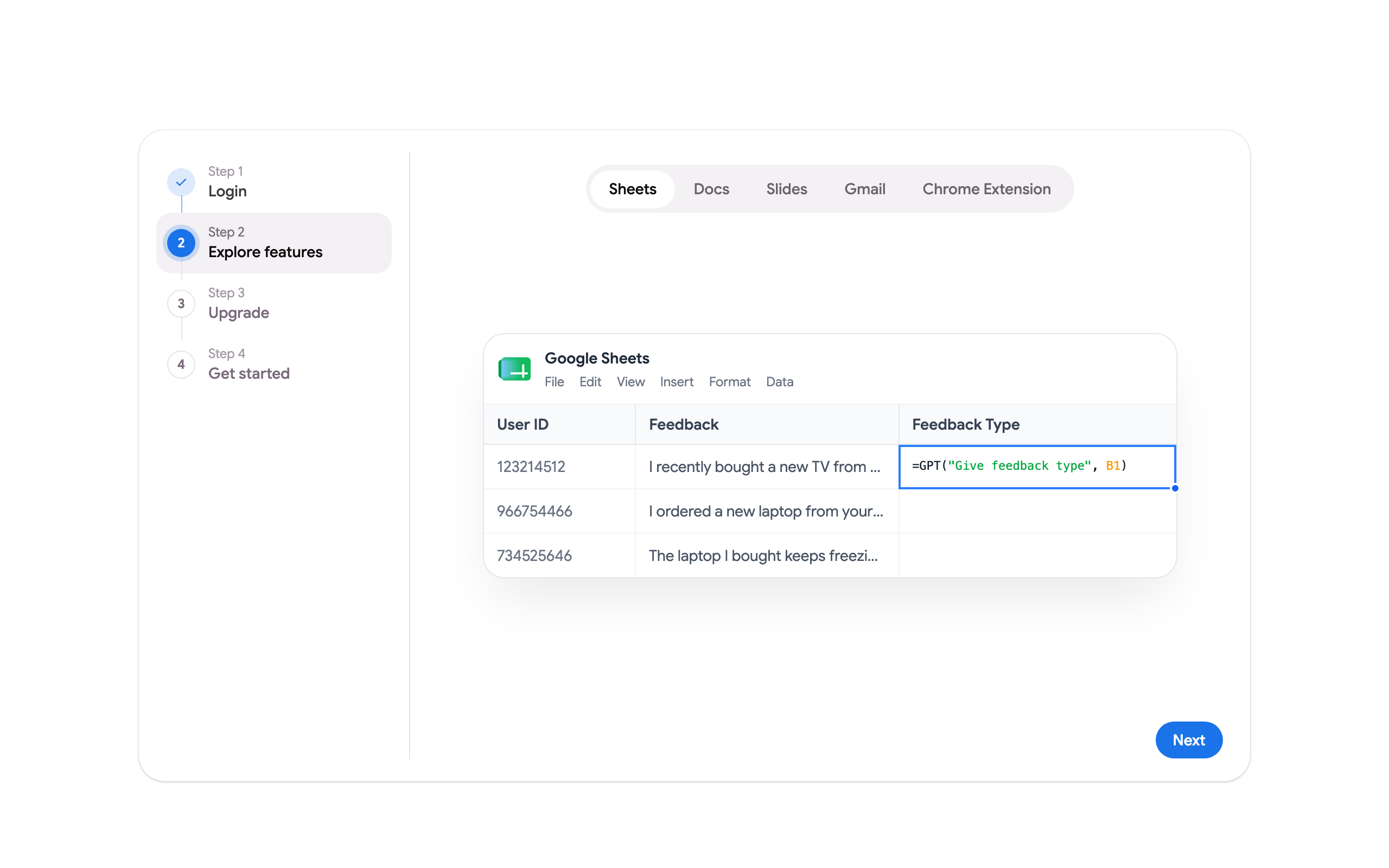
On Google Docs, Sheets, Slides, Gmail and Drive, a one-time popup introduces the features of the extension for that app.
2. Pin the extension
Section titled “2. Pin the extension”Click the puzzle icon in Chrome’s toolbar and click the pin next to GPT Workspace, so the icon is always one click away.
3. Open the side panel
Section titled “3. Open the side panel”Click the GPT Workspace icon, or press Cmd+Shift+Space (Mac) or Ctrl+Shift+Space (Windows, Linux). The chat opens next to the page and knows which document, spreadsheet, presentation, email or web page you are looking at.
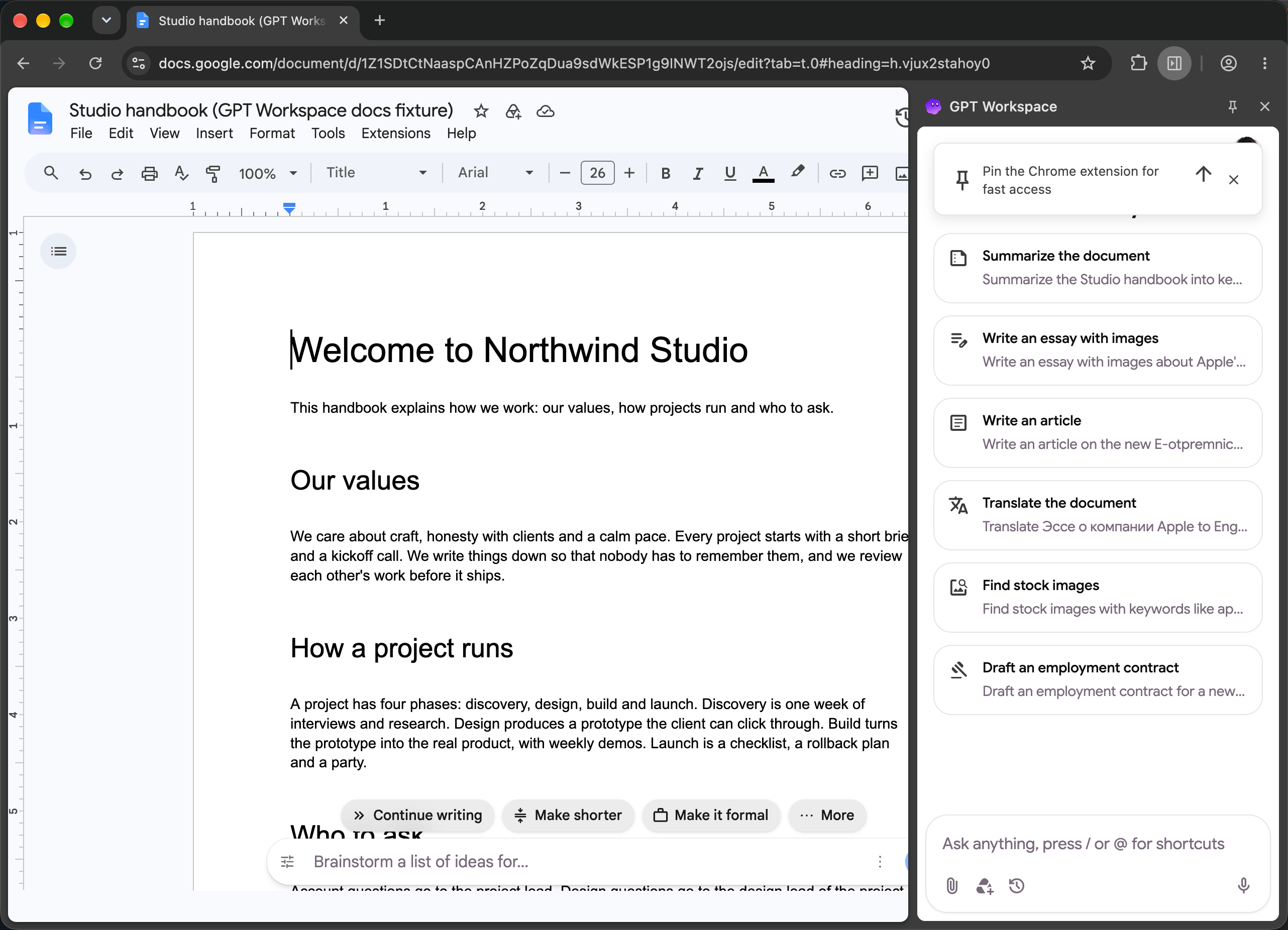
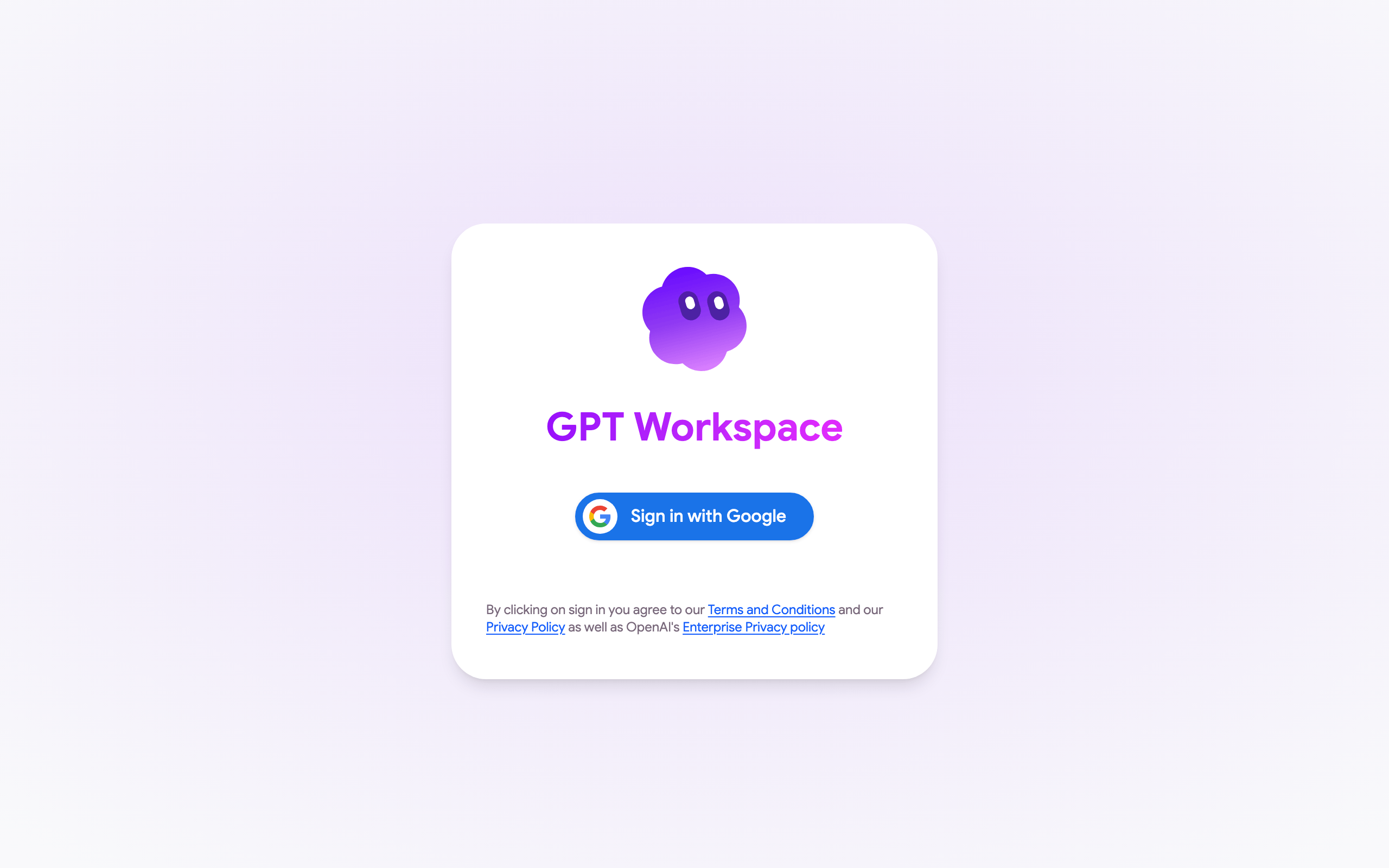
The first time, click Sign in with Google and accept the permissions, see Google account permissions.
4. Start working
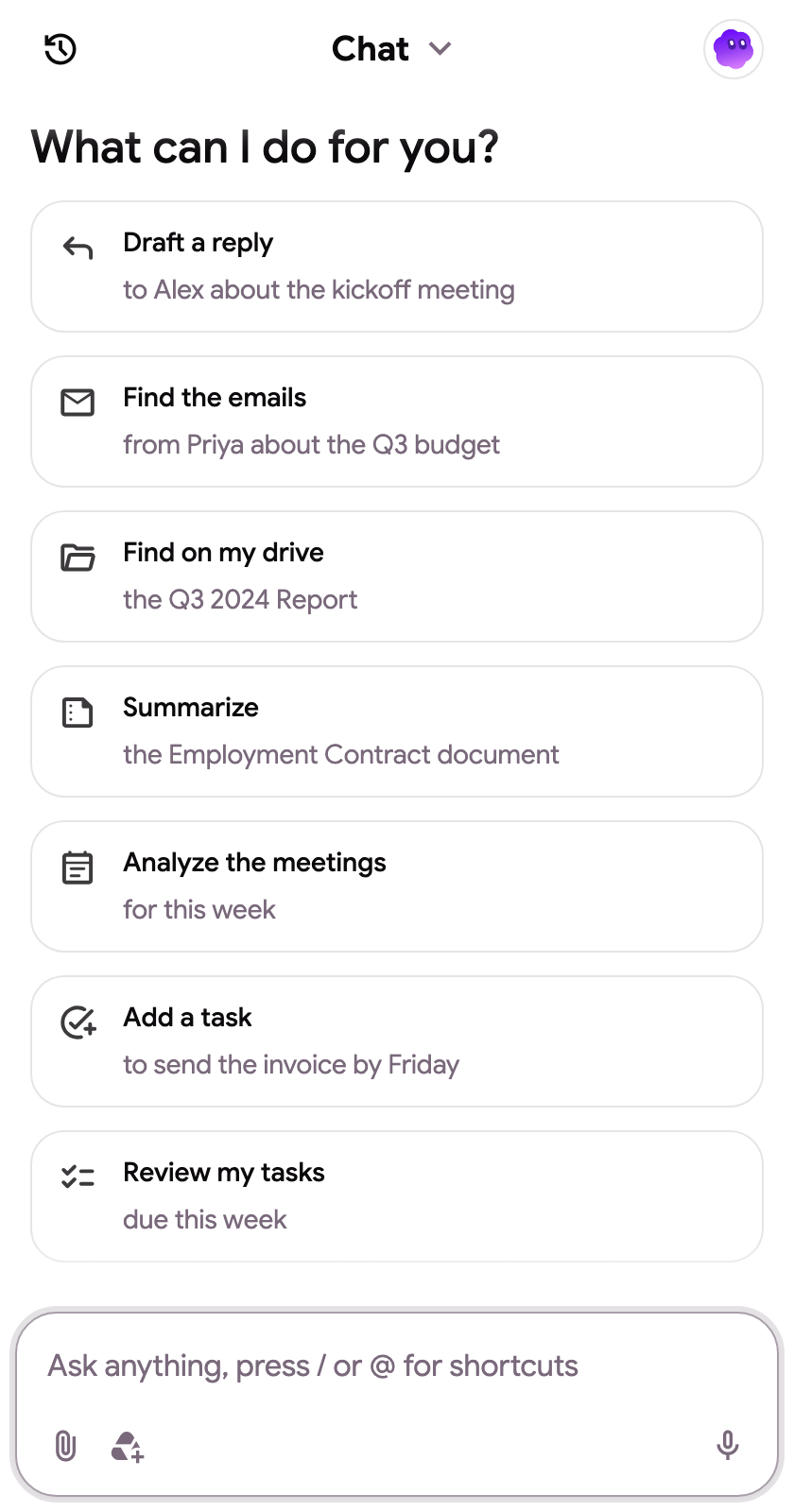
Section titled “4. Start working”The conversation starters change with the page: write or translate in Docs, clean data or add a chart in Sheets, generate a deck in Slides, find or reply to emails in Gmail, find files in Drive. Type anything in the box, press / for snippets or @ to attach a Drive file.
More ways to open the panel, the shortcuts and the right-click menu are on Side panel and shortcuts.