
GPT formula
Using the =GPT() Formula
Section titled “Using the =GPT() Formula”With GPT for Sheets, you can effortlessly craft attention-grabbing ad copy, taglines, and subject lines that perfectly align with your brand, captivating and retaining your customers’ interest.
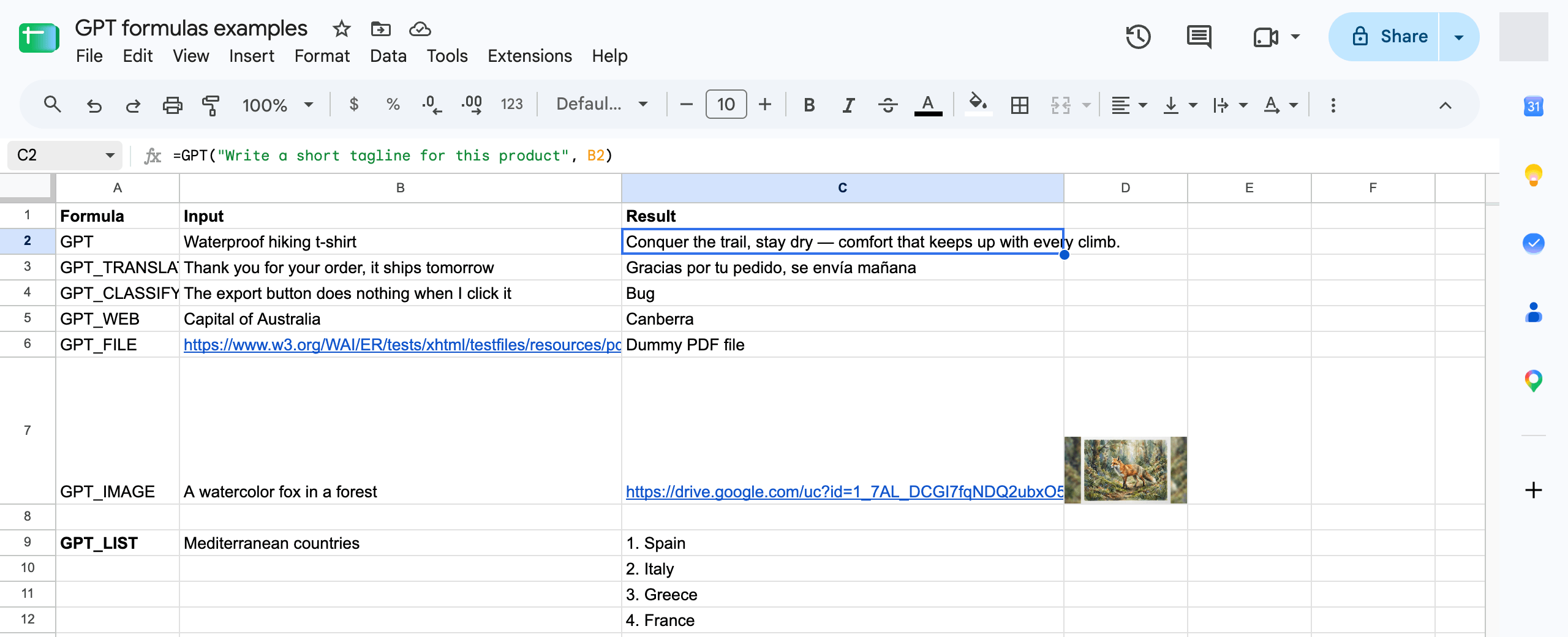
To get started, select a cell and input then use the following formula
=GPT(prompt, value, temperature, model, cache)
| Parameter | Description | Default |
|---|---|---|
prompt | the prompt describing the data you want to generate. (ex: "write a tagline for a waterproof t-shirt brand") | "" |
value | The cell you are referring to in your prompt (ex: A1) | null |
temperature | Between 0 (not creative) and 2 (very creative) | 0.5 |
model | standard or advanced (paid plans). See AI models | standard |
bypassCache | Set to true to ignore the cached result and generate again. | false |