
Sharing a chat
Share a thread
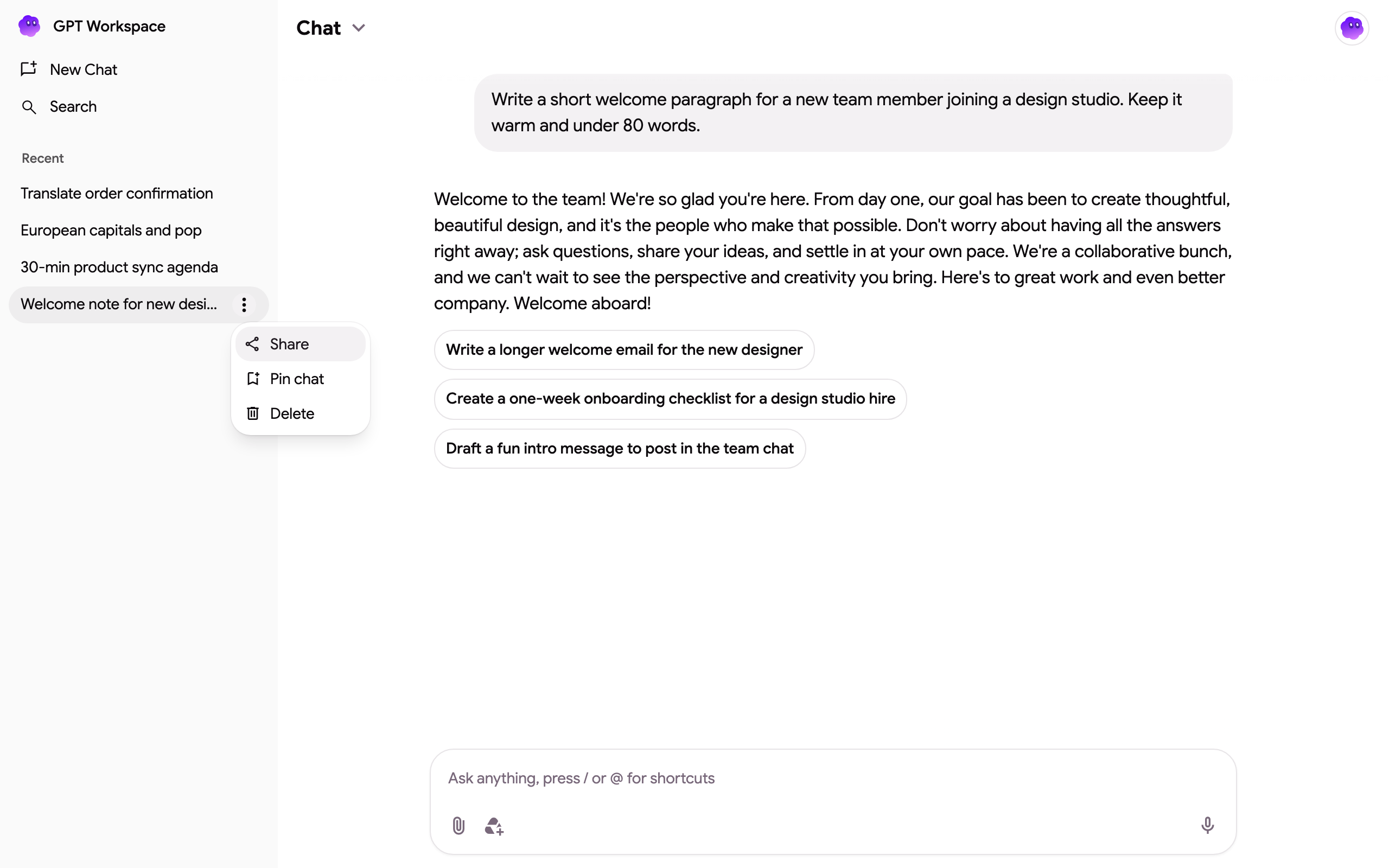
Section titled “Share a thread”- In the thread list, hover the thread and click its ⋮ menu, then Share.
- Copy the link from the Share thread dialog and send it.
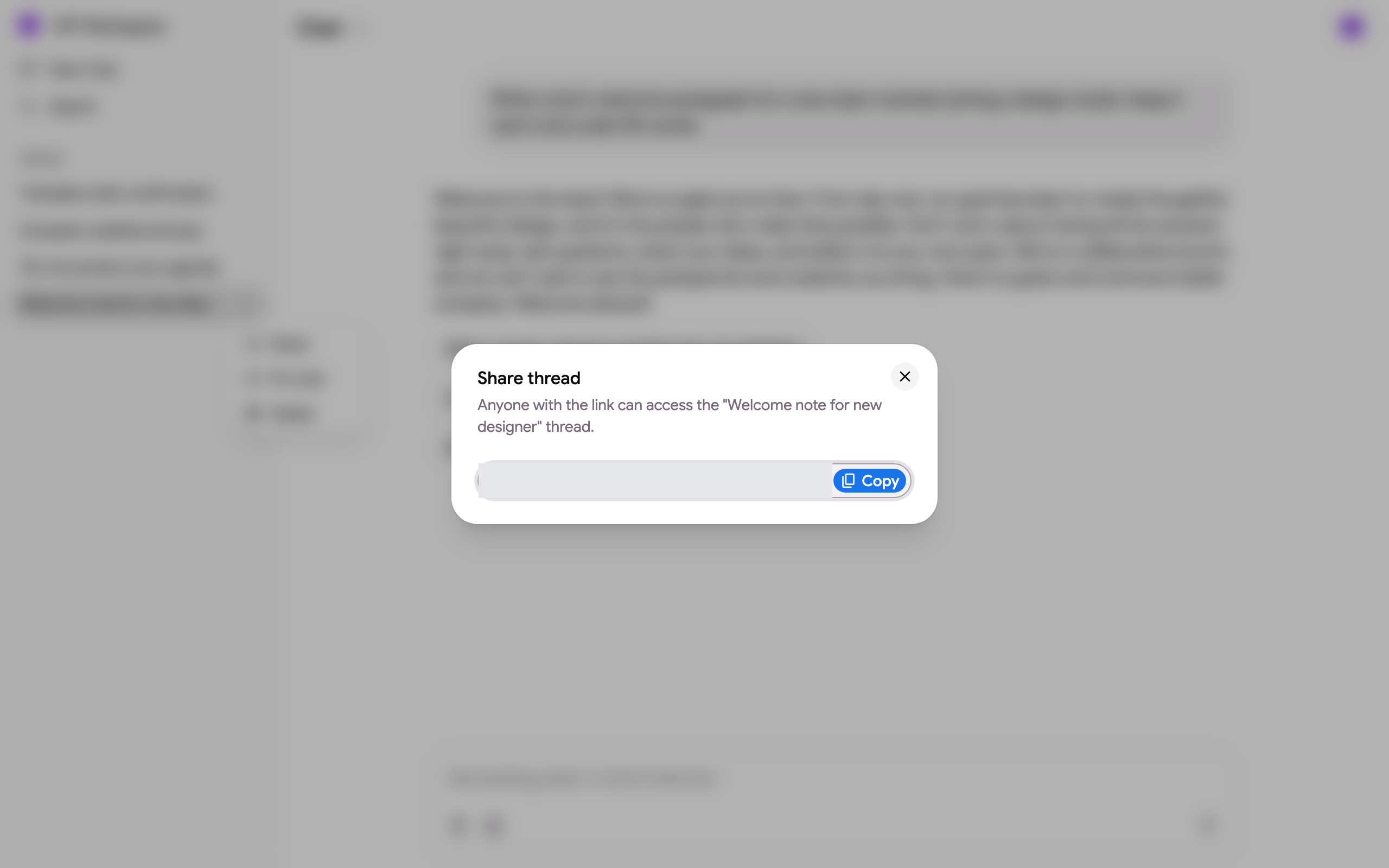
The link looks like https://gpt.space/app/thread/share/<your id>/<thread id>. Anyone with the link who signs in to GPT Workspace gets a copy of the thread in their own list, with the messages and answers up to the moment they open it. It is a snapshot: later messages in your thread do not appear in theirs, and their messages do not appear in yours.
If you delete the thread, the link stops working (“This chat no longer exists or the link is no longer valid”).
Pin, search, delete
Section titled “Pin, search, delete”- Pin chat keeps a thread at the top of the list under Pinned; Unpin chat sends it back to Recent.
- Search in the sidebar finds threads by their content.
- Delete removes a thread for good. Copies other people made from your share link are not affected.
Threads from other surfaces
Section titled “Threads from other surfaces”Threads started from the Google Chat app appear in the list as “Google Chat ·