
GPT Workspace Help Center
AI inside Google Docs, Sheets, Slides, Drive, Gmail, Calendar and Forms
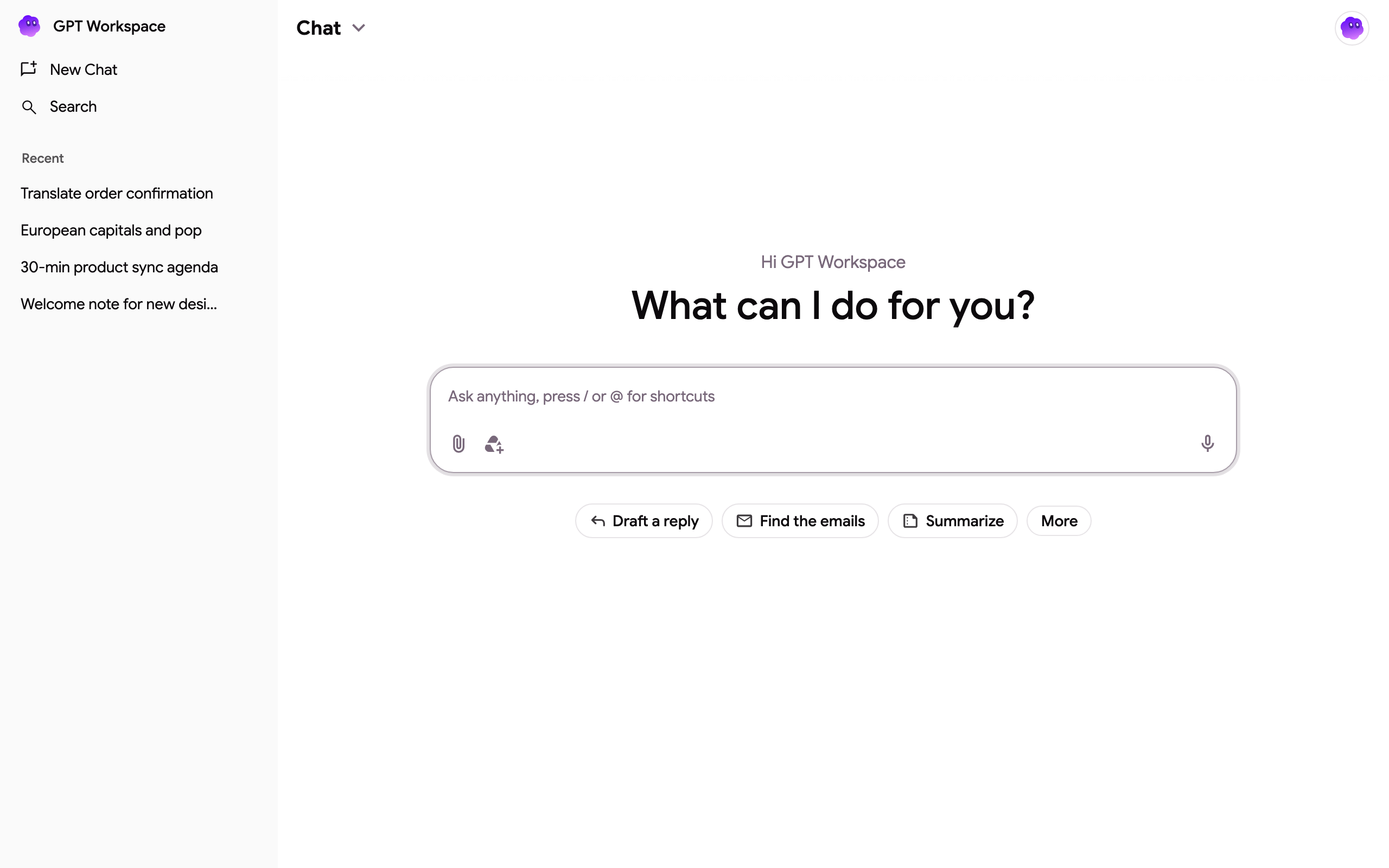
Section titled “AI inside Google Docs, Sheets, Slides, Drive, Gmail, Calendar and Forms”GPT Workspace is one assistant that works wherever you do: a chat in the side panel of Chrome, the sidebar of Google Docs, Sheets, Slides and Forms, cards in Gmail and Drive, a bot in Google Chat, formulas in Google Sheets and MCP servers for Claude, ChatGPT and other AI clients.
Install
Section titled “Install”| Surface | Best for | Get started |
|---|---|---|
| Chrome extension (recommended) | The side panel on every page, AI bars in Docs and Sheets, Gmail summaries and replies | Chrome extension |
| Google Workspace add-on | The sidebar inside Docs, Sheets, Slides and Forms, GPT formulas in Sheets, cards in Gmail and Drive, any browser | Add-on |
| Google Chat app | Slash commands and message actions in Google Chat | Google Chat |
| MCP servers | Google apps as tools in Claude, ChatGPT, Cursor and your own agents | MCP servers |
- What the chat can do and what the agent can do in each Google app
- Projects (custom assistants), snippets and sharing a chat
- GPT formulas for Google Sheets
- Chrome extension features inside Google pages
Plans and credits
Section titled “Plans and credits”- What is a credit?
- Top up and auto top-up, earn free credits
- Manage my subscription, cancel and refunds, team subscription, deploy to your organization
- I don’t recognize a charge, I paid but still see the free plan, payment failed, invoices
- Delete your account and data
Contact support
Section titled “Contact support”Write to contact@gpt.space. We answer within 2 business days. Check the FAQ and common errors first for the usual questions.
To get an answer in one exchange, include:
- the email of the Google account you use with GPT Workspace (and the one that paid, if different);
- for a billing question, the date, amount and last four digits of the card, or the receipt;
- for an error, a screenshot of the message, where it happened (chat, add-on, extension, formula) and whether an incognito window behaves the same.