
Google account permissions
GPT Workspace signs you in with your Google account and asks for permissions only for what it does on your behalf. You can accept them all at sign-in or grant them later, one by one, when a request needs them.
What each permission is for
Section titled “What each permission is for”| Permission | Used for |
|---|---|
| Google Docs | Reading and editing documents from the chat, the AI bar and the add-on |
| Google Sheets | Reading and editing spreadsheets, GPT formulas, the AI bar |
| Google Slides | Reading, editing and generating presentations |
| Google Drive | Finding and attaching files, the @ mention, the Drive card, saving generated images and decks |
| Gmail (read, modify, send) | Finding and reading emails, drafts, labels, the write bar, sending a reply when you ask for it |
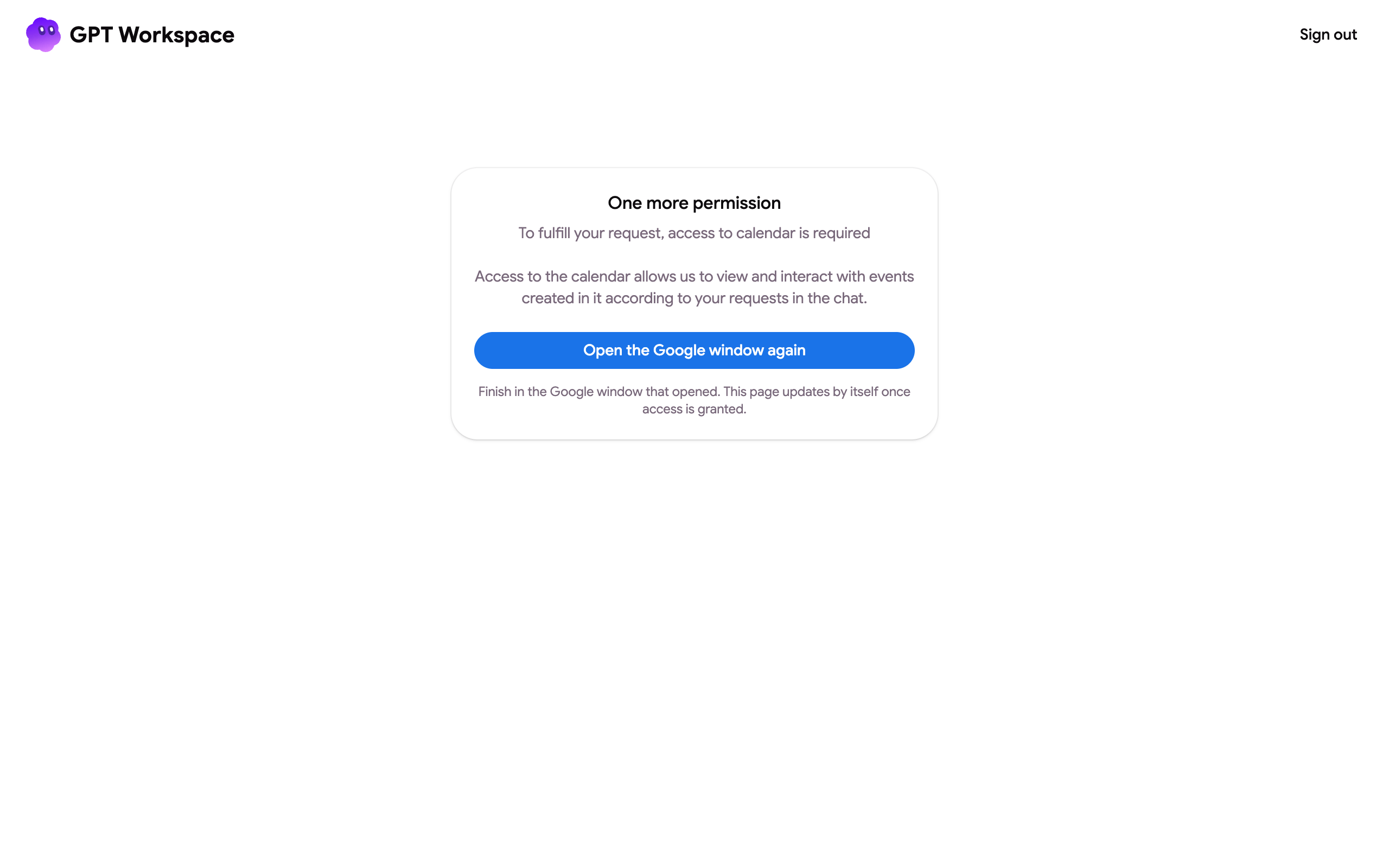
| Google Calendar | Listing, creating and changing events |
| Google Tasks | Managing tasks |
| Google Contacts | Finding the email of a person you name |
| Google Forms | Creating and editing forms, reading responses |
| Apps Script | Running the add-on’s own code in Google’s apps |
| Your email address and profile | Identifying your account |
Grant a permission later
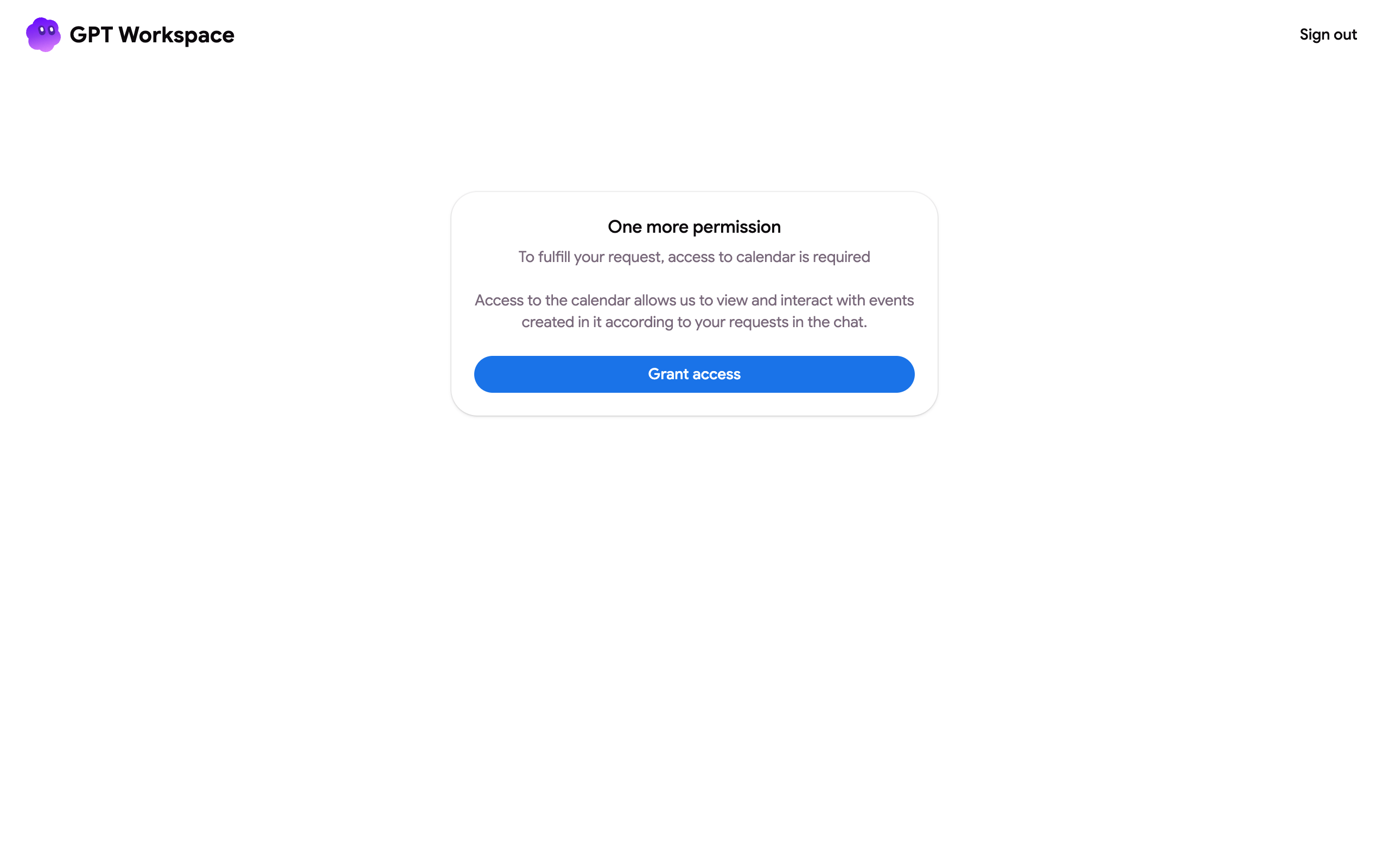
Section titled “Grant a permission later”When a request needs a permission you have not granted, the chat shows a Grant access button, the AI bars open a tab asking you to allow it, and the Google Chat app replies with a link. Accept in the Google window, then repeat the request.
You can also open gpt.space/app/google/connect and click Grant access to review and grant everything at once.
Review or revoke
Section titled “Review or revoke”Open myaccount.google.com/connections, find GPT Workspace and see what it can access. Delete all connections revokes everything; the next sign-in asks again. If you see “Authorization is required to perform that action”, this is also the fix: see that FAQ.
Several Google accounts
Section titled “Several Google accounts”The Google account of the page you are on must be the one you signed in to GPT Workspace with. The AI bars and the Gmail features tell you when the accounts differ. Sign out from the account menu and sign in with the right account, or share the file with it. If the add-on does not appear at all in a browser with several Google accounts, see I can’t install the extension.