
Payment failed or declined
Payments are processed by Stripe. Cards, Google Pay and Apple Pay are accepted; PayPal and bank transfer are not. Prices are shown in the currency of the pricing page and charged in that currency.
The card is declined at checkout
Section titled “The card is declined at checkout”The bank refused the charge; GPT Workspace never sees the reason in detail. In order of likelihood:
- 3-D Secure confirmation: the bank sent a confirmation to its app or by SMS and it timed out. Retry and confirm within the bank app.
- Online or international payments blocked on the card: some banks treat the charge as a foreign online payment. Ask the bank to allow it, or use another card.
- Prepaid or virtual cards that do not support recurring payments.
- Insufficient funds or a limit for a yearly payment.
No subscription is created while the payment fails, so nothing needs to be cancelled. If the amount shows as “pending” on your bank app after a decline, it is a pre-authorization that the bank releases within a few days.
“Payment to GPT Workspace was unsuccessful”
Section titled ““Payment to GPT Workspace was unsuccessful””This email comes from Stripe when the renewal of an active subscription cannot be charged. The subscription stays active for a few days while Stripe retries, then it is cancelled automatically.
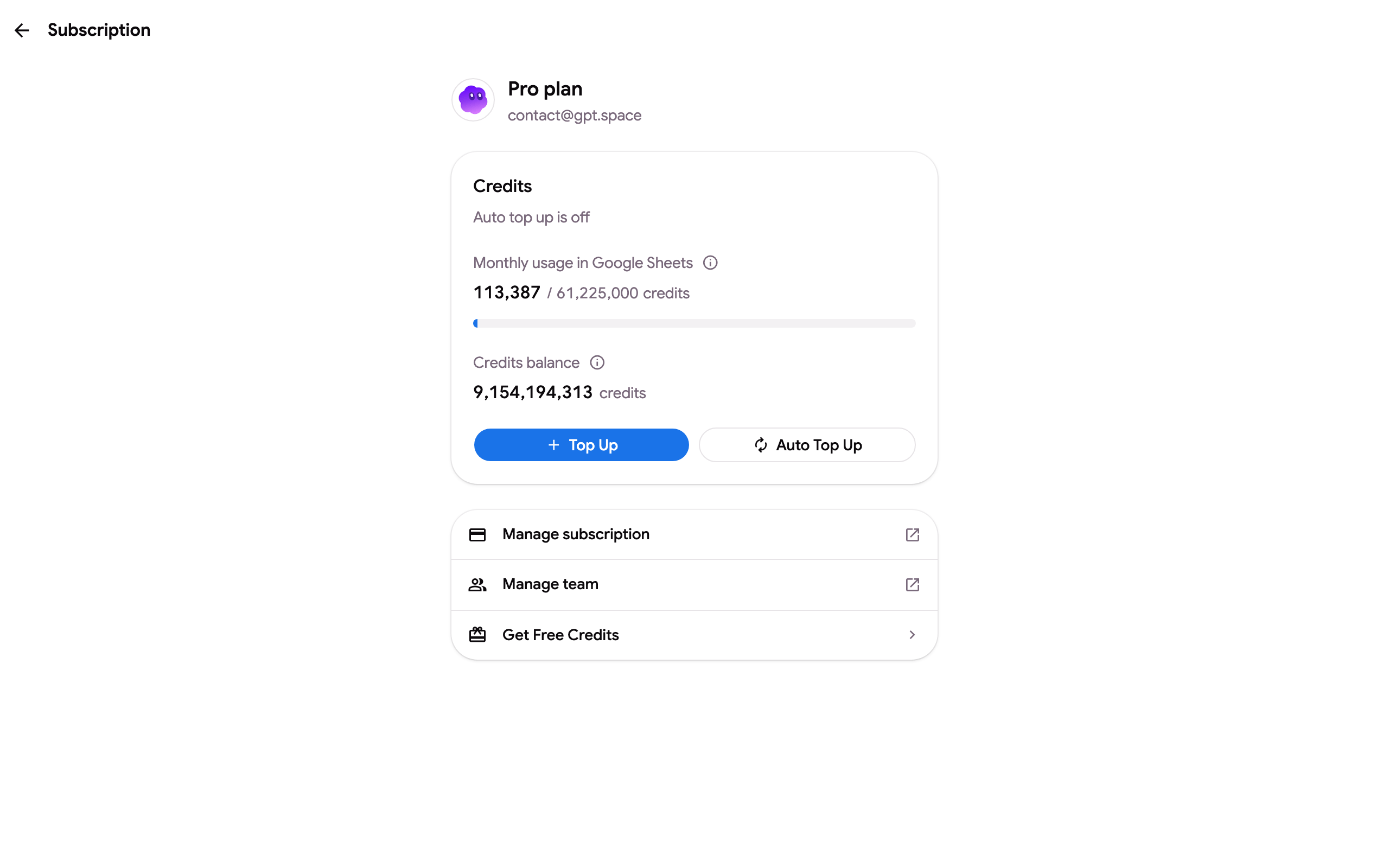
- To keep the plan: click Update payment method in the email, or open gpt.space/app/settings/subscription ➤ Manage subscription ➤ Payment methods and add a card. The next retry succeeds and the plan continues.
- To stop the plan and the emails: open the same billing portal and click Cancel subscription. See Cancel and refunds. You can also reply to us at contact@gpt.space and we cancel it for you.
“I upgraded, why am I still charged for the old plan?”
Section titled ““I upgraded, why am I still charged for the old plan?””Upgrading from the pricing page with Switch plan replaces the subscription; the old one is not kept. If you bought the new plan with another Google account or at a time when the old subscription was unpaid, both can exist. Write to us with both emails and we merge them and refund the duplicate.
Buying a top-up fails
Section titled “Buying a top-up fails”Top-ups use the card saved on the subscription. If the purchase shows an error, update the card in the billing portal and try again; if the error persists, send us a screenshot of it. See Top up and auto top-up.