
How to change the language?
Change the language of the GPT Workspace app
Section titled “Change the language of the GPT Workspace app”Open the settings from the avatar in the top-right corner of the chat (or gpt.space/app/settings), then click Application language and pick a language from the list. The search field filters the list.
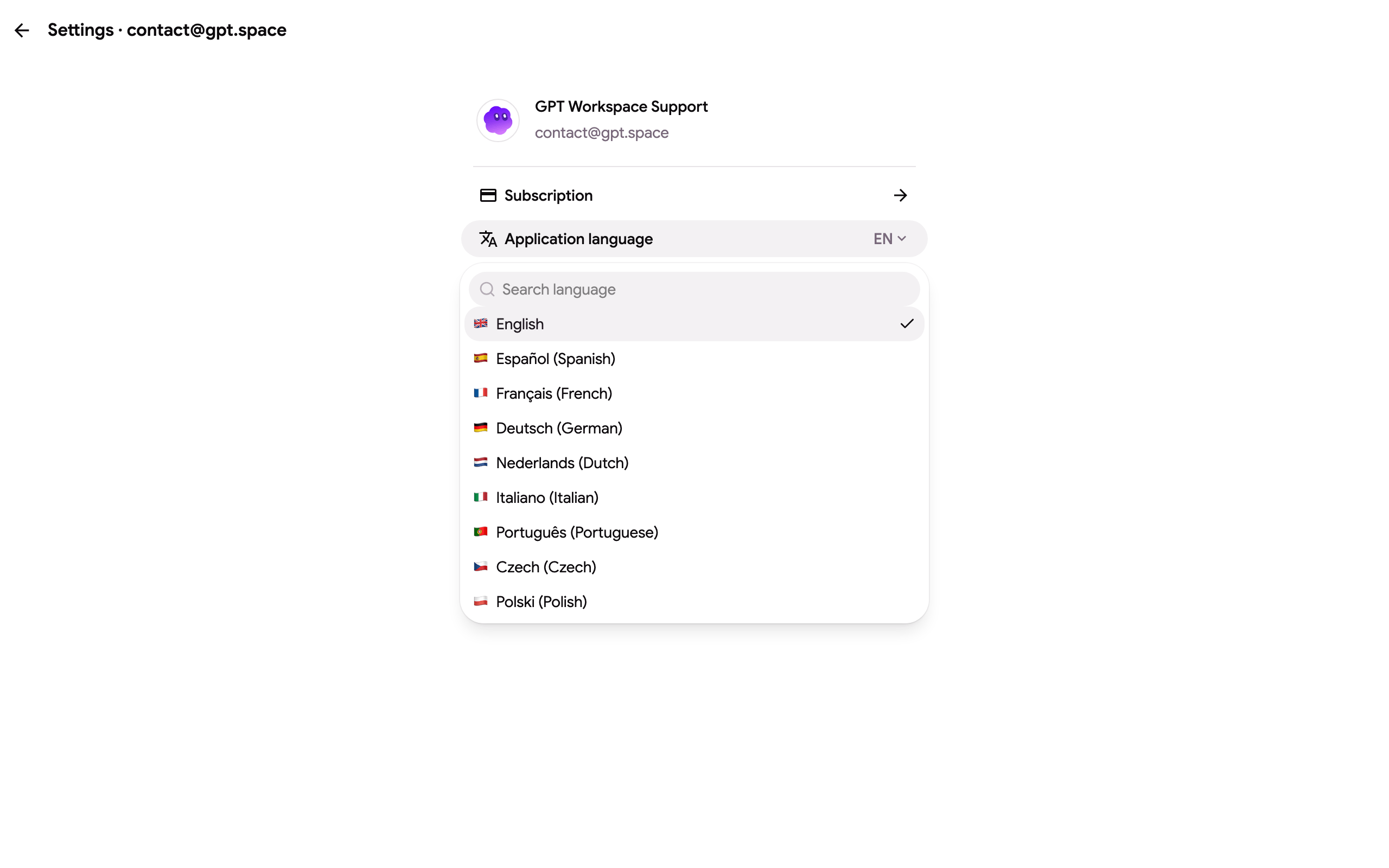
The interface is available in English, Arabic, Czech, German, Greek, Spanish, French, Hebrew, Hindi, Indonesian, Italian, Japanese, Korean, Dutch, Polish, Portuguese, Russian, Thai, Turkish, Vietnamese and Chinese. This help center is translated into the same languages.
The language is stored in your browser, so set it once per browser. The Chrome extension side panel and the add-on sidebar follow the same setting.
Change the language the model answers in
Section titled “Change the language the model answers in”The chat answers in the language you write in. To get an answer in another language, say so in your message, for example “Answer in Spanish”, or add it to the instructions of a project so every chat in that project uses it.
In Google Sheets, the GPT_TRANSLATE formula translates cells into any language.