
GPT_LIST formula
Generate entire lists with =GPT_LIST
Section titled “Generate entire lists with =GPT_LIST”Transforming your data has never been easier with GPT for Sheets. Its user-friendly custom functions enable you to swiftly cleanse and standardize any list or array of data, saving you time and hassle.
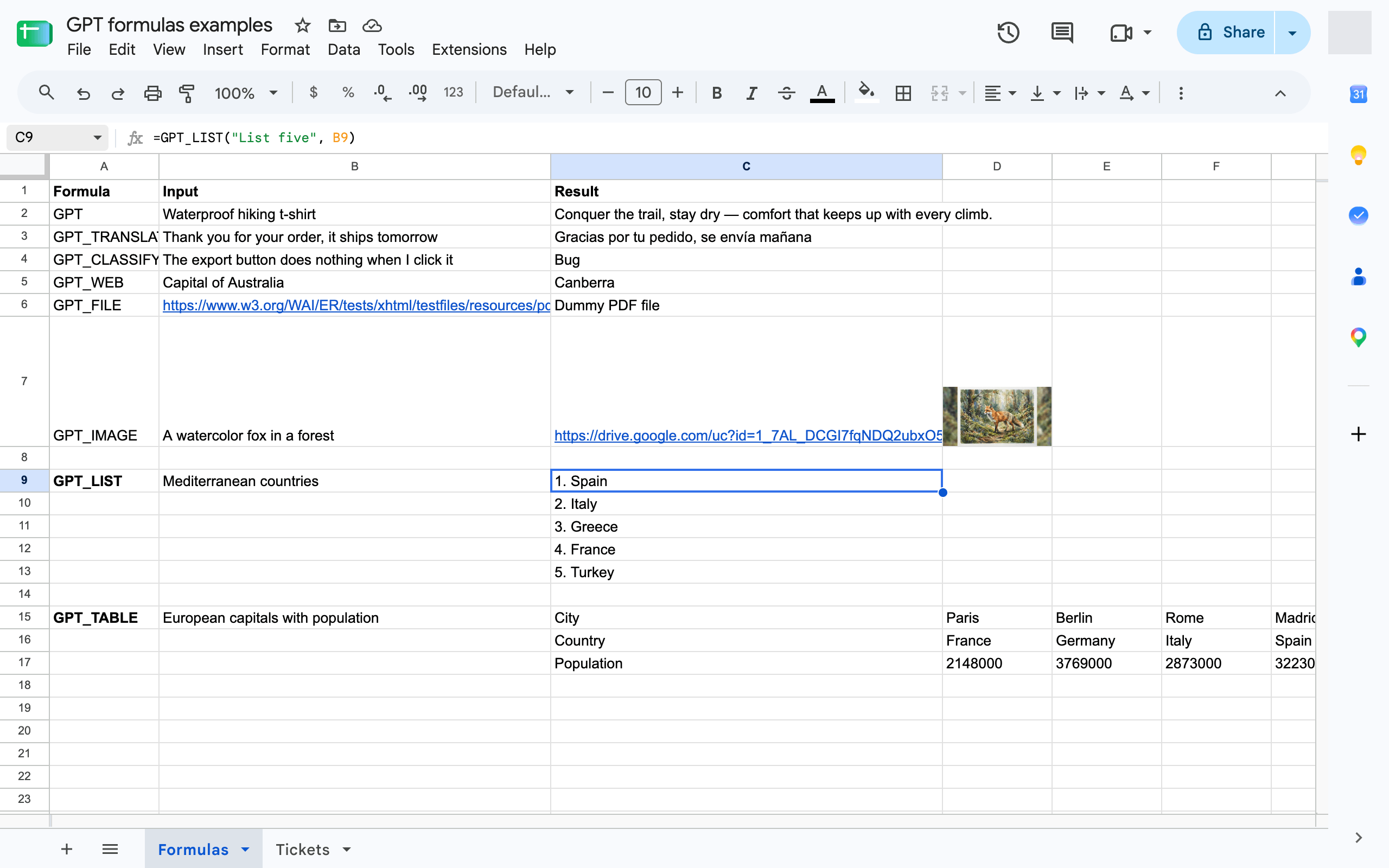
=GPT_LIST(prompt, value, temperature, model, cache)
| Parameter | Description | Default |
|---|---|---|
prompt | The prompt describing the data you want to generate. (ex: "write a tagline for a waterproof t-shirt brand") required | "" |
value | The cell you are referring to in your prompt (ex: A1) | null |
temperature | Between 0 (not creative) and 2 (very creative) | 0.5 |
model | standard or advanced (paid plans). See AI models | standard |
bypassCache | Set to true to ignore the cached result and generate again. | false |