
GPT_WEB formula
Get up to date data from the Web with =GPT_WEB
Section titled “Get up to date data from the Web with =GPT_WEB”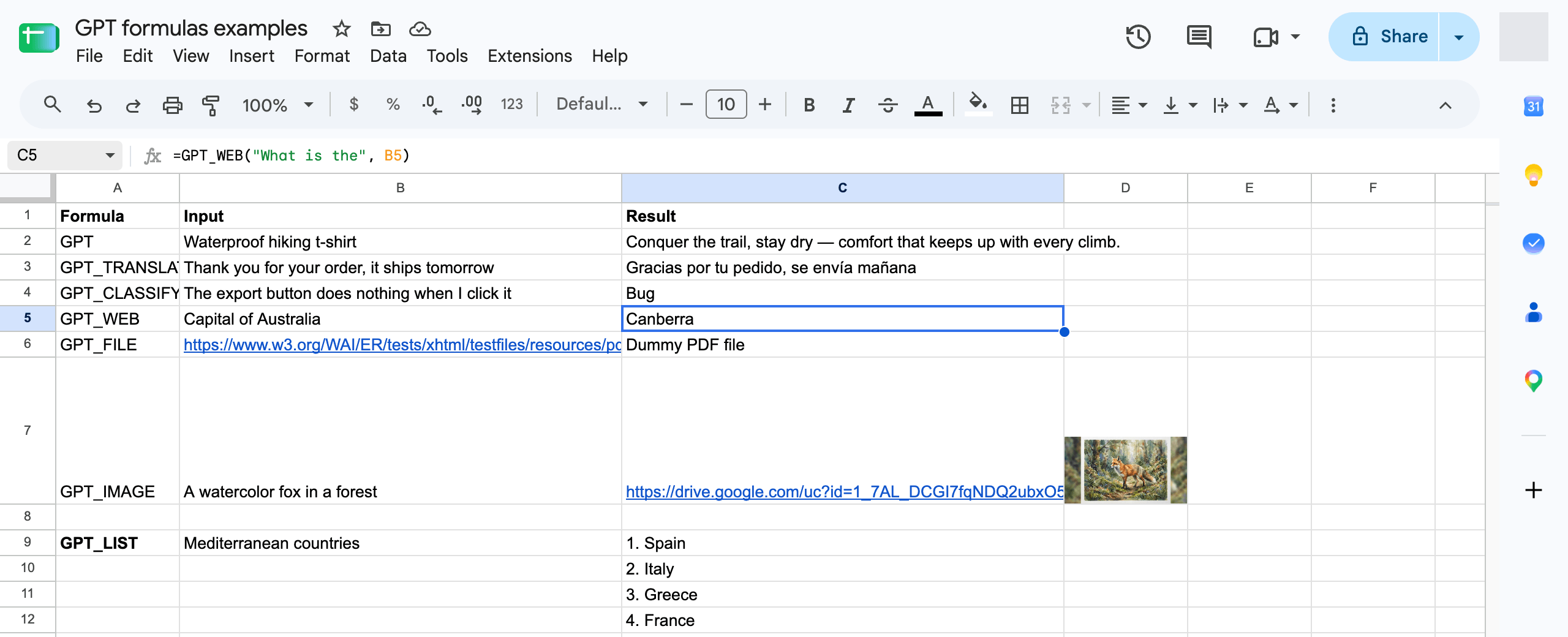
=GPT_WEB(prompt, value, temperature, model, cache)
| Parameter | Description | Default |
|---|---|---|
prompt | the prompt describing the data you want to generate. (ex: "write a tagline for a waterproof t-shirt brand") required | "" |
value | The cell you are referring to in your prompt (ex: A1) | null |
temperature | Between 0 (not creative) and 2 (very creative) | 0.5 |
model | standard or advanced (paid plans). See AI models | standard |
bypassCache | Set to true to ignore the cached result and generate again. | false |
Model & pricing
Section titled “Model & pricing”=GPT_WEB uses Perplexity Sonar Pro Search with live web access to fetch up to date information. It is only available on paid plans. Because Perplexity bills per search regardless of the number of tokens generated, each call carries a minimum charge.