
需要授权才能执行该操作
此错误表示 Google 拒绝了 GPT Workspace 所需的某项权限,通常是因为授权已授予其他账号或已过期。请按以下步骤重置连接:
-
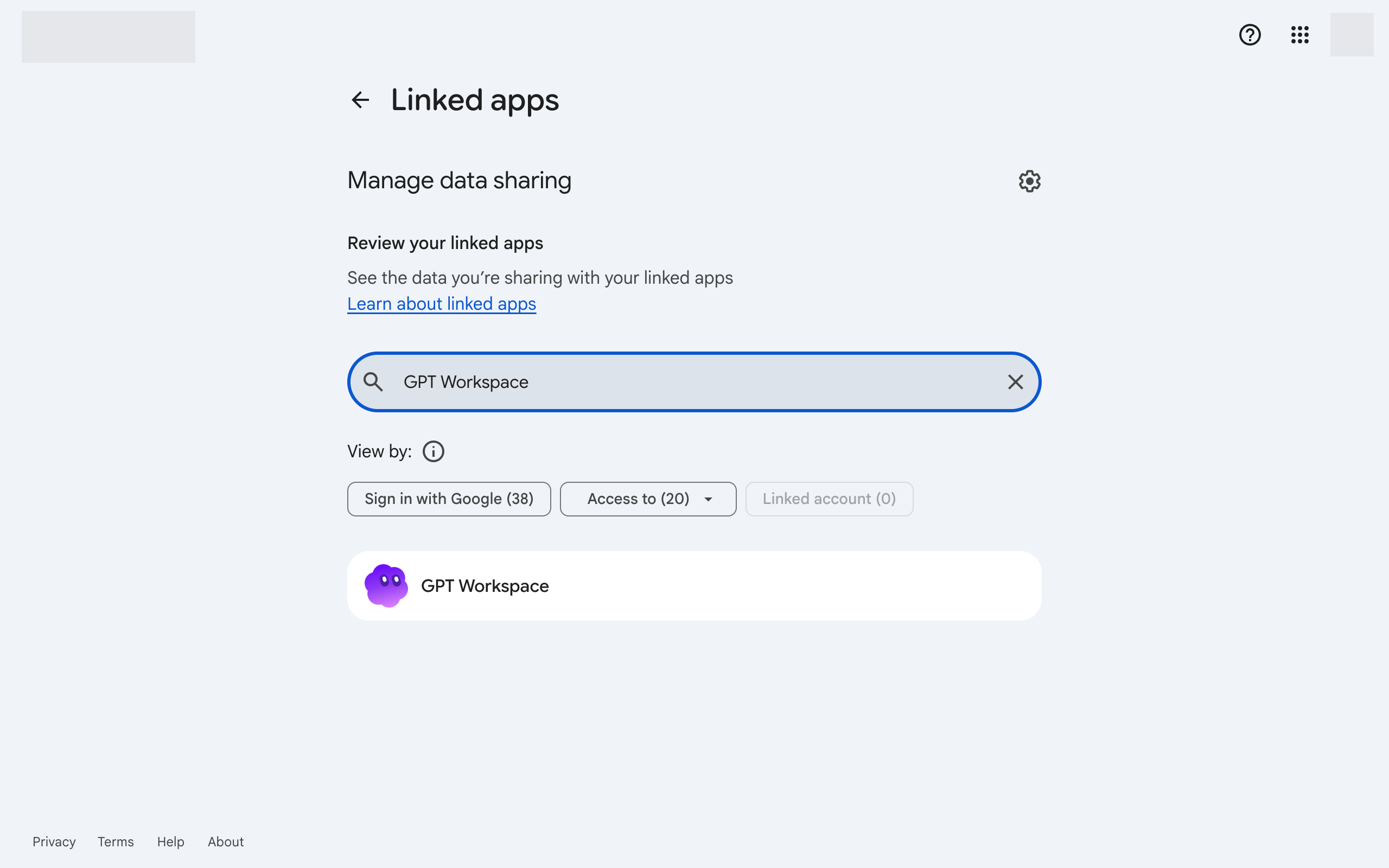
打开 Google 账号连接。
-
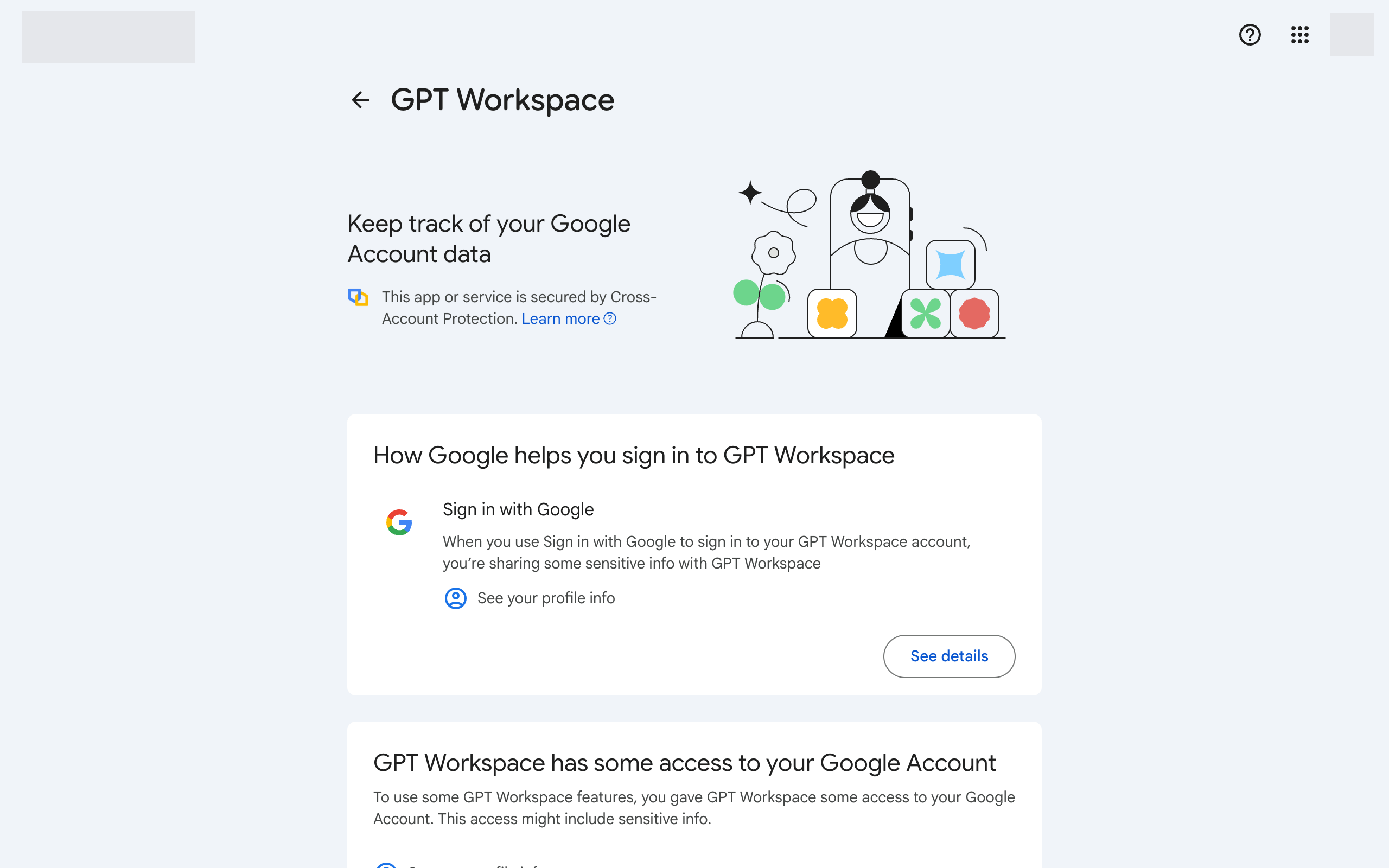
点击 GPT Workspace,然后点击底部的 Delete all connections you have with GPT Workspace。
-
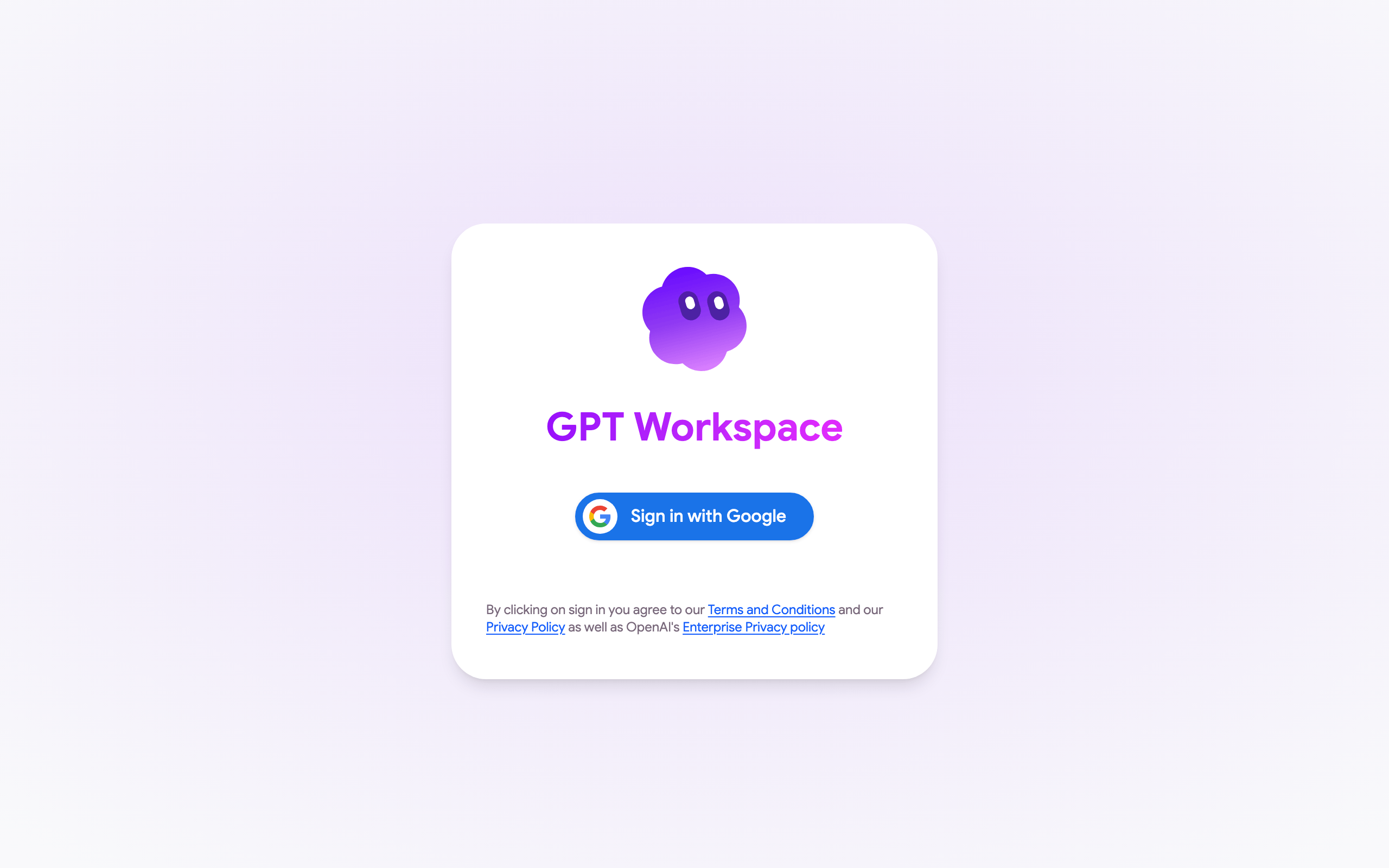
返回 GPT Workspace 并重新登录。请接受所有请求的权限。
-
在 Google Docs、Sheets 或 Slides 中,重新加载页面并再次打开 Extensions ➤ GPT Workspace ➤ ▶️ Start。请接受 Google 请求的权限。
如果错误仍然出现,请确保文件的 Google 账号与 GPT Workspace 账号为同一账号,参见 Google 账号权限。
如果 Google 授权窗口显示 Could not open file 或 Page not found 而非权限请求,则说明您在浏览器中登录了多个 Google 账号。参见 我无法安装扩展。