
वह क्रिया करने के लिए अधिकृति आवश्यक है
यह त्रुटि का अर्थ है कि Google ने GPT Workspace के लिए आवश्यक किसी एक अनुमति को अस्वीकार कर दिया, आमतौर पर क्योंकि अधिकृति किसी अन्य खाते को दी गई थी या समाप्त हो गई थी। कनेक्शन रीसेट करें:
-
Google खाता कनेक्शन खोलें।
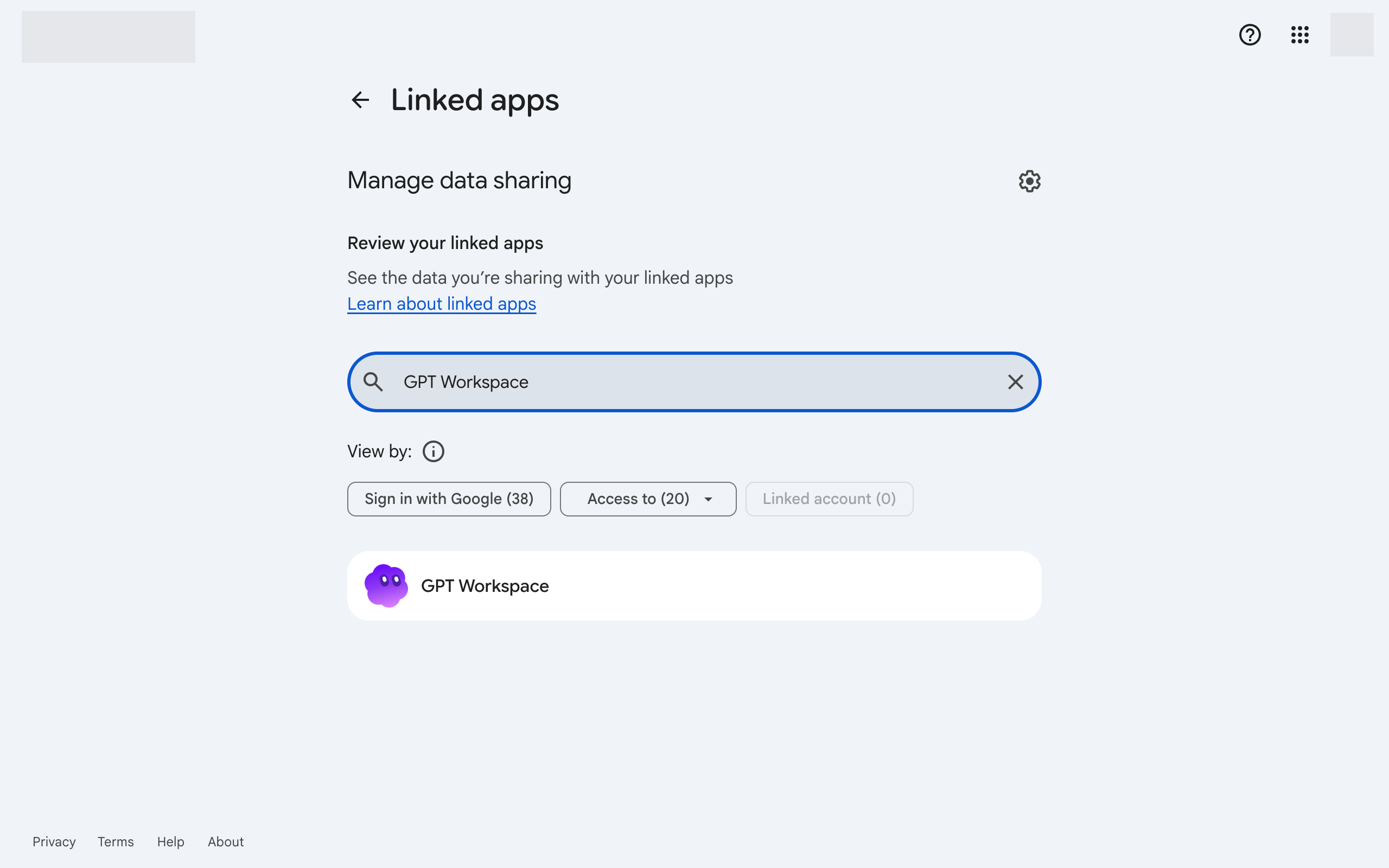
-
GPT Workspace पर क्लिक करें, फिर नीचे GPT Workspace के साथ अपने सभी कनेक्शन हटाएं पर क्लिक करें।
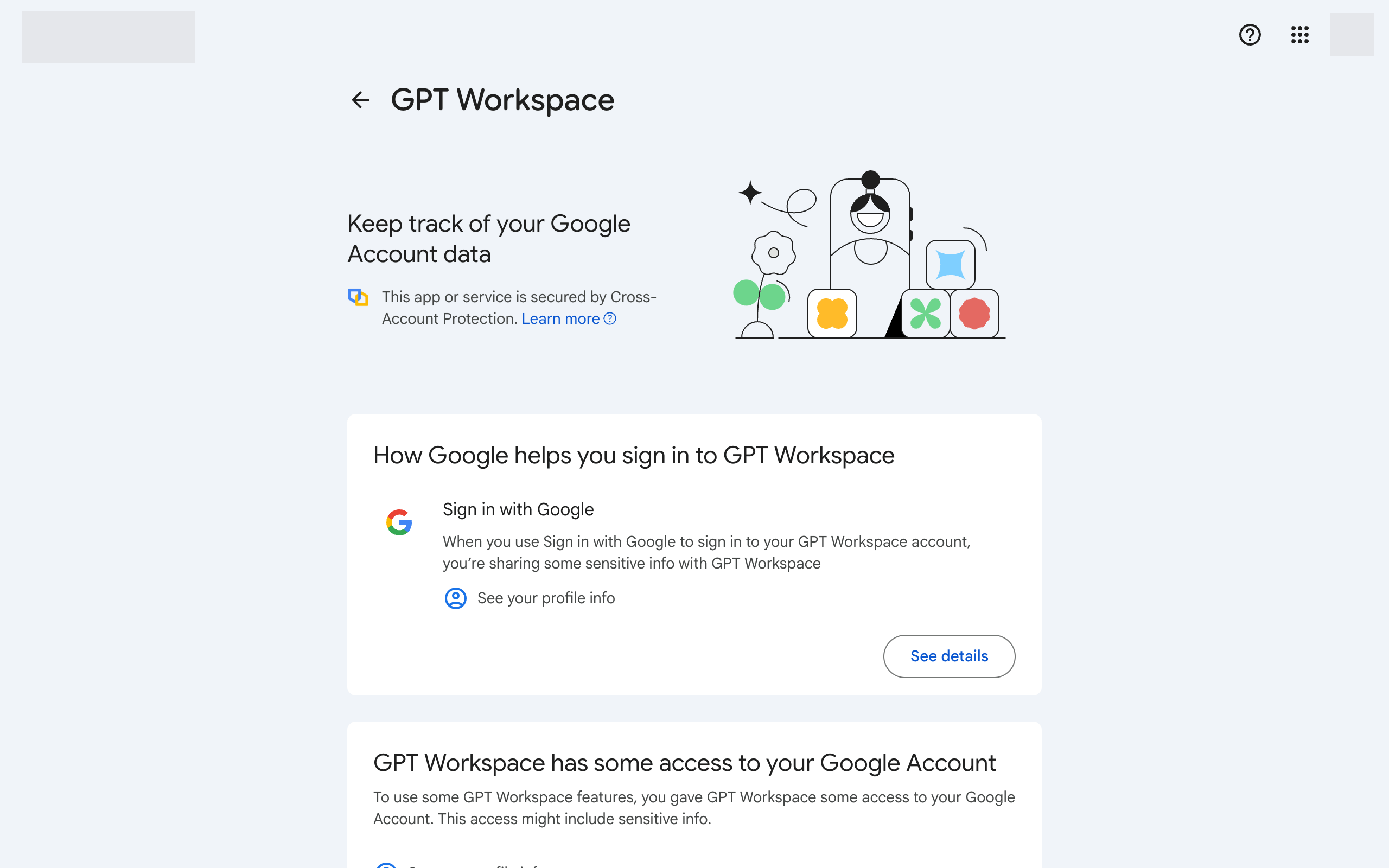
-
GPT Workspace पर वापस लौटें और फिर से साइन इन करें। सभी अनुरोधित अनुमतियाँ स्वीकार करें।
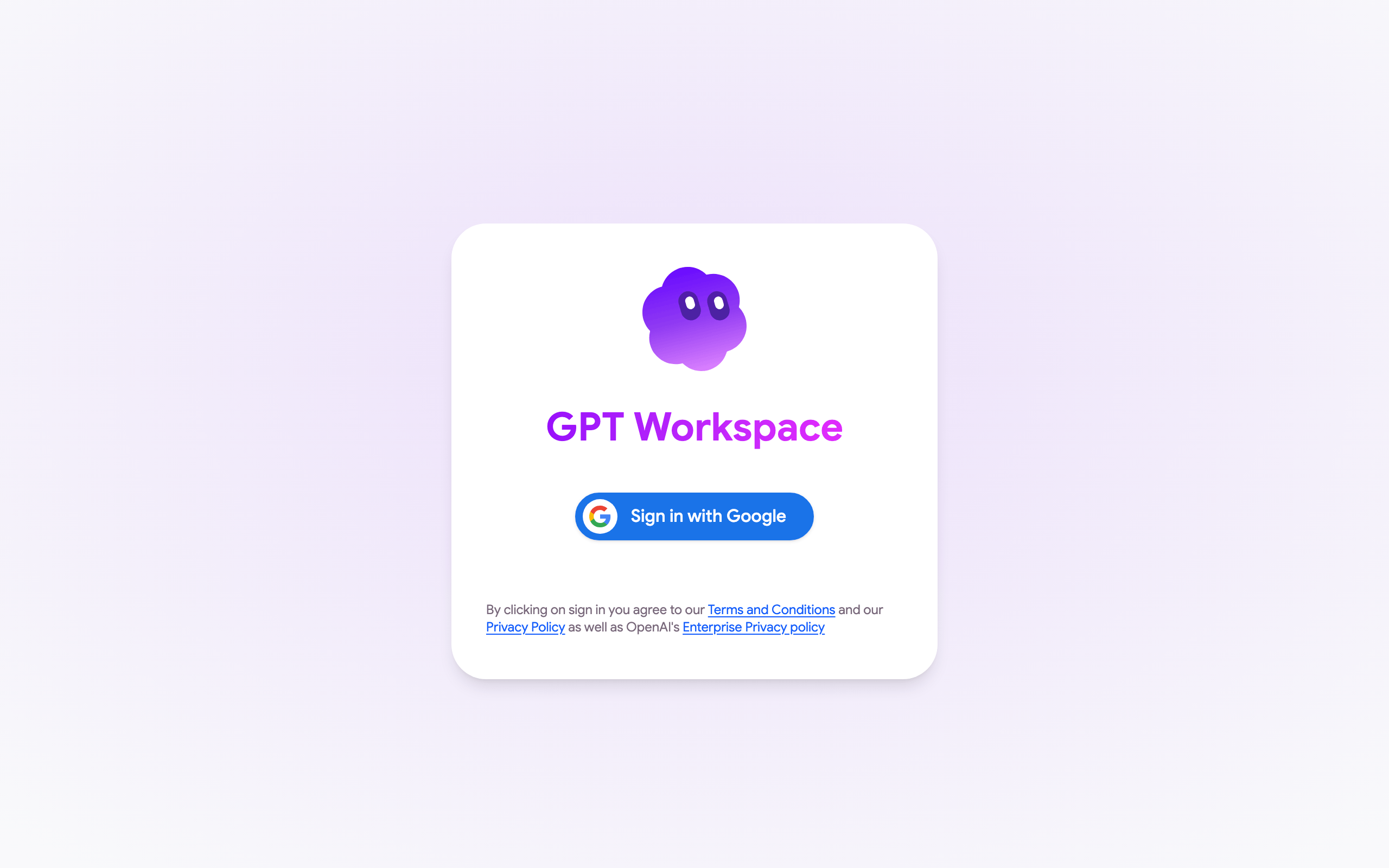
-
Google Docs, Sheets या Slides में, पृष्ठ रीलोड करें और फिर से Extensions ➤ GPT Workspace ➤ ▶️ Start खोलें। Google द्वारा मांगी गई अनुमतियाँ स्वीकार करें।
यदि त्रुटि फिर से आती है, तो सुनिश्चित करें कि फ़ाइल का Google खाता और GPT Workspace खाता एक ही है, Google खाता अनुमतियाँ देखें।
यदि Google अधिकृति विंडो अनुमतियों के बजाय Could not open file या Page not found दिखाती है, तो आप ब्राउज़र में कई Google खातों में साइन इन हैं। मैं एक्सटेंशन इंस्टॉल नहीं कर सकता देखें।