
ต้องมีการอนุญาตเพื่อดำเนินการดังกล่าว
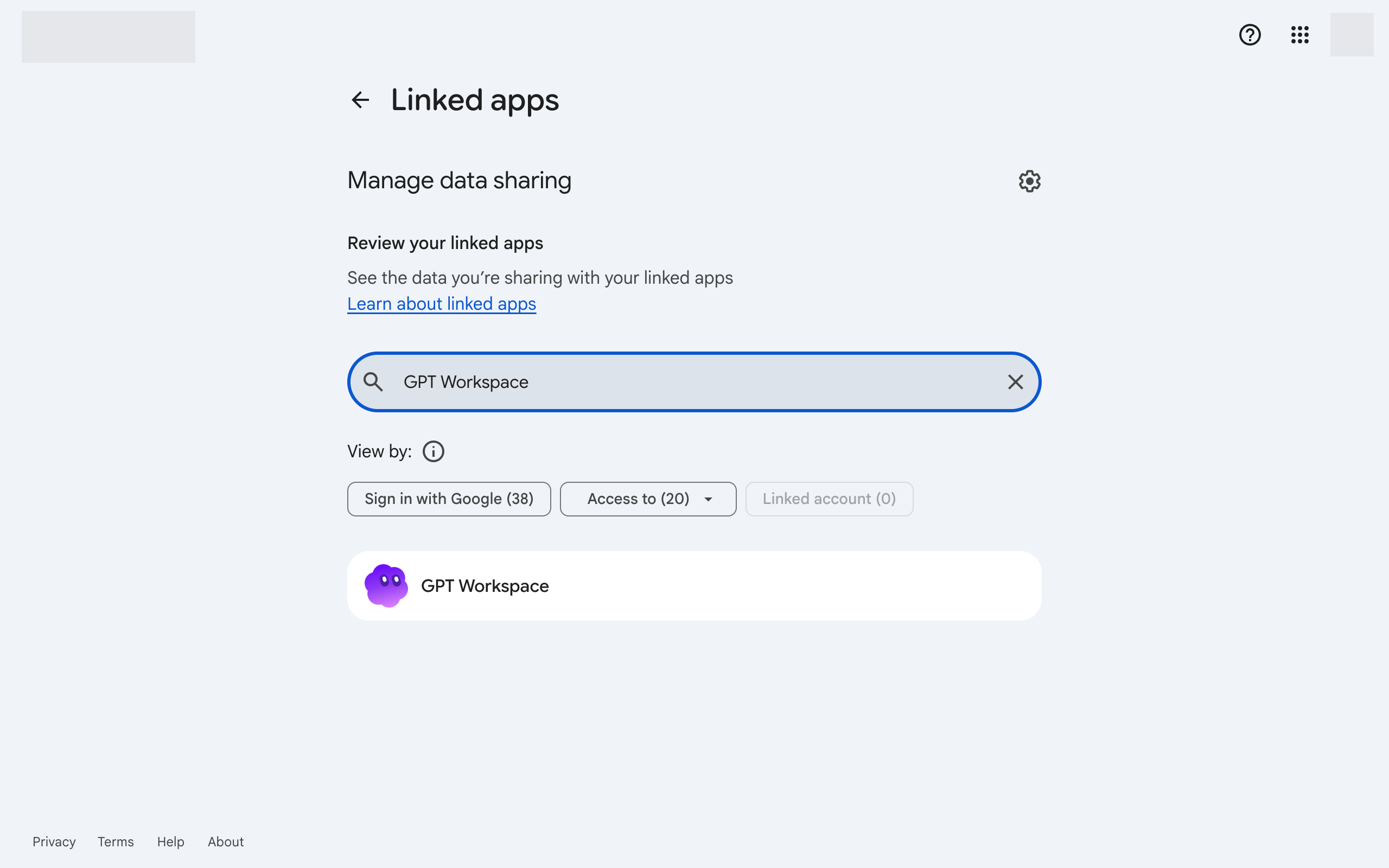
ข้อผิดพลาดนี้หมายความว่า Google ปฏิเสธสิทธิ์อนุญาตหนึ่งที่ GPT Workspace ต้องการ ซึ่งมักเกิดจากการอนุญาตถูกมอบให้กับบัญชีอื่นหรือหมดอายุแล้ว ให้รีเซ็ตการเชื่อมต่อดังนี้:
-
-
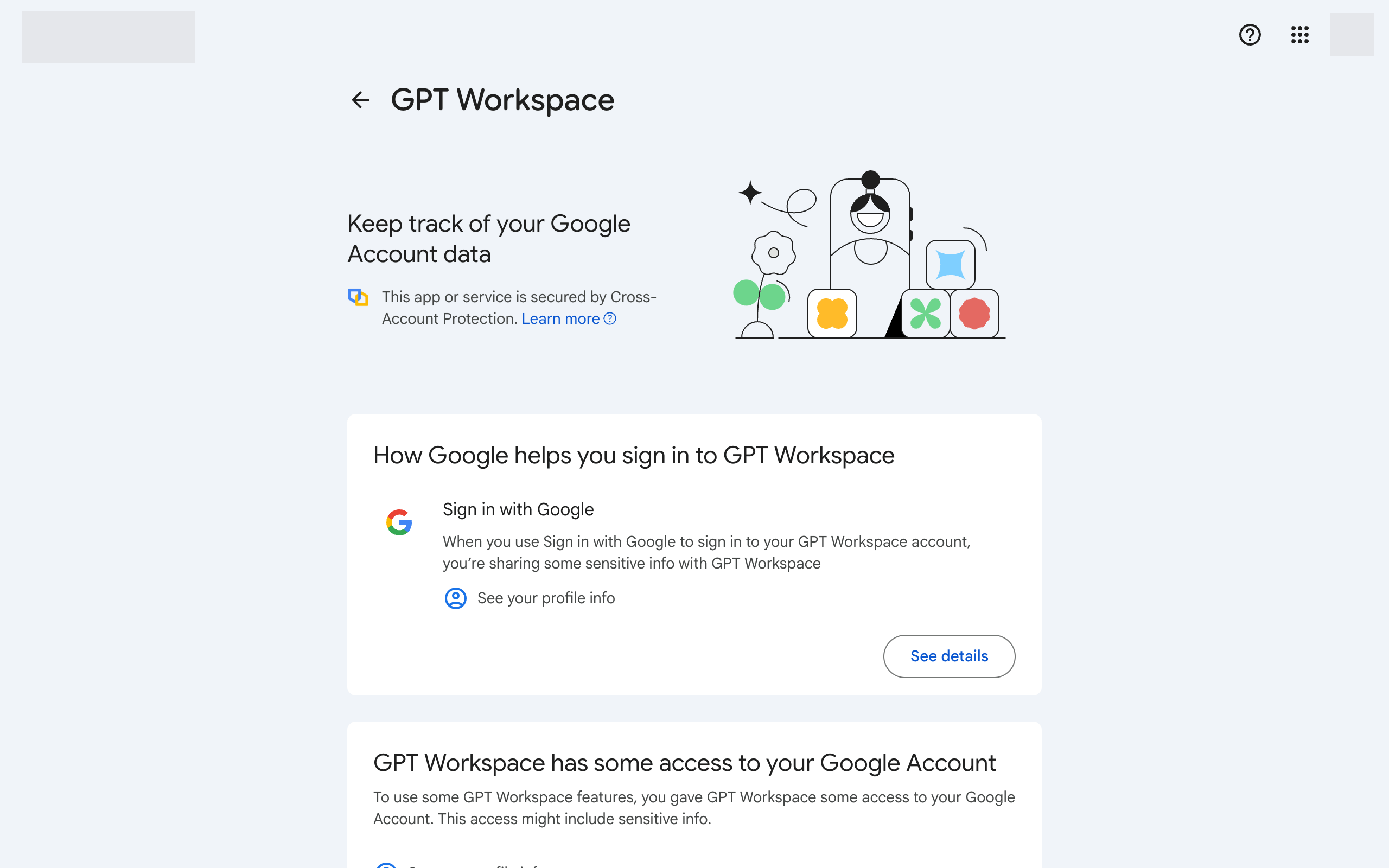
คลิก GPT Workspace จากนั้นคลิก Delete all connections you have with GPT Workspace ที่ด้านล่าง
-
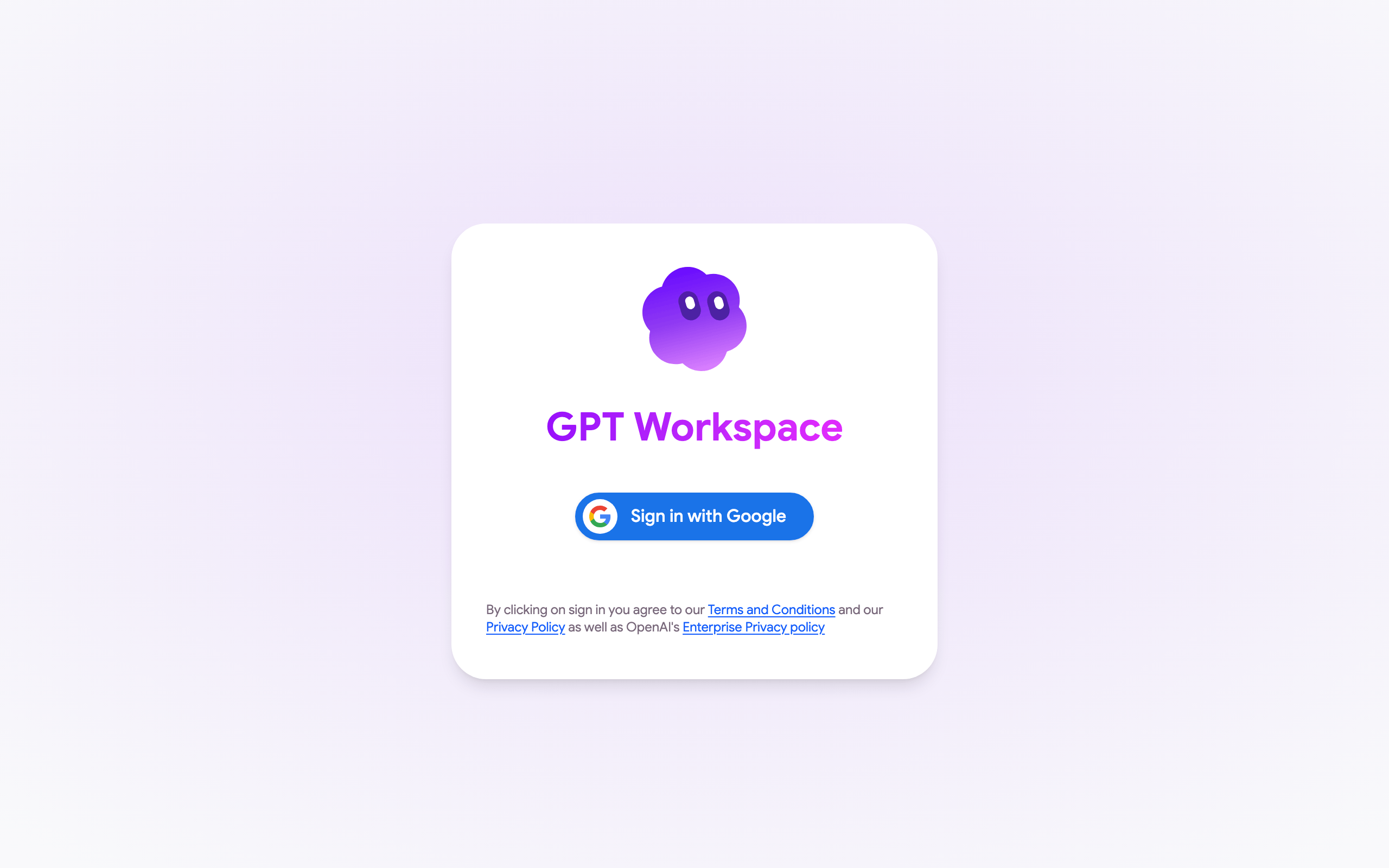
กลับไปที่ GPT Workspace แล้วลงชื่อเข้าใช้อีกครั้ง ยอมรับสิทธิ์ทั้งหมดที่ร้องขอ
-
ใน Google Docs, Sheets หรือ Slides ให้โหลดหน้าเว็บใหม่แล้วเปิด Extensions ➤ GPT Workspace ➤ ▶️ Start อีกครั้ง ยอมรับสิทธิ์ที่ Google ร้องขอ
หากข้อผิดพลาดกลับมาอีก ให้ตรวจสอบให้แน่ใจว่าบัญชี Google ของไฟล์และบัญชี GPT Workspace เป็นบัญชีเดียวกัน ดูรายละเอียดเพิ่มเติมได้ที่สิทธิ์บัญชี Google
หากหน้าต่างการอนุญาตของ Google แสดง Could not open file หรือ Page not found แทนที่จะแสดงสิทธิ์ แสดงว่าคุณลงชื่อเข้าใช้บัญชี Google หลายบัญชีในเบราว์เซอร์ ดูรายละเอียดเพิ่มเติมได้ที่ฉันติดตั้งส่วนขยายไม่ได้