
Diperlukan otorisasi untuk melakukan tindakan tersebut
Kesalahan ini berarti Google menolak salah satu izin yang dibutuhkan oleh GPT Workspace, biasanya karena otorisasi diberikan ke akun lain atau sudah kedaluwarsa. Setel ulang koneksi:
-
Buka koneksi Akun Google.
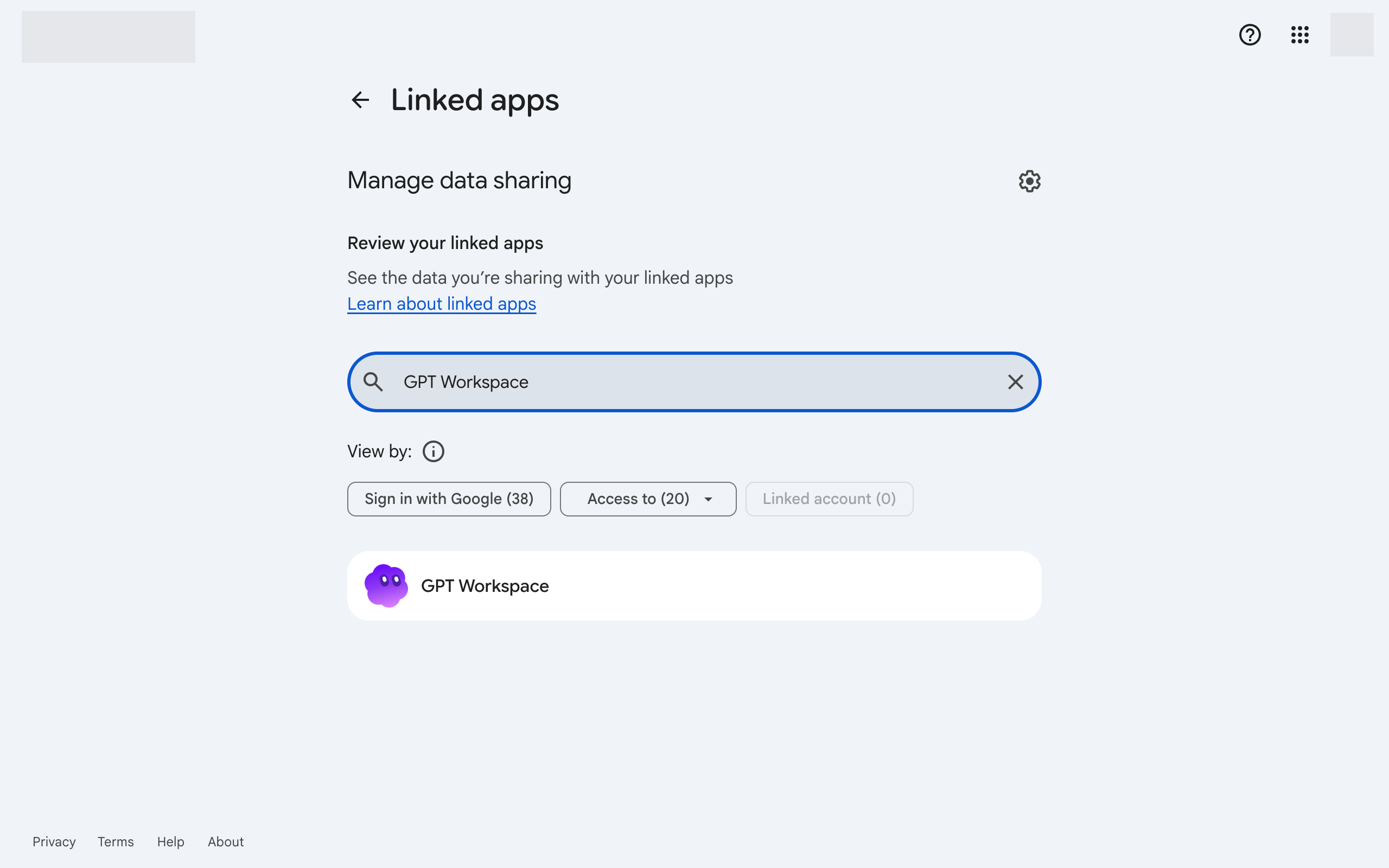
-
Klik GPT Workspace, lalu Hapus semua koneksi yang Anda miliki dengan GPT Workspace di bagian bawah.
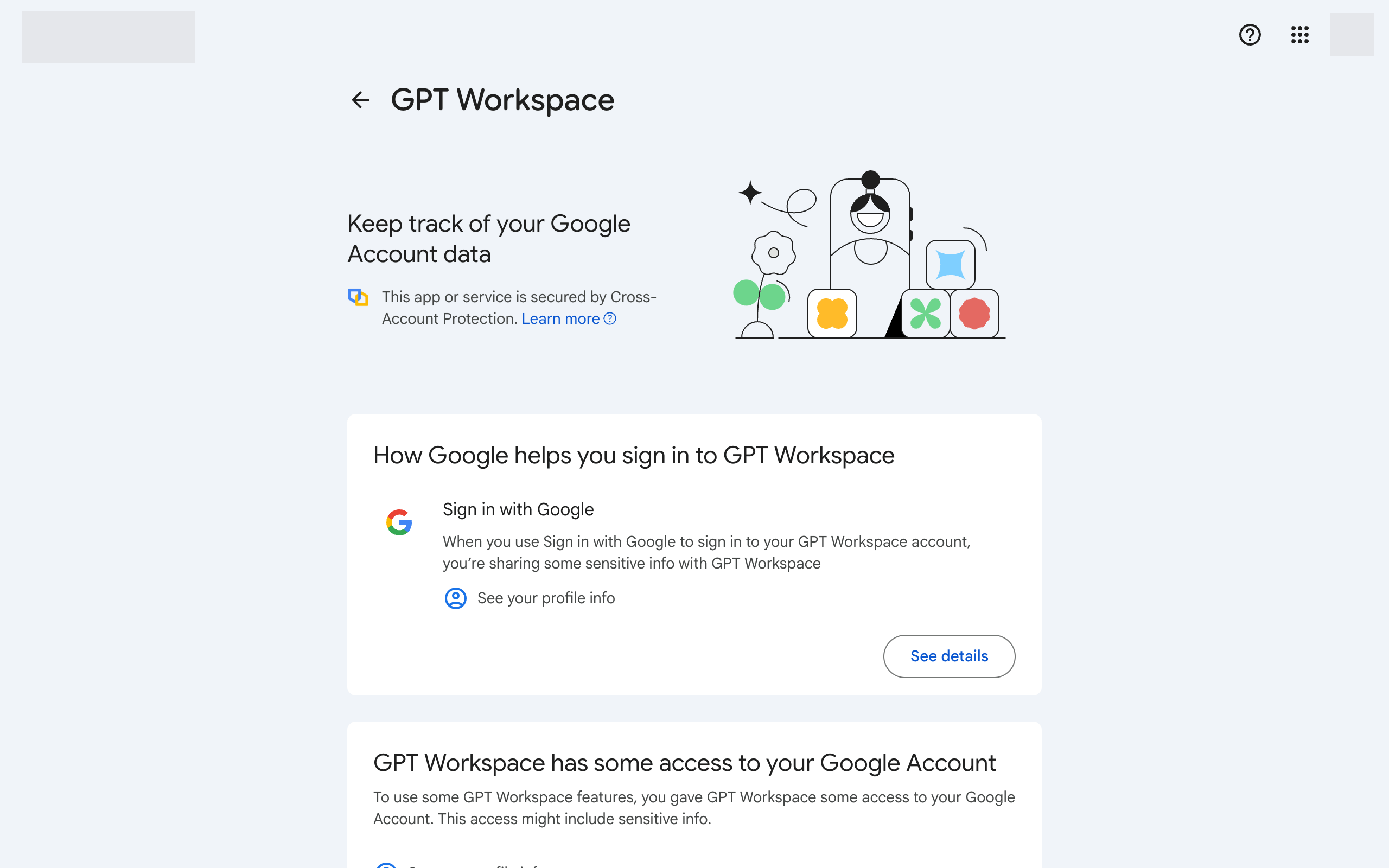
-
Kembali ke GPT Workspace dan masuk kembali. Terima semua izin yang diminta.
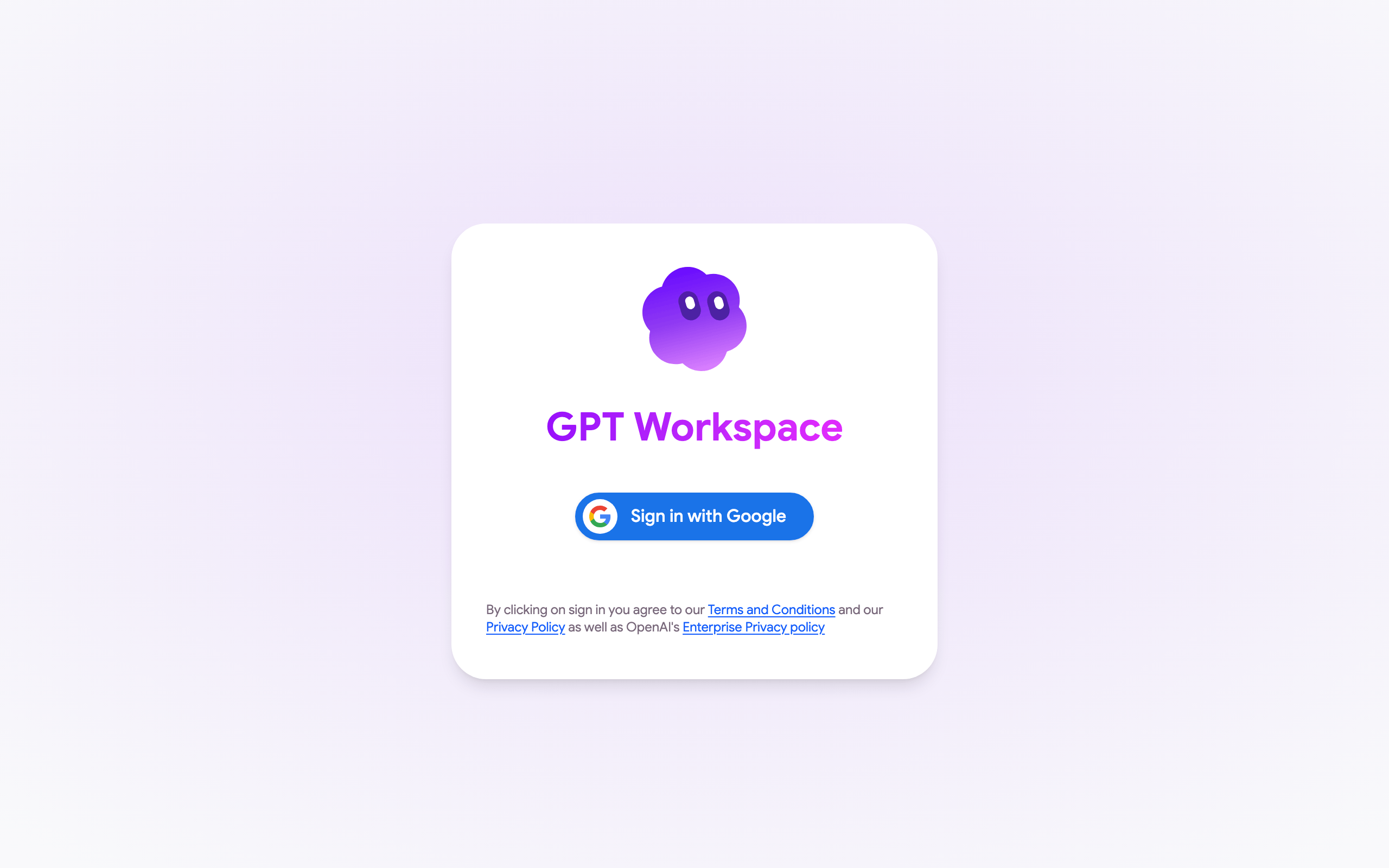
-
Di Google Docs, Sheets, atau Slides, muat ulang halaman dan buka Ekstensi ➤ GPT Workspace ➤ ▶️ Mulai kembali. Terima izin yang diminta oleh Google.
Jika kesalahan muncul kembali, pastikan akun Google dari file dan akun GPT Workspace adalah sama, lihat Izin akun Google.
Jika jendela otorisasi Google menampilkan Tidak dapat membuka file atau Halaman tidak ditemukan alih-alih izin, Anda sedang masuk ke beberapa akun Google di peramban. Lihat Saya tidak dapat memasang ekstensi.