
K provedení této akce je vyžadováno oprávnění
Tato chyba znamená, že Google zamítl jedno z oprávnění, která GPT Workspace vyžaduje, obvykle proto, že autorizace byla udělena jinému účtu nebo vypršela. Resetujte připojení:
-
Otevřete připojení účtu Google.
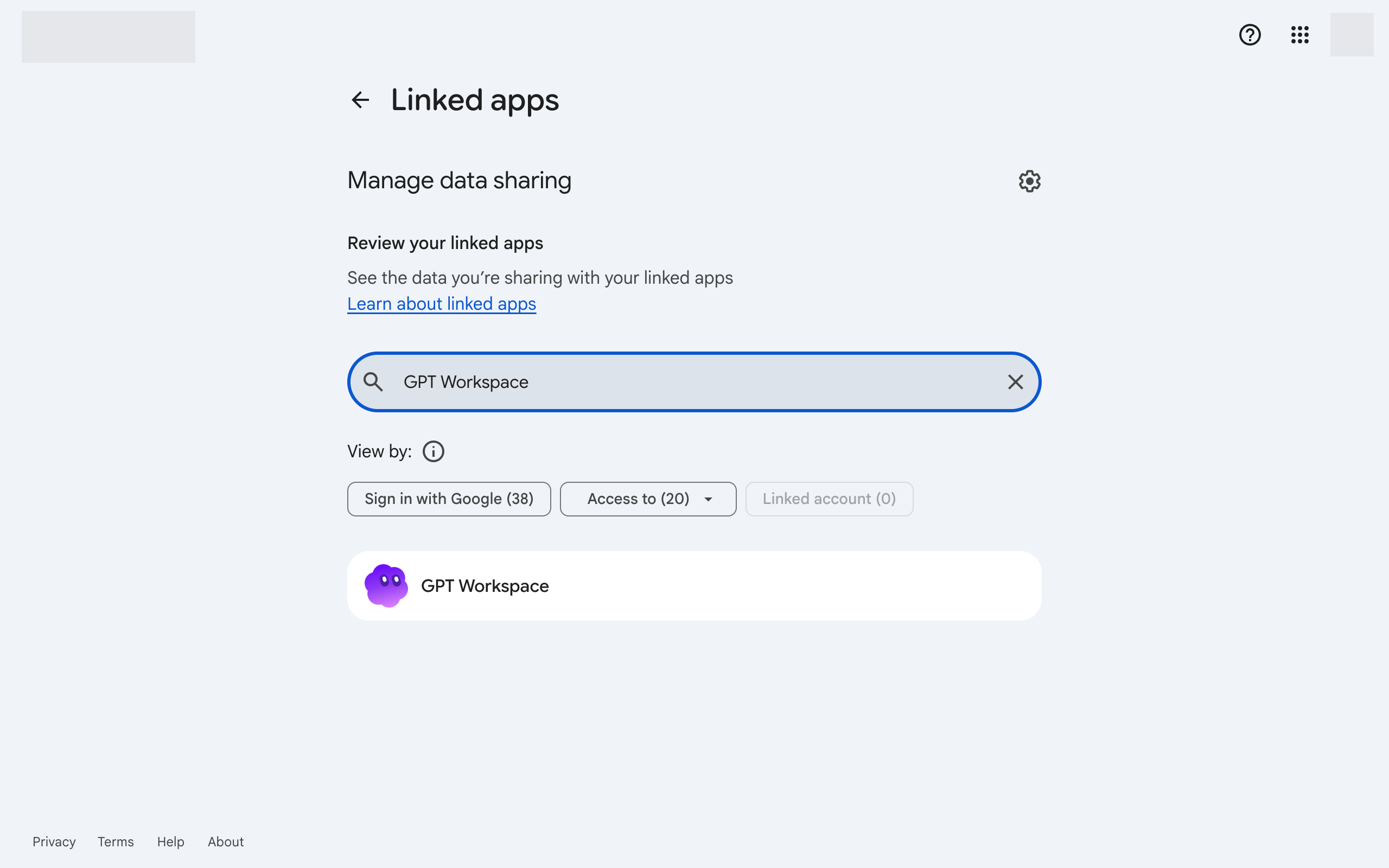
-
Klikněte na GPT Workspace a poté na Smazat všechna připojení, která máte s GPT Workspace dole.
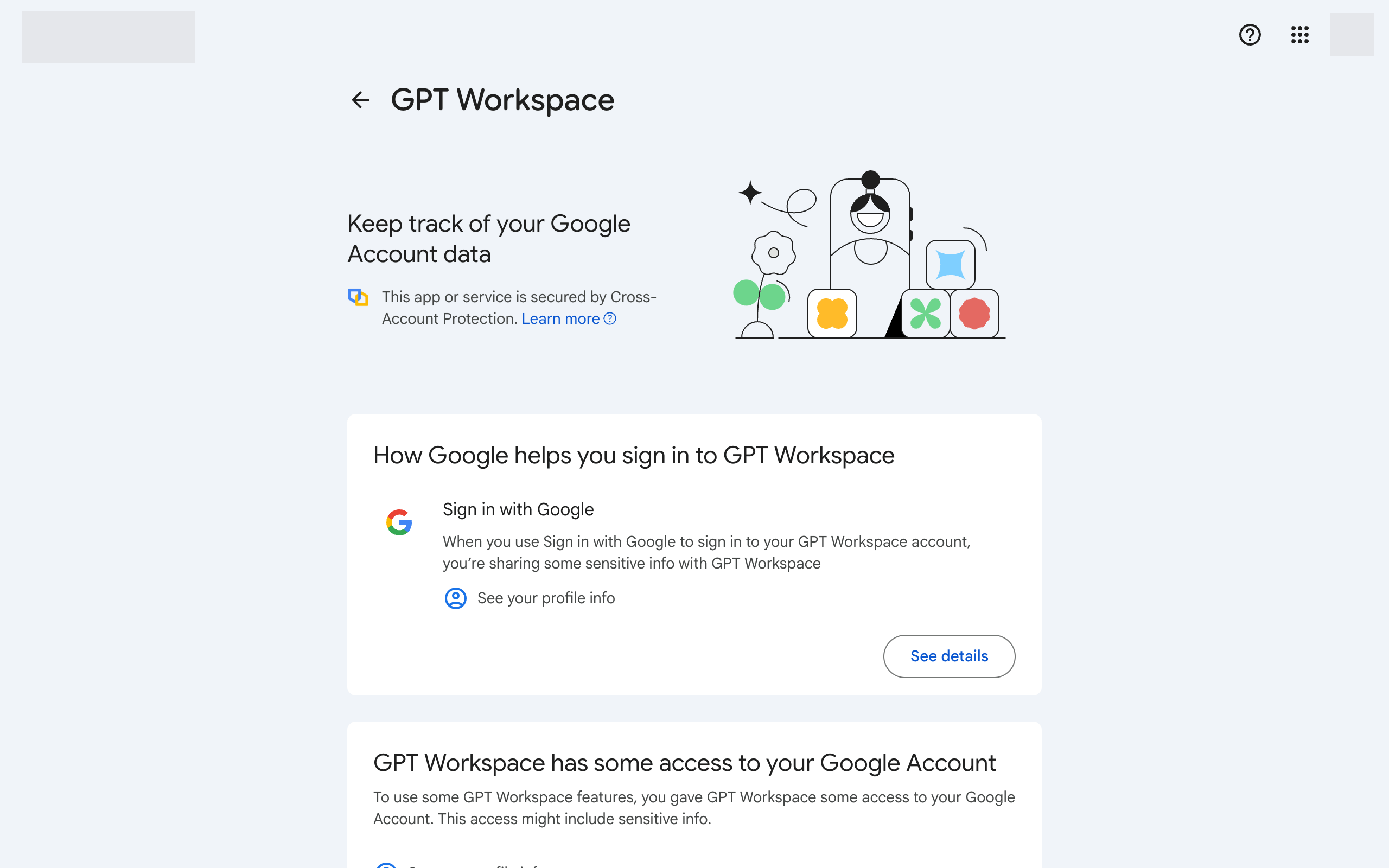
-
Vraťte se do GPT Workspace a znovu se přihlaste. Přijměte všechna vyžadovaná oprávnění.
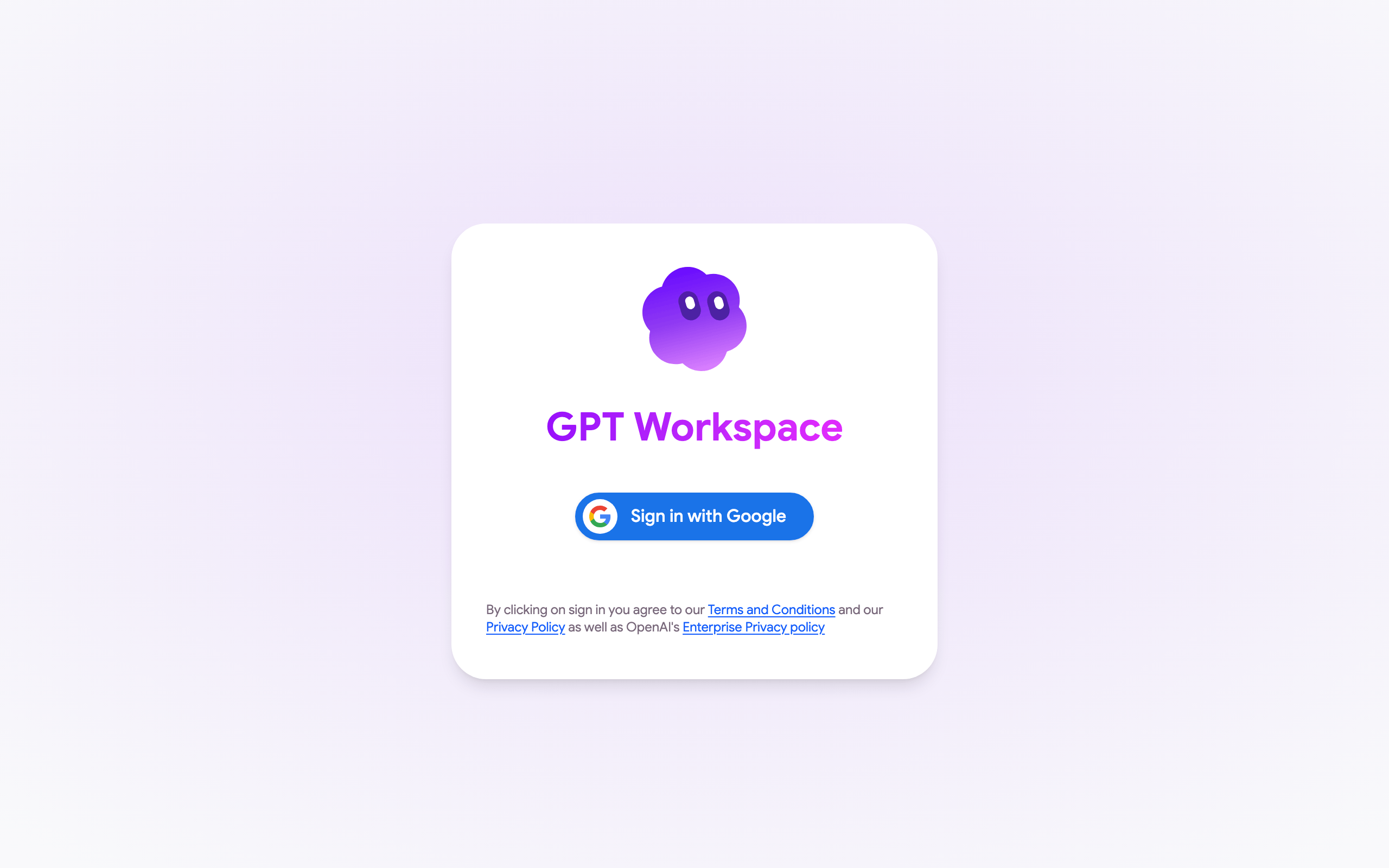
-
V Google Docs, Sheets nebo Slides znovu načtěte stránku a otevřete Rozšíření ➤ GPT Workspace ➤ ▶️ Start. Přijměte oprávnění, která Google vyžaduje.
Pokud se chyba vrátí, ujistěte se, že účet Google daného souboru a účet GPT Workspace jsou stejné, viz Oprávnění účtu Google.
Pokud okno autorizace Google místo oprávnění zobrazí Soubor nelze otevřít nebo Stránka nenalezena, jste v prohlížeči přihlášeni k několika účtům Google. Viz Nemohu nainstalovat rozšíření.